Every website needs web hosting to exist on the internet. If you’re planning on spinning up a new site, you need to invest in web hosting as soon as you’re ready to launch it.
If you’re just practicing web design or trying out different website builders at this stage, you don’t need a web hosting service quite yet. But finding the right web hosting provider needs to be one of the first things on your to-do list when you’re actually ready to create a website.
Organizations and individuals that want to expand their online presence beyond social media need a website and, thus, web hosting. More than anything, you’ll likely want a host that makes it as easy as possible for you to get started and set up from scratch.
With new websites, you shouldn’t worry too much about anything except:
- How easy it is to set up and get started on a web hosting service
- How accessible and helpful a hosting provider’s customer support is
Some of you might already have a website that’s live on the web. But if you’re using a free web hosting service or ineffective provider, it could be time for you to upgrade your service. In this scenario, you’ll need a hosting provider that can accommodate site migrations and presents an improvement in terms of server resources like storage space and memory.
If you’re looking for a web host but haven’t made a final decision, this post offers factual, experience-based data and insight you can use to help. Read on to learn what we found when we tested these web hosting brands and use our findings to help you make the right choice.
The Top 10 Best Web Hosting Options to Consider in 2026
- Hostinger – Best web hosting if you need a lot of storage
- Cloudways – Best for performance and security
- Atlantic.Net – Best for Compliance-First Hosting
- Bluehost – Best for new WordPress users
- HostGator – Best for scaling your small business
- DreamHost – Best for simple, straightforward hosting
- SiteGround – Best for keeping uptime above 99.99%
- InMotion Hosting – Best price for hosting two websites
- Nexcess (Liquid Web) – Best for experienced WordPress users
- Hosting.com – Most dependable web hosting for global traffic
The Best Web Hosting Company Reviews
#1 – Hostinger — The Best If You Need a Lot of Storage
Do you want hosting that’s affordable, easy to use, and won’t break the bank? If so, Hostinger is the best choice.
The low rates help to keep your budget on the straight and narrow. But you get everything you need to launch your website—fast. This includes up to 10x more storage than other hosts with plans that cost more than Hostinger.
Signing up for web hosting can sometimes be filled with difficult steps to navigate. You’ll often get bombarded with all types of extra features and upsells you’re not sure you need.
But Hostinger is different. The signup process is straightforward. Once you’ve selected your plan and made your payment, it’s smooth sailing.

There’s no guessing where to go, what button to click, or what you have to do next. There’s zero confusion. Finishing up at checkout whisks you straight away to the setup wizard, which will guide you one step at a time through the process.
You’re asked about what type of site you’re creating, the name of your website, and whether or not you want to use an existing domain or register a new one.
Confirm if you want to start a new website from scratch or if you want to migrate an existing website. Then, you’ll pick the content management system (CMS) you’ll use. If you go with WordPress, it’s at this stage that you’ll pick your site theme.
After that, you’ll receive name server info—if you’re using an existing domain name—and easy-to-read instructions to point your domain towards your new site if you’re starting from scratch.
Then you’re done.
The entire process takes a few minutes.
By the time you’re done answering all of the questions and following the steps, you have a content management system in place, a theme installed, and your domain set up with basic site settings configured.
In our experience, this was one of the easiest setup processes for any web host.
Hostinger acquired the website building platform Zyro and integrated it into its own builder. The current builder also includes AI tools that can generate a first version of your site (layout, images, and copy) from a short set of questions.

It gives you straightforward drag-and-drop functionality, so you can get a new site up and running right away. It also makes it easy to start an online store, even if you have no experience with website creation at all.
They showed decent reliability and good speed during our testing. While we were a bit concerned by the number of connection timeouts we experienced in a month of testing, Hostinger delivered site load times that stayed pretty consistently under one second.

Those connection timeouts happen when a website is trying to use more resources than are available from the server, resulting in your browser not loading the site at all. This is a common problem with shared web hosting and few providers deliver perfect uptime on this tier of hosting.
Hostinger offers some key features that help keep load times low. Their global data centers help reduce load times by closing the physical distance between site visitors and the server hosting your site.
Meanwhile, the LiteSpeed Caching plugin for WordPress delivers customizable, server-level caching, image optimization, lazy image loading, and database optimization to further speed up your site. And, it comes pre-installed, so your site is optimized from day one.
When we put Hostinger’s support reps through their paces, we found that they could be a bit slow to respond but were thorough and friendly in their eventual responses.
We asked during one chat about the security features Hostinger offers and what we could do to make our site more secure.
It took 16 minutes to get help, but the rep sent us detailed instructions on how to enable Patchstack for security, then sent a screenshot of where to find everything in our dashboard.

We loved that there was a resource provided that let us take immediate action without having to pay for anything new. And they didn’t try to upsell us.
Hostinger pricing:
- Premium Shared – starts around $2.49–$2.99 per month with 100 GB SSD storage (long-term contract)
- Business Shared – starts around $3.29–$3.99 per month with 200 GB SSD storage
- Cloud Startup – starts at $9.99 per month with 200 GB NVMe storage
These are introductory rates that require at least a one-year commitment, and the lowest rates usually require up to 48 months. Hostinger often runs limited promos (extra months free) on long-term deals.
You also receive a free domain name for the first year on eligible plans, and Hostinger now includes domain privacy protection with qualifying free domains. An email address tied to that domain also comes with many plans.
If you want an incredibly affordable hosting provider with loads of storage capacity that also delivers an easy onboarding experience and tools for site speed, go with Hostinger.
#2. Cloudways – Best for Performance and Security
If you’re looking for the power of cloud hosting but don’t want to deal with server maintenance or the headache of manual setup, Cloudways is a standout choice. It combines high performance with surprising ease of use, making it ideal for growing websites that demand flexibility and speed.
Cloudways gives you the ability to choose your infrastructure (from providers like DigitalOcean, Vultr, Linode, AWS, or Google Cloud) while still getting a fully managed experience. You don’t need to know Linux commands or how to configure a stack—Cloudways handles that for you.
Servers are optimized with advanced caching tools like Varnish and Redis, plus built-in CDN options. Pages load fast—even during traffic spikes. And if your site outgrows your current setup, you can scale resources in just a few clicks.

The dashboard is clean and includes staging environments, automated backups, one-click SSL installs, and team collaboration tools. Support is available 24/7 via live chat.
Highlights
- Choose your cloud provider (DigitalOcean, Vultr, Linode, AWS, Google Cloud)
- Fully managed servers without sysadmin work
- Fast page load times and strong uptime performance
- Automatic backups, staging, and monitoring
- Flexible pricing that scales with your needs
Who It’s Best For
Cloudways is a good fit for developers, freelancers, and businesses that want more control than shared hosting allows—but without the cost or complexity of managing a cloud server themselves. It’s also great for agencies hosting multiple client sites.
Pricing
Plans currently start around $11 per month, depending on the cloud provider and resources you choose. There are no long-term contracts and pricing is transparent.
#3. Atlantic.Net — Best for Compliance-First Hosting
Atlantic.Net isn’t trying to be the cheapest shared host on the internet. Instead, it focuses on fast cloud servers, VPS, and dedicated hosting that are built for reliability, security, and compliance-heavy use cases like healthcare, finance, and ecommerce.

The company’s been around for more than 30 years and runs its own infrastructure in multiple data centers across the U.S. and internationally, so you can keep sites close to your audience while staying on a single provider.
Atlantic.Net backs its cloud, VPS, and dedicated hosting with a 100% uptime SLA on critical infrastructure. If they fall short in a given month (outside of scheduled maintenance), you’re eligible for service credits. That’s a big deal if you’re running revenue-generating sites or applications where downtime actually hurts.
Where Atlantic.Net really stands out is compliance. Its platform supports HIPAA- and PCI-ready environments on top of SOC 2 and SOC 3–audited infrastructure. You can add managed firewalls, encrypted VPN, intrusion detection, backups, and other managed security services to build a fully compliant stack instead of bolting tools together on your own.

Highlights of Atlantic.Net hosting include:
- Compliance-first hosting: HIPAA-, HITECH-, and PCI-ready environments built on SOC 2 and SOC 3–audited infrastructure.
- 100% uptime SLA: Cloud, VPS, and dedicated hosting backed by a 100% uptime guarantee on critical infrastructure.
- Performance-focused cloud and VPS: SSD- and NVMe-based servers you can deploy quickly, with options for general-purpose, compute-optimized, and memory-optimized workloads.
- Flexible scaling: Upgrade CPU, RAM, and storage as you grow, or move up to bare metal dedicated servers and managed private cloud if you need more power.
- Managed security and support: Optional managed firewalls, backups, intrusion detection, and 24/7 support if you don’t want to manage everything yourself.
If you just want the absolute lowest-price shared plan for a small hobby site, Atlantic.Net probably isn’t the right fit. But if you care more about uptime guarantees, security, and compliance-ready infrastructure than rock-bottom pricing, it deserves a serious look alongside the usual big-name hosts.
#4 – Bluehost — Best For New WordPress Users
Bluehost makes it easy for anyone to secure WordPress hosting and create a website under one roof. It’s powerful, affordable, and fast—and there’s no prior experience needed.
There’s a good reason why Bluehost is one of the hosting providers recommended by WordPress.org. They provide solid customer support and a wide range of hosting packages that can handle the needs of most websites.
Every new hosting package comes with all of the basics you need to get started, including a free SSL certificate and free CDN. Bluehost will also give you a free domain name for your first year.
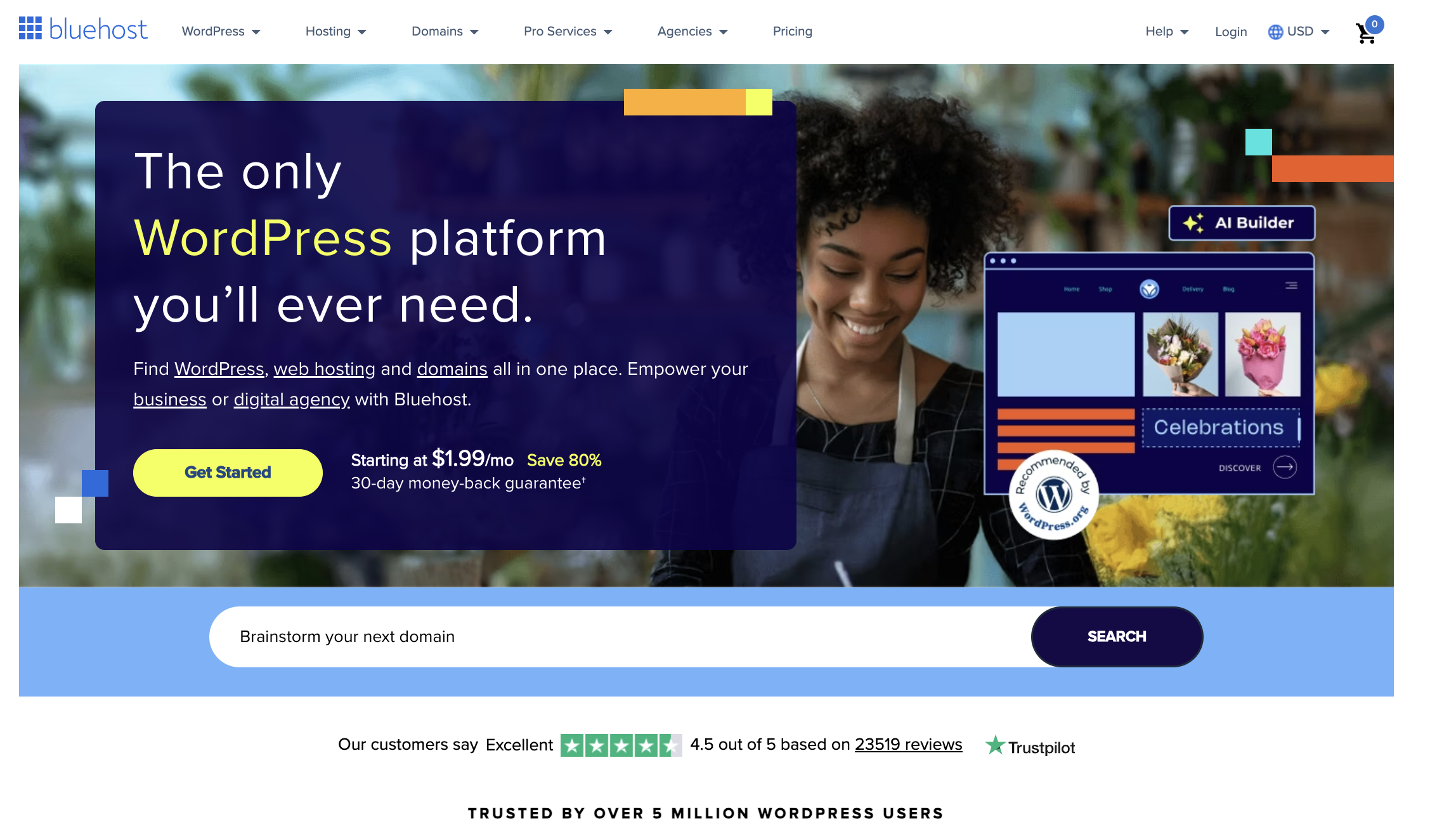
Bluehost is built to scale. You can upgrade to higher-tiered shared hosting as your site gets more traffic or move to a VPS plan or dedicated server.
Bluehost shared pricing: entry-level shared and WordPress plans generally start around $2.95–$3.95 per month on promo pricing, with higher tiers costing more and the lowest rates usually tied to longer terms.
Bluehost now asks how much help you want during setup—no help, a little help, or built for you. Picking the guided option walks you through picking the site type, installing WordPress, and using its builder.

To create your site, you can choose from a standard WordPress setup or Bluehost’s guided builder experience. The builder is easier, while a more traditional WordPress setup gives you more flexibility.
As for customer support, Bluehost still offers 24/7 hosting support and handled issues quickly when we tested it.
#5 – HostGator — Best Hosting for Scaling Your Small Business
HostGator‘s array of hosting plans—from standard shared and WordPress hosting to VPS and dedicated options—lets you upgrade incrementally as the popularity of your company website or online store creates new demands on it.
As your site grows, it’s easy to move up to more powerful plans without changing providers. That makes HostGator appealing for small businesses that want room to expand.
Shared hosting from HostGator is still affordable, starting around $3–$4 per month on long terms.

The checkout process is pretty typical, with several upsells to navigate before finalizing your purchase. Fortunately, none are pre-selected.
On performance, our shared test delivered slightly above average uptime and load times. That makes HostGator a reasonable starting point if you want a recognizable provider with straightforward upgrade paths.
Support connects quickly but will sometimes recommend paid upgrades first. You can push back and ask for the free path and they will give it to you.
#6 – DreamHost — Best for Simple, Straightforward Hosting
DreamHost is officially recommended by WordPress and still offers affordable monthly and annual rates.
If you need solid hosting without any bells and whistles, this might just be the provider for you. During our month of testing a bare-bones website, we only encountered a single server-side error that lasted less than a minute.

DreamHost’s checkout still includes add-ons like DreamShield Protection and professional email. This is one of the only providers on the list that still charges separately for standard email on the lowest plan, so you have to uncheck what you don’t need.
Setup is slightly less guided than some of the other hosts, but once WordPress is installed, DreamHost’s WordPress configuration wizard makes it easy to add pages and start editing.
Current DreamHost pricing:
- Shared Starter – from around $2.59 per month
- Shared Unlimited – from around $3.95 per month
- VPS Hosting – starts around $10–$13.75 per month depending on the plan
- Managed WordPress Hosting – starts around $16.95 per month
Month-to-month billing is still affordable compared to most hosts, and renewal increases are not as aggressive as many competitors.
#7 – SiteGround — Best Hosting for Keeping Uptime Above 99.99%
If you want a website that’s available for your visitors 24/7/365, SiteGround is the reliable pick.
When we ran our month-long tests for all the hosting providers we cover in this post, SiteGround delivered just two seconds of downtime over 30 days.

SiteGround is also easy to use. After checking out, you get a welcome email with links to install WordPress, WooCommerce, use SiteGround’s own website builder, or migrate an existing site.

Support is fast and doesn’t push upsells—reps simply tell you what to turn on (like auto-updates) to stay secure.
SiteGround pricing: the entry plan is still promoted at $2.99/month for the first year, but renews at a much higher rate. If you want SiteGround, plan for the renewal jump.
#8 – InMotion Hosting — Best Price for Hosting Two Websites
InMotion Hosting is one of the better values on this list if you specifically want to host two websites on a low-cost shared plan.
For around $2.99 and up on a long-term contract, you can step into a plan that supports two sites without having to manage separate hosting accounts or deal with separate billing.
InMotion’s shared hosting was one of the fastest of the providers we tested, with an average load time of just over one-third of a second, plus 99.99% uptime.

The trade-off is an onboarding flow that’s not as clean as Hostinger or SiteGround. The dashboard is busy and the welcome emails can be confusing. InMotion offers a free 30-minute onboarding call to help with that.
Current InMotion shared plans: Core starts around $2.99/month for one site, Launch supports two sites and starts higher, with Power and Pro costing more.
#9 – Nexcess (Liquid Web) — Best Web Hosting for Experienced WordPress Users
Nexcess focuses on fully managed WordPress and WooCommerce hosting rather than shared hosting. It includes autoscaling for traffic spikes, a built-in CDN, performance optimizations, and expert support.
At checkout you can pick your data center from multiple global locations. After signup you get a client portal with detailed analytics, bandwidth, and disk usage.

The plans start around $17–$19 per month on annual terms and do not jump on renewal, which is unusual compared to shared hosts.
Nexcess will migrate your site for free and will even contribute toward buying out your current contract (up to a limit) if you’re switching from another host.
#10 – Hosting.com — Most Dependable Web Hosting for Global Traffic
Hosting.com incorporates the legacy of A2 Hosting and delivers fast load times and strong performance for visitors outside the U.S. through its broader global infrastructure.

Startup can cost as little as $2.99 per month. Higher-performance plans cost more and give you access to faster servers and extra performance tools.
The main drawback is onboarding. Checkout is crowded with upsells and the dashboard is cluttered. The welcome email is technical and not beginner-friendly.
Hosting.com includes free site migrations and offers live chat, email, ticket, and phone support on most plans.
How We Chose the Best Web Hosting Services
Our team compiled over 100 pages of research and data, gathered over months, to give us proof on which hosting providers deliver on their promises.
For every host that we evaluated, we went through the same testing procedure:
- Create a brand-new account
- Go through the entire signup and onboarding process
- Install WordPress and build a bare-bones website on it
- Monitor uptime and site speed for a full month using Freshping
- Submit three customer support tickets to test the helpfulness and knowledge of reps
These findings informed our reviews of each provider, where we weighed their qualities in five key areas:
- Ease of getting set up
- Site performance (load times and uptime)
- Pricing
- Quality of customer support
- Scalability
Let’s dive a bit into the details of those criteria.
So Easy, You Can Deploy a Site In One Day
We looked at signup, setup, onboarding, and how many upsells were thrown at us. Hosts that gave clear instructions on connecting a domain and installing WordPress ranked higher. Hosts that preselected add-ons or sent confusing welcome emails ranked lower.
Never Lose Visitors Due to Downtime or Slow Loading Again
We monitored each host’s uptime and page speed for 30 days on a basic WordPress site. We also looked at whether the host included extra performance tools like caching, CDNs, or image optimization.
The True Cost of Hosting Your Website
We compared promo rates, contract lengths, and renewal pricing. Some hosts offer their best rates for 12 months, others for 36 or 48. Some barely raise the price at renewal, others jump sharply after the first term.
Connect with a Human Support Rep In Minutes
We contacted support three times for each host and rated how fast we connected, whether they tried to sell us something, and how helpful their answer was.
Planning for the Future
The plan you select today won’t necessarily be the same plan you’re on in five or ten years. But that doesn’t mean you need to switch web hosts in the future.
All of the providers on this list are built to scale. You can move from shared to cloud, VPS, dedicated, or managed WordPress on the same platform or within the same provider ecosystem, depending on the host.
Upgrading to cloud hosting or a virtual private server is the next logical step from the shared level. This should be more than enough to support you through 50,000 or even upwards of 100,000 visits per month.
Summary
Securing rock-solid web hosting is imperative for your first website or your 50th. You want to get this decision right the first time, every time.
Hostinger is our top recommendation for most people. It’s affordable, easy for beginners, and offers quality hosting services that can scale with you as your site grows. However, your needs may dictate that one of the others we reviewed in this post fits your needs and use case better.
We can say with full confidence that you’ll get quality service from any of the web hosting services we reviewed above. But make sure to dig into the reviews themselves to gain full confidence about which one is the ideal choice for you.