Vonage isn’t one of our favorite business communications providers, but that doesn’t mean it’s not right for you. It has a range of unique capabilities including a full developer platform and usage-based APIs plus the backing of a massive corporation with deep pockets. Aside from that, it offers a simple business phone system, customizable contact center solution, and enterprise conversational commerce platform.
However, its out-of-the-box communications tools are expensive and they continue to fall further behind more affordable alternatives as shown below.
Vonage Compared to Its Closest Competitors
Nextiva’s our top recommendation for business communications, unless you’re looking for usage-based APIs and a low or no-code application builder. For everything else, Nextiva offers more reliable, trustworthy, and comprehensive solutions complete with stronger customer service at a similar price point. Ease of use and implementation is comparable across the two, so you won’t be making any sacrifices there either. In fact, Nextiva typically offers stronger self-administration capabilities than Vonage.
If you’re looking for the cheapest systems out there, Zoom Phone’s metered (pay-as-you-go) option can be a good fit for infrequent calling. It’s often cheaper than unlimited plans if you keep usage low—but you’ll pay per minute for outbound calling.
For unlimited calling, Dialpad and OpenPhone’s standard phone systems usually cost a bit more than Zoom but can still come in cheaper than Vonage’s comparable tiers. Traditional offices may find Ooma’s straightforward DIY hardware deployment easier than Vonage. Plus, Vonage’s entry-level plan doesn’t support VoIP desk phones—you’ll need to move up a tier for that.
RingCentral offers more advanced phone systems but often relies on custom pricing at higher levels and trades some ease of setup for more functionality. RingCentral and Zoom both also offer webinars and event platforms, which you can’t get from Vonage’s core business phone plans.
Like the build-it-your-way aspect of Vonage’s communications APIs? Talkdesk can be a strong alternative if you want a full-fledged contact center with flexible automation and customization. If usage-based APIs and developer tools are more what you’re after, Twilio and Telnyx are worth a closer look. All three platforms have similar categories of capabilities, but pricing and strengths vary by product.
For lightweight or brand new call centers, entry-level options like Aircall or CloudTalk offer advanced call routing options for around the same price as Vonage.
Check out our favorite VoIP phone systems to learn more.
Vonage: The Good
Very fast and easy setup: If you aren’t using desk phones, Vonage’s phone system can take a few hours (at most) to set up. It can be as fast as a few minutes if you only have a handful of users. All you have to do is download the app, configure a few basic settings, and you’re good to go. Desk phones and Vonage’s other products may take a bit longer, but are still far easier to rollout than many other providers.
Simple interface: For end users, Vonage’s usability is excellent. The interface is clean and straightforward. It’s easy to find what you’re looking for and you don’t have to dig through a ton of menus to find the most important areas of the app.
Strong administration portal: It’s just as straightforward for administrators. Setting up basic call flows, updating user settings, and managing the system is a breath of fresh air.
Full UCaaS solution: Depending on the plan, you’ll get the broader range of UCaaS features, including voice with unlimited domestic calling, video meetings (on higher tiers), team messaging, and texting. Fax is available, but it’s typically an add-on.
Decent mobility features: Users can take advantage of call forwarding, simultaneous ring, and follow me functionality on top of a mobile app so they don’t have to be tied to their desks. It can also work well for remote workers or those with a hybrid work schedule, too.
That paired with the built-in collaboration tools keeps teams connected, no matter where they work.
International and vanity phone numbers: Vonage offers global phone numbers in a wide range of different countries to make it easier for world-wide customers to reach you. You can also purchase a vanity number. Some providers only offer one or the other. Or neither.
AI virtual assistant: Vonage’s AI assistant was built to help fill in the gaps of your human team without having to hire additional resources. It’s a conversational AI solution that can help handle common customer interactions, take action, and free up employees for more advanced problem solving. Vonage also offers managed options where experts help configure and optimize the experience over time, depending on the product and package you choose.
Wide range of add-ons: You’ll be able to customize the features you have access to, so you can create a somewhat custom solution centered around what you need. There are a ton of options to choose from, including things like faxing, call recording, a centralized business inbox, a paging system, call queueing, conference bridges, and more.
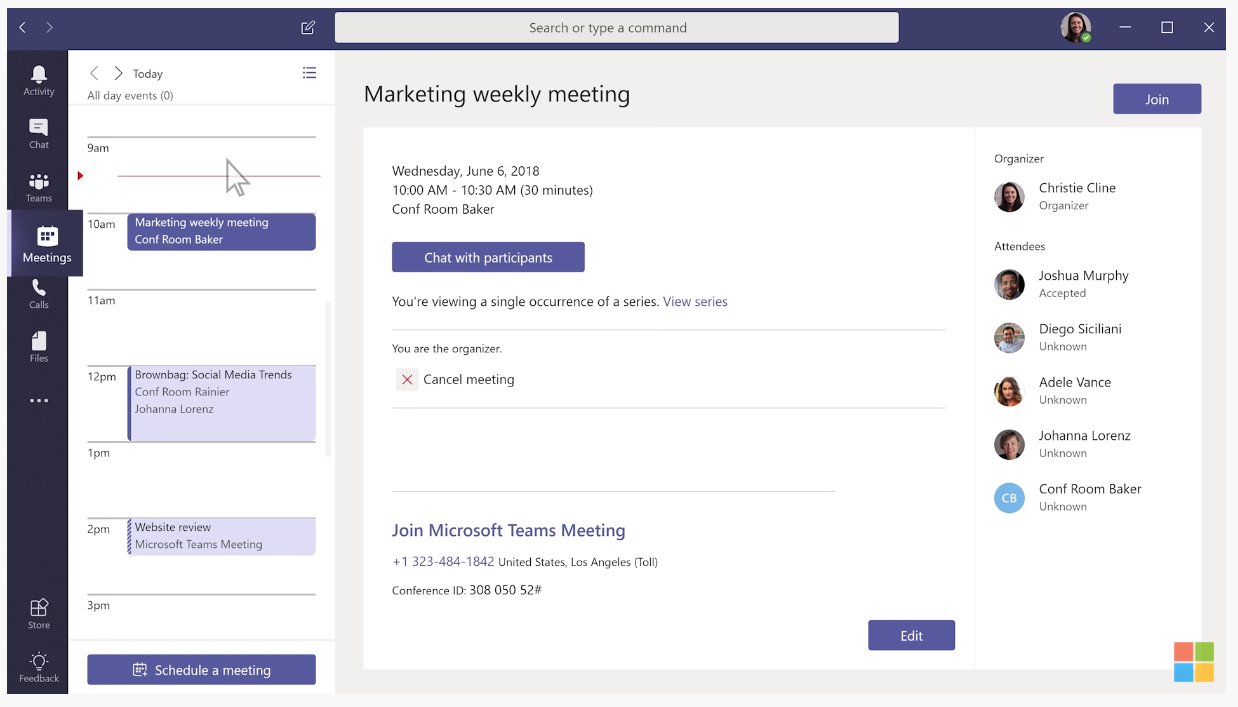
Vonage for Microsoft Teams: If you already use Microsoft Teams, you can add Vonage calling and related capabilities directly into the software without requiring users to switch apps.
Customizable call center software: Vonage’s call center software is more comprehensive than its phone systems. Even entry-level packages can include key features like IVR, skills-based routing, screen pops, call recording, and analytics. More advanced quality monitoring, callbacks, workforce tools, and APIs are typically reserved for higher tiers or add-ons.
Communications APIs: Similar to Twilio, Vonage offers a range of APIs. Voice, video, SMS, email, 2FA, and verification are just a few of the options available. You can also leverage low and no-code tools (where available) to streamline the customer journey from start to finish. Pricing is based on usage, so you only pay for what you use—and many API products offer a way to test before you commit.
Conversational commerce: Vonage’s commerce solution lets you centralize communications across numerous digital channels, like WhatsApp, messaging apps, social media, and texting. It also includes live chat and chatbot capabilities plus automations to engage customers at every step of the buying process.
You can even bring in your fulfillment, inventory management, marketing tools, and payment platforms to create a centralized business hub. It’s expensive, but can be a powerful solution for the right retailers.
Vonage: The Bad
Recent FTC lawsuit: In 2023, the Federal Trade Commission ordered Vonage to pay its previous customers nearly $100 million in refunds for making it nearly impossible to cancel their services. They also got in trouble for charging “junk fees” and continuing to charge customers who requested a cancellation. As part of Vonage’s agreement with the FTC, they had to simplify their cancellation processes and quit charging customers after they’ve cancelled.
Acquired by Ericsson in 2022: Most of the communications providers we review are making acquisitions left and right—to us, it’s an indicator that they’re doing well and continuing to grow. Vonage, on the other hand, was acquired by a massive global corporation a few years ago (2022). While it’s not necessarily a dealbreaker, we’ve seen a pattern of well-known companies offering lower quality services or getting abandoned altogether after being bought out. No matter how you look at it, acquisitions are a massive shake up for everyone involved to say the least.
Poor reputation: Just about every provider we’ve looked into has at least one Reddit thread or a handful of negative reviews from previous customers slamming the service. Mistakes happen and people tend to talk more about negative experiences than they do the good ones. So, we take these with a grain of salt.
However, Vonage consistently has poor reviews across different review aggregation sites and more horror stories than the rest. That said, some customers report better experiences more recently—so it’s worth paying attention to the most current reviews, not just the oldest ones.
No desk phones or video meetings on the entry-level plan: Vonage’s cheapest plan can cost a few dollars per month less than Ooma, Nextiva, RingCentral, and many other providers. However, it doesn’t support VoIP desk phones or include video meetings at that level—most of the others do, making them a much better value for the money.
Call recording limits and add-on costs: Call recording isn’t a standard feature across Vonage plans. It’s commonly sold as an add-on with storage limits (for example, a set number of hours per extension) unless you upgrade or purchase additional capacity. Other providers often include recording more broadly or offer higher default storage.
Self-administration is lacking: There are quite a few things administrators can’t do on their own. Adding new users, configuring new phones, and other basic tasks may require help from customer support, depending on the account setup and what you’re trying to change.
Integrations can feel limited: Vonage offers an app marketplace with 20+ integrations, but if the tools you rely on aren’t supported, you may need custom work via APIs or a connector to tie everything together.
Nearly everything’s an add-on: Many standard features—like advanced call handling, call recording, faxing, and queueing—can be add-ons that drive up the price. While it can be nice to only pay for the features you need, you could end up paying significantly more for the exact same features you’d get at no extra cost with other providers.
Expensive for what you get: At the same price point, you can get advanced features like IVR, transcriptions, AI meeting summaries, visual voicemail, call queues, recording, and more with RingCentral. With Nextiva, you’ll get a more all-in-one communications package with strong support at a similar cost. Overall, Vonage can get expensive compared to more comprehensive alternatives—especially when you account for the cost of extra add-ons.
Vonage Plans and Pricing
Vonage’s business phone system starts at $13.99 per line per month if you sign a year-long contract (for small teams). Alternatively, you can pay $19.99 per month on a month-to-month basis. At the annual price, it’s several dollars cheaper than most. But as we mentioned, it’s missing a lot of critical features, and you’ll likely have to upgrade to the middle tier to get what you need.
The middle tier is $20.99 per line per month with annual billing, or $29.99 per line per month if you pay monthly. Either way, it’s often more expensive than similar plans with other providers.
At this stage, it can still feel limited, especially when you compare it against providers like Nextiva or RingCentral.
Even Dialpad and Zoom Phone’s entry-level plans can be competitive on price, depending on whether you want unlimited calling or metered usage.
The contact center plans are generally based on custom pricing and can get expensive as you add seats, channels, and advanced features. Vonage’s APIs are usage-based, depending on the specific products you use—so it can be cost-effective for some use cases and pricey for others.
Vonage’s conversational commerce solution includes a $5,000+ setup fee and ongoing monthly fees, making it a pricy solution for larger retailers.
Get in touch with Vonage’s sales team to see if it’s right for you.