Lucky Orange is best if you want fast, affordable insights into user behavior with minimal setup needed. Hotjar is a better choice for website-based product and UX teams that need fancy feedback tools, surveys, and the means to conduct deep qualitative research.
Lucky Orange vs. Hotjar: A Quick Snapshot
Want a quick side-by-side of these two behavior analytics tools for websites? I’ve got you covered.
| Feature | Lucky Orange | Hotjar |
|---|---|---|
| Session Recordings | ✅ Real-time session recordings where you can watch users live ✅ Captures clicks, scrolls, mouse movement, navigation ⚠️ Privacy controls require some manual setup | ✅ UX-focused recordings (rage clicks, dead clicks, friction points) ✅ Strong default privacy protections ⚠️ No real-time viewing |
| Heatmaps | ✅ Click, scroll, and movement heatmaps ✅ Nearly real-time updates ⚠️ Limited segmentation capabilities (page, device, date) | ✅ More heatmap types (click, move, scroll, engagement zones, rage clicks) ✅ Better segmentation, plus historical comparison |
| User Feedback & Surveys | ✅ Simple polls and open-ended feedback ✅ Easy setup and is available on all plans ⚠️ Not built for deep UX research | ✅ Advanced surveys, polls, and exit feedback ✅ Multi-question flows & targeting ⚠️ Surveys require paid add-ons |
| Funnels & Conversion Analysis | ✅ Built-in funnels for checkout, sign-ups, and forms ✅ Funnels are directly tied to recordings and form analytics ⚠️ Best for linear, CRO-focused flows | ✅ Session-based funnels with drop-off analysis ✅ Can jump from funnel steps to recordings ⚠️ More setup is required |
| Integrations & Tool Ecosystem | ✅ Native integrations with CMS and ecommerce platforms ✅ Zapier support for extended connections | ✅ Tons of analytics and experimentation integrations ✅ Part of the Contentsquare + Heap ecosystem ⚠️ Separate pricing for each tool—for now, at least |
Now let’s get to the meat of this Hotjar vs. Lucky Orange breakdown, feature by feature.
Feature Breakdown: Lucky Orange vs. Hotjar
1. Session Replay/Recordings
Lucky Orange
Lucky Orange offers session recordings that track clicks, scrolls, mouse movement, and page navigation for each user who visits your website.
One of my favorite characteristics here is Lucky Orange’s real-time session replay, which lets you watch visitors interact with your site as the visit is happening.
It truly is like you’re looking over the user’s shoulder.
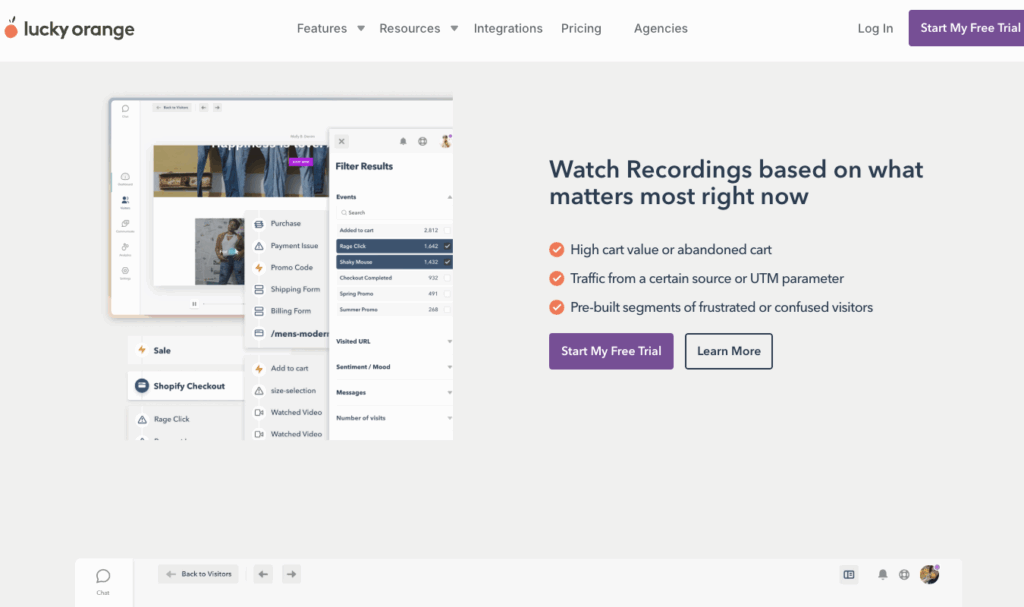
Setup is fairly easy. All you have to do is install the tracking script or content management system (CMS) plugin, and from there, Lucky Orange starts automatically recording sessions. No additional, manual configurations are needed to start collecting data, which is nice.
Session recordings work well with Lucky Orange’s conversion-focused tools, like form analytics and funnel-building. From a funnel or form report, you can jump straight into relevant session recordings to see where users trip up, ditch fields, or leave your product altogether.
With filtering, you can narrow down the recordings by characteristics like device type, user location, source of referral, or pages visited.
If you were a little weirded out by the whole live viewing feature—which does feel just a little too voyeuristic—Lucky Orange does include privacy options like field masking and anonymization. Unlike with Hotjar, though, some of these have to be set up manually.
Hotjar
Hotjar’s session recordings help you refine the user experience (UX) for website-based products, like SaaS tools, or just for websites themselves, like ecommerce storefronts.
The recordings capture things like mouse movements, scroll depth, clicks, and navigation behavior. Hotjar is all about helping you spot usability issues, like rage clicks, dead clicks, and page layouts that trip users up.
Once Hotjar is installed, recordings automatically begin. But you can’t see real-time views like you can in Lucky Orange. (A blessing? A curse? The jury’s out.)
Instead, you can review them after they’re collected—which is typical of most comparative tools.
You can, and should, use Hotjar’s recordings alongside its suite of feedback and research tools, including heatmaps, surveys, and polls. This allows you to combine the behavior you observe in session replays with direct feedback from users.
As for privacy in session recordings, Hotjar has a definite edge over Lucky Orange. IP anonymization and sensitive-field masking are enabled by default. You don’t have to set these important features up manually.
I do appreciate that Hotjar is more geared toward protecting your web visitors’ personally identifiable information, compared with Lucky Orange.
2. Heatmaps
Lucky Orange
Lucky Orange offers three types of heatmaps that show where users click, scroll, and move their cursors on a page. A key perk here is that Lucky Orange’s heatmaps update almost in real time, which means you can see the interaction data populate right after visitors land on a page. Lucky Orange calls this “dynamic heatmapping.”
This is impressive, and it makes it easier for users to evaluate users on a more individual basis while keeping the aggregate perspective strong, too.
Heatmaps are easy to enable—Lucky Orange automatically starts generating them once that tracking script is installed. This means you can do something like introduce a new CTA or clearer web copy and start seeing how it affects user behavior pretty much right away.
From a heatmap, you can quickly dive into session recordings to see the user actions behind aggregated clicks or scroll patterns.
That said, Lucky Orange’s heatmaps don’t offer much in the way of segmentation. You can see who’s clicked what by page, device, and date, but that’s about it.
Hotjar
Hotjar’s heatmaps are one of its strongest features, and the tool provides more heatmaps than Lucky Orange does. You get Click, Move, Scroll, Engagement Zone, and Rage Click maps that show where users struggle. This offers you a well-rounded and balanced view of what your visitors are doing on your site.
Heatmaps are generated from historical user behavior—aka, from session recordings—over a specific time period. This is in contrast to Lucky Orange’s more immediate heatmaps, but the focus on aggregate data does make it easier to analyze patterns over time.
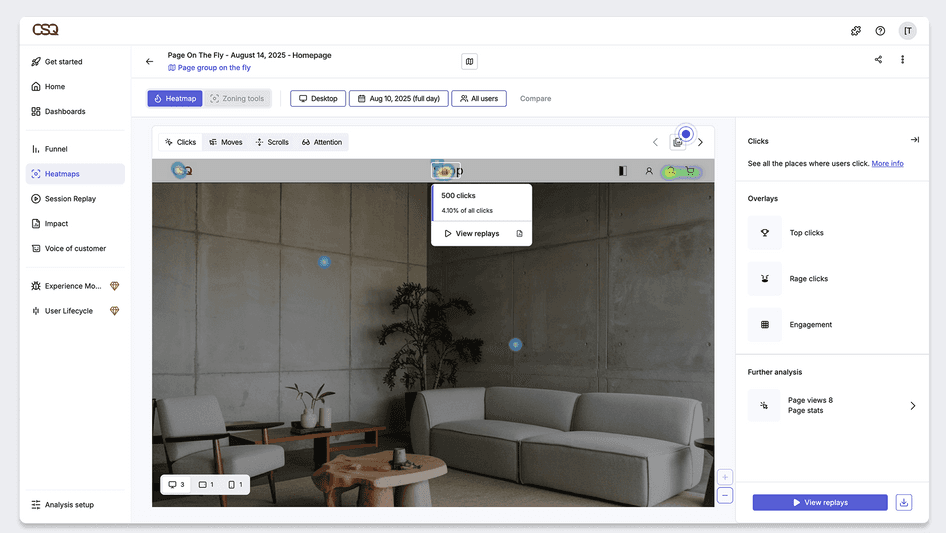
It’s also helpful that Hotjar makes it easy to compare heatmaps across different pages, screen sizes, or time ranges. This is useful when you want to see how changes in design affect user behavior.
Segmentation-wise, Hotjar offers a bit more than Lucky Orange. You can segment heatmaps by device type, page/URL visited, date range, specific user attributes, and traffic source.
3. User Feedback and Surveys
Lucky Orange
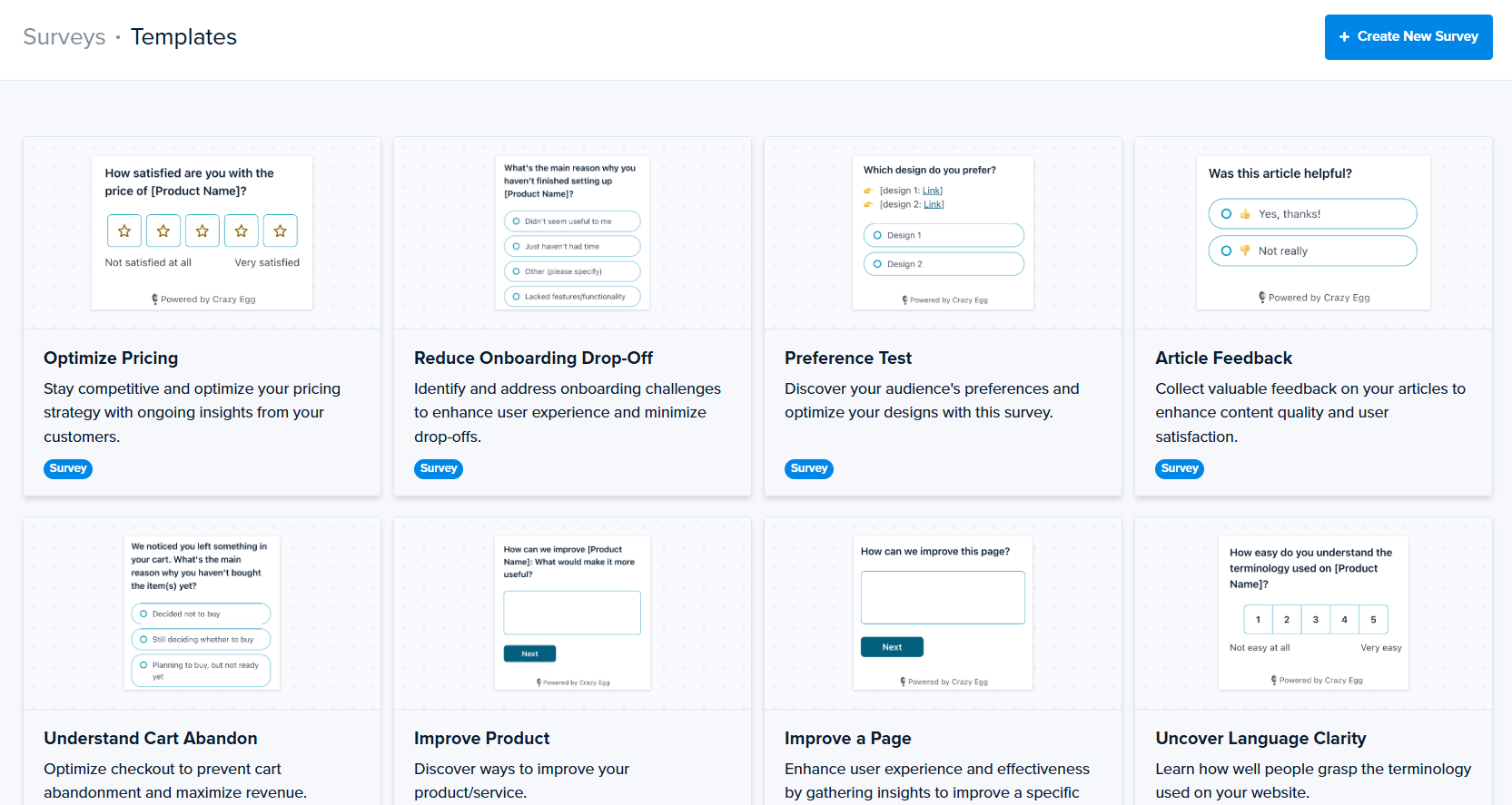
Lucky Orange includes basic surveys and polls that you can post on your website to collect feedback from visitors. Many folks use these to ask simple, open-ended questions, like why someone decided not to buy, or whether they found what they came to the site to look for.
The survey tools are easy to set up, and with a few simple configuration steps, you’ll be on your way to gathering valuable feedback. You can trigger questions based on a few different things, like how long someone’s been on the page or how far down a page they scrolled.
These responses can then be linked back to specific session recordings, which adds helpful context to the feedback.
That said, Lucky Orange’s survey features aren’t super in-depth. They function as a way to support conversion optimization rather than a means for conducting deep UX research. Surveys are available on every Lucky Orange plan tier, though.
Hotjar
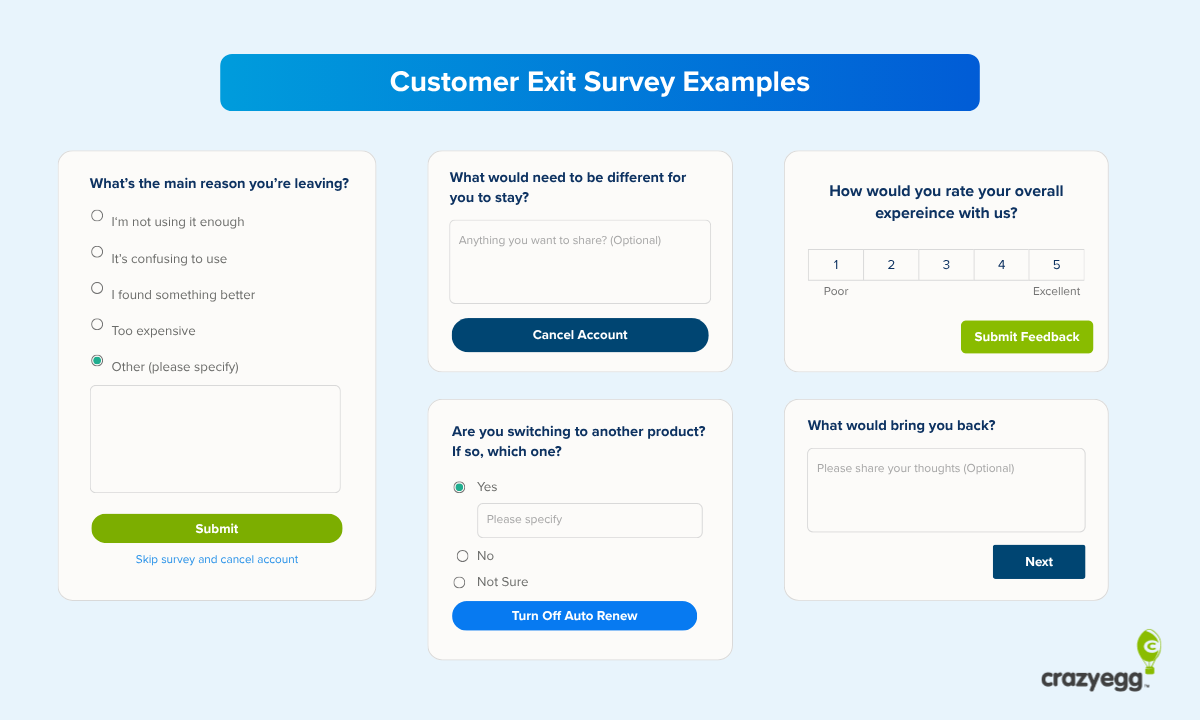
Hotjar offers quite a bit more than Lucky Orange when it comes to user feedback. You get on-page polls, longer-form surveys, and exit surveys, all of which can help teams understand why they make the choices they do.
With Hotjar, you can design multi-question flows and target specific groups of users. If you need to run usability studies or conduct ongoing UX research, Hotjar might be a better fit. It also integrates the feedback closely with its behavioral tools like heatmaps and session recordings.
Survey responses are linked to the user sessions and heatmaps that were created when the user gave the results. This makes it super easy for you to put together the puzzle of how specific user behavior relates to specific user feedback.
But of course, there’s a trade-off. Hotjar’s surveys take longer to configure, and you’ll have to pay extra for the surveys and feedback add-on.
This is a drawback for teams that might just want fast, affordable feedback tools they can use and act on quickly.
4. Funnels and Conversion Analysis
Lucky Orange
Lucky Orange includes built-in conversion funnels that are designed specifically to help teams understand where users drop off during key workflows, like checkout, sign-ups, or within lead-gen forms.
The funnels are based on visitor journeys, though, not individual sessions like Hotjar’s. This means they can span multiple user sessions. AKA, someone can enter the funnel, leave the site, come back later, and keep progressing through the same steps. With Hotjar, this isn’t possible.
For CRO teams that want to analyze repeat visits or longer, more back-and-forth buying cycles, this flexibility is a big plus.
And really, with over 20 funnel steps you can track, Lucky Orange is a lot more flexible than Hotjar in general when it comes to funnels. You can also use URL rules (like exact match, contains, and wildcards) and events to represent more complicated user flows.
As with many funnel-building tools, Lucky Orange’s funnels are linked to session recordings and form analytics. This means that when you see a drop-off in a funnel, you can jump straight into all the recordings that show users ditching that specific step.
You can then explore those recordings to see what went wrong—confusing copy? Slow load times? Friction in a specific form?
Lucky Orange also offers form analytics to go alongside those website conversion funnels. The dedicated form analytics tool shows metrics related to form fields, like hesitation, abandonment, and time spent on each section.
Hotjar
Hotjar also offers funnels, but they’re based on single-user sessions instead of visitor-level, multi-session journeys like Lucky Orange.
Each funnel attempt is tracked and evaluated within that one visit. If someone comes back later, the funnel re-starts—a little annoying, amirite?
With Hotjar, you can see conversion steps and drop-offs within a single session, which I admit does give you a more zoomed-in perspective. And you can compare funnel performance across different segments—like device or traffic source.
There’s a little bit of upfront work, though: you must define a series of steps, like page views or key events, and Hotjar will show you what percentage of user sessions actually make it through each step.
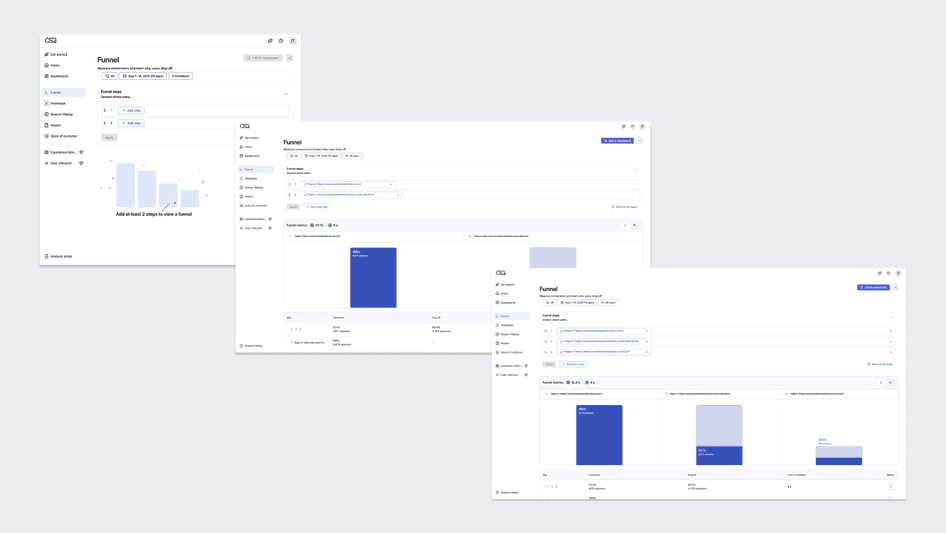
As with Lucky Orange, you can click through from a funnel step and go straight to the relevant session recording.
5. Integrations and Tool Ecosystem
Lucky Orange
Lucky Orange offers a variety of integrations that help you connect it to the rest of your tech stack. On the official Lucky Orange integrations page, you’ll find direct support for popular web platforms and tools, including:
- Google Analytics
- Google Tag Manager
- HubSpot
- Shopify
- WordPress
- Squarespace
- Wix
- Unbounce
- BigCommerce
…and many more. Lucky Orange also integrates with Zapier, which means you can connect with thousands of other tools, both well-known and obscure.
Hotjar
Hotjar’s official integrations list shows support for several popular analytics, marketing, and collaboration tools, including:
- Google Analytics
- Google Tag Manager
- HubSpot
- Mixpanel
- AB Tasty
- Kissmetrics
- Jira
- Slack
- Trello
- Optimizely
Like Lucky Orange, Hotjar comes with a Zapier integration as well.
In other words, the two tools are neck and neck when it comes to integrations.
But Hotjar does have an advantage: it’s part of a larger product ecosystem. Its parent company, Contentsquare, offers enterprise-level behavioral and product analytics. Another tool in the Contentsquare family is Heap, an AI-powered product and app analytics tool.
Pricing is still separate for each of the three tools, at least for now, but they do integrate well with each other.
Pricing Breakdown: Which Has the Best Value?
| Lucky Orange | Hotjar |
|---|---|
| Free-forever plan with session recordings, heatmaps, funnels, polls, chat, and basic form analytics (no credit card required). | Free-forever plan with session recordings, heatmaps, funnels, and limited surveys (strict monthly session caps). |
| Paid plans start at a clearly listed monthly price and scale up by recorded sessions. | Paid Observe plans start at a listed monthly price and scale up by the number of sessions collected. |
| All core features included on paid plans (recordings, heatmaps, funnels, form analytics, surveys). Higher tiers mainly just increase limits. | Features are split by product and plan (Observe / Ask / Engage), which means more expensive plans if you need two or more features. |
| Straightforward pricing model with transparent tiers you can see directly on the pricing page. | More complex pricing structure, with multiple products and usage-based limits you have to manage. |
| Best value for teams that want an all-in-one CRO tool without juggling multiple subscriptions. | Best value for UX research teams that want heatmaps, recordings, and feedback tools layered together. |
Lucky Orange offers the better overall value for most teams, especially if you want a single, affordable tool that combines key features like heatmaps, recordings, funnels, form analytics, and surveys.
Hotjar is an ideal choice for UX and product research teams that prioritize structured feedback and more sophisticated qualitative insights. That said, it can, and often does, get more expensive and complicated as you scale. See our full Hotjar review for more information.
Final Verdict: Is Lucky Orange or Hotjar Right for You?
If you want an affordable tool with straightforward, no-fuss website analytics, Lucky Orange is an excellent choice. Hotjar is ideal if you want more in-depth tools that also happen to be part of the Heap + Contentsquare ecosystem.
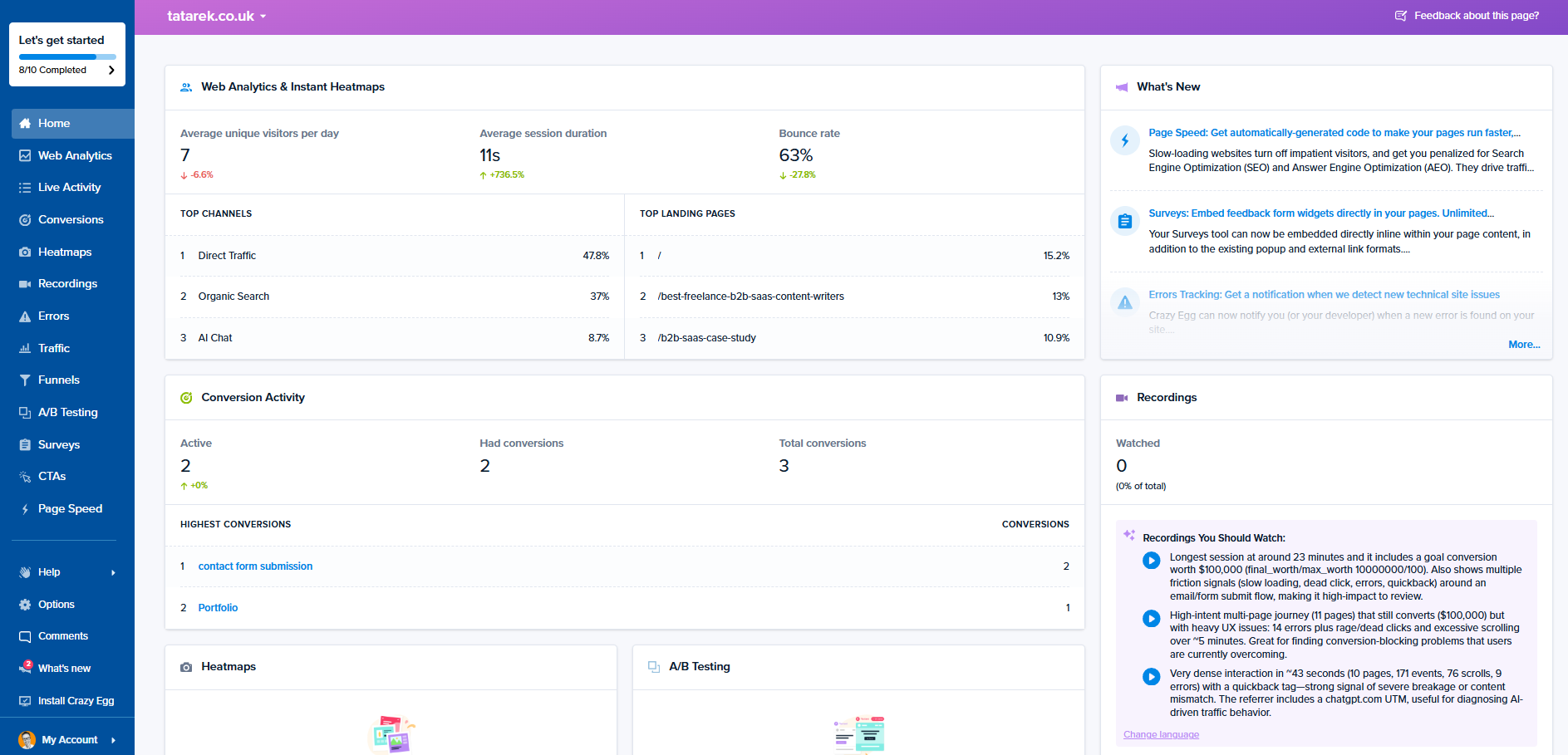
For a tool that delivers everything Hotjar and Lucky Orange do, and even more—like A/B testing, which neither Hotjar nor Lucky Orange offers—Crazy Egg is an affordable alternative that’s easy to use.
Learn more about Lucky Orange alternatives or see how Crazy Egg and Hotjar compare.