Lucky Orange is a behavior analytics platform that offers page-level insights for websites. Users get features like session recordings, surveys, form analytics, dynamic heatmaps, and conversion funnel mapping. Like many of its competitors, Lucky Orange also offers AI-assisted summaries and feedback to guide your efforts.
Thanks to these features, Lucky Orange is ideal for teams that want in-the-moment insights for e-commerce or content-heavy websites.
But it isn’t for everyone. If you need to track data for a mobile app, Lucky Orange won’t fit the bill—its focus is entirely on websites.
Let’s take a look at the pros and cons of this popular tool.
How Does Lucky Orange Compare to Its Closest Competitors?
Lucky Orange’s closest competitors are Crazy Egg and Microsoft Clarity.
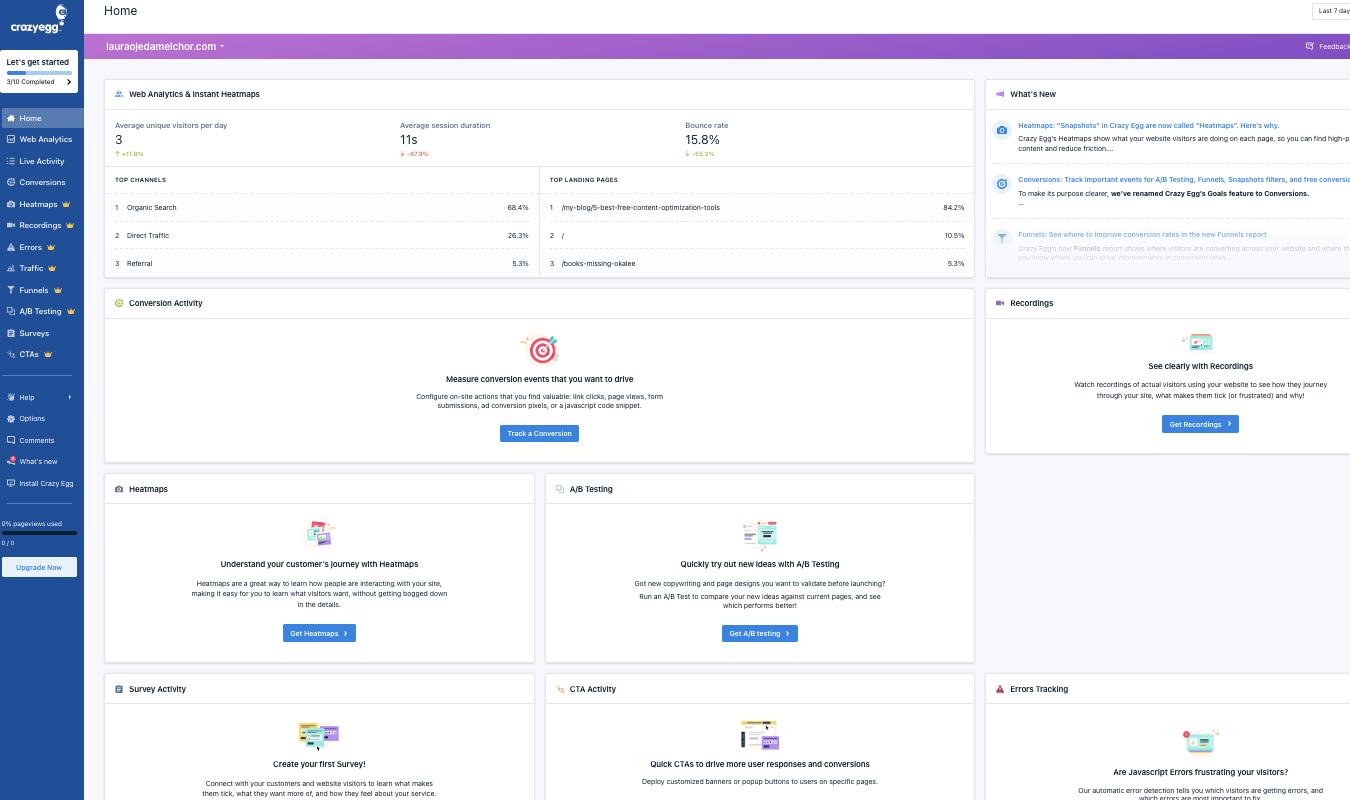
Crazy Egg offers many of the same tools as Lucky Orange, including heatmaps, session replay, surveys, and conversion funnels. This analytics tool is laser-focused on helping see which areas of your website are working to convert users, and which ones aren’t.
With a generous set of free tools, you don’t have to pay a cent to get started. Plus, Crazy Egg offers A/B testing, a key feature that Lucky Orange lacks. But Lucky Orange does have a form analytics feature—Crazy Egg does not.
Microsoft Clarity is a free behavior analytics tool that offers heatmaps and session recordings to as many visitors as you need. It’s completely free, all the way through—although Microsoft may analyze and use the data you gather for its own purposes. That’s the tradeoff. Also, Clarity lacks more sophisticated tools like surveys and A/B tests.
In short:
- Choose Lucky Orange if you want web-based behavior analytics with form analysis, detailed funnels, and AI-assisted summaries and feedback.
- Choose Crazy Egg if you need an affordable, streamlined solution for all your web analytics needs, from heatmaps to A/B tests (and AI summaries and feedback, too).
- Go with Microsoft Clarity if you want a tool that’s always free to use and you don’t need any extra bells and whistles.
Lucky Orange Review: The Good and the Bad
Before you invest in Lucky Orange, let’s investigate the positives and negatives of the web analytics tool so you can make an informed decision.
What Lucky Orange is Good At
User-friendly dashboard. The Lucky Orange dashboard is appealing, modern, and easy to navigate. I like that the tool’s AI helper—Discovery AI—is front and center, ready to help you generate useful insights from your website data. You can talk to it like it’s a chatbot, but a chatbot that knows everything there is to know about the data Lucky Orange has gathered from your site.
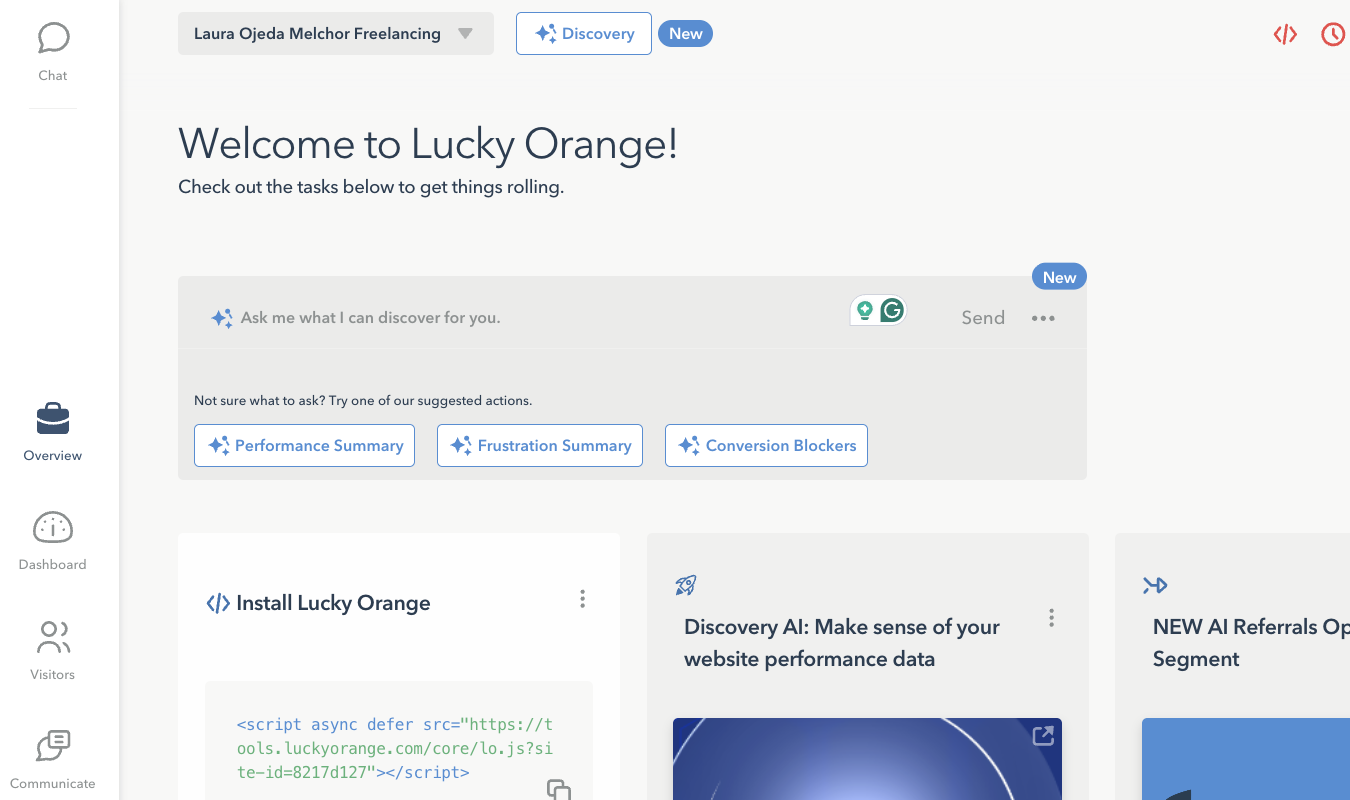
And for a first-time user, setup is quick and easy with the tracking code Lucky Orange offers. All you have to do is copy and paste it into your website header. Everything you need to know about how to use Lucky Orange is tidily stored in this helpful dashboard area.
Detailed session recordings. Lucky Orange offers session recordings that let you watch actual visitor journeys. You can observe where they click, how far they scroll, and which pages they navigate to. This helps your team see which spots are causing trouble for your conversion rates—and which are improving it. With this knowledge, you can make adjustments that benefit your brand.
Dynamic heatmaps. With Lucky Orange, heatmaps are more than just still images or overviews of your users’ click patterns. They’re fully dynamic, meaning you can click on various areas on the map and learn more about the types of users who are making those clicks. You do only get three types of heatmaps—Click, Scroll, and Move—but the maps are updated in near real-time for the freshest insights. (Learn how to read a heatmap in our convenient guide.)
Visitor profiles. Lucky Orange ties all sessions, user actions, and survey feedback to individual visitor profiles. That way, you can track where each person came from, what they clicked on your site, which areas caused them to struggle, or which actions they took right before leaving.
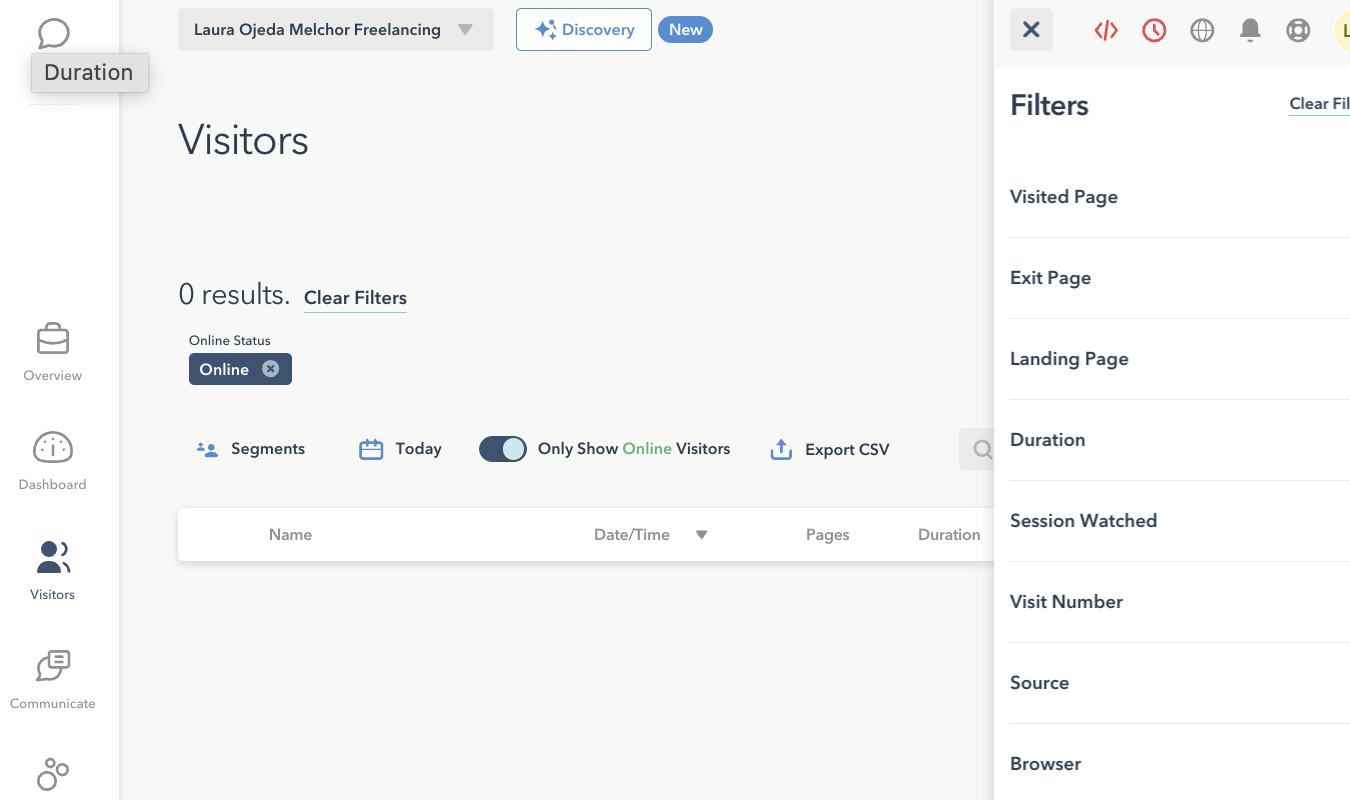
This makes patterns easier to see—and with Lucky Orange’s privacy settings, you can mask all sensitive data. With the filter setting, you can search for specific visits by characteristics like exit page, duration, and source.
Built-in form analytics. Does your business rely heavily on forms? Whether you depend on email newsletter signup forms or shopping cart checkout forms or everything in between, you’ll love that Lucky Orange tracks form field analytics for you.
For each form, you’ll see how long visitors stay on the page before starting the form, how long it takes them to complete a field, which fields get repeat entries, and, for abandoned forms, which fields visitors were on when they left the site. This gives you key insights into which questions might be problematic, or whether surprise fees, like taxes, are playing a role in customer churn.
Single-session conversion funnels. With this feature, you can create a several different funnel types based on either page URLs, events, or a mix of both. You might want to track short funnels, like users who visited your homepage and signed up for your newsletter. Or you might want to track longer funnels—users who went all the way from a first visit to a final checkout.
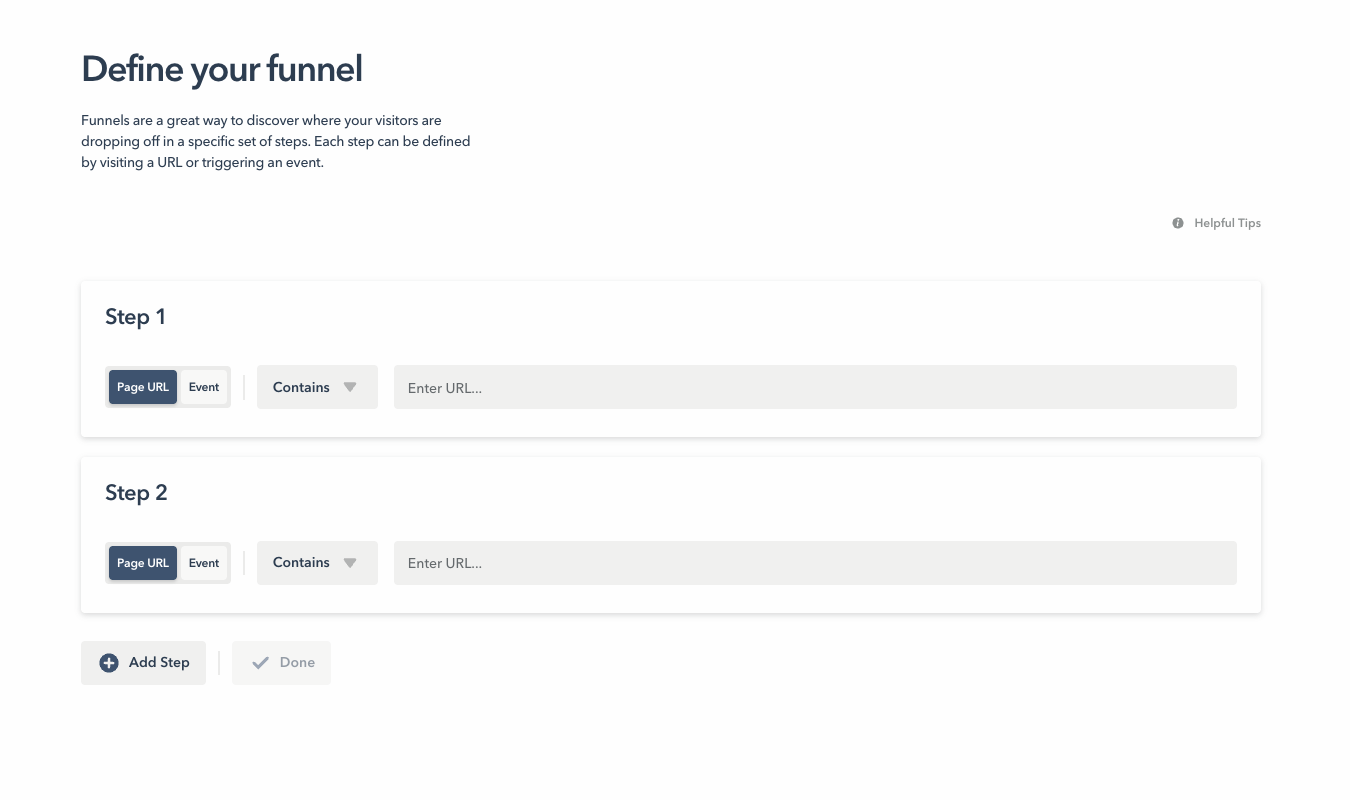
That said, Lucky Orange only looks at what happens within one visit. If a visitor leaves and comes back later, the funnel re-starts. While this is probably fine for a website-based brand without an app that adds an entirely different dimension to the customer journey, it would be convenient if the funnel could stay with the user over multiple sessions.
Surveys, announcements, and polls. Want to talk directly to your web visitors or gather feedback from them? With Lucky Orange, you easily can.
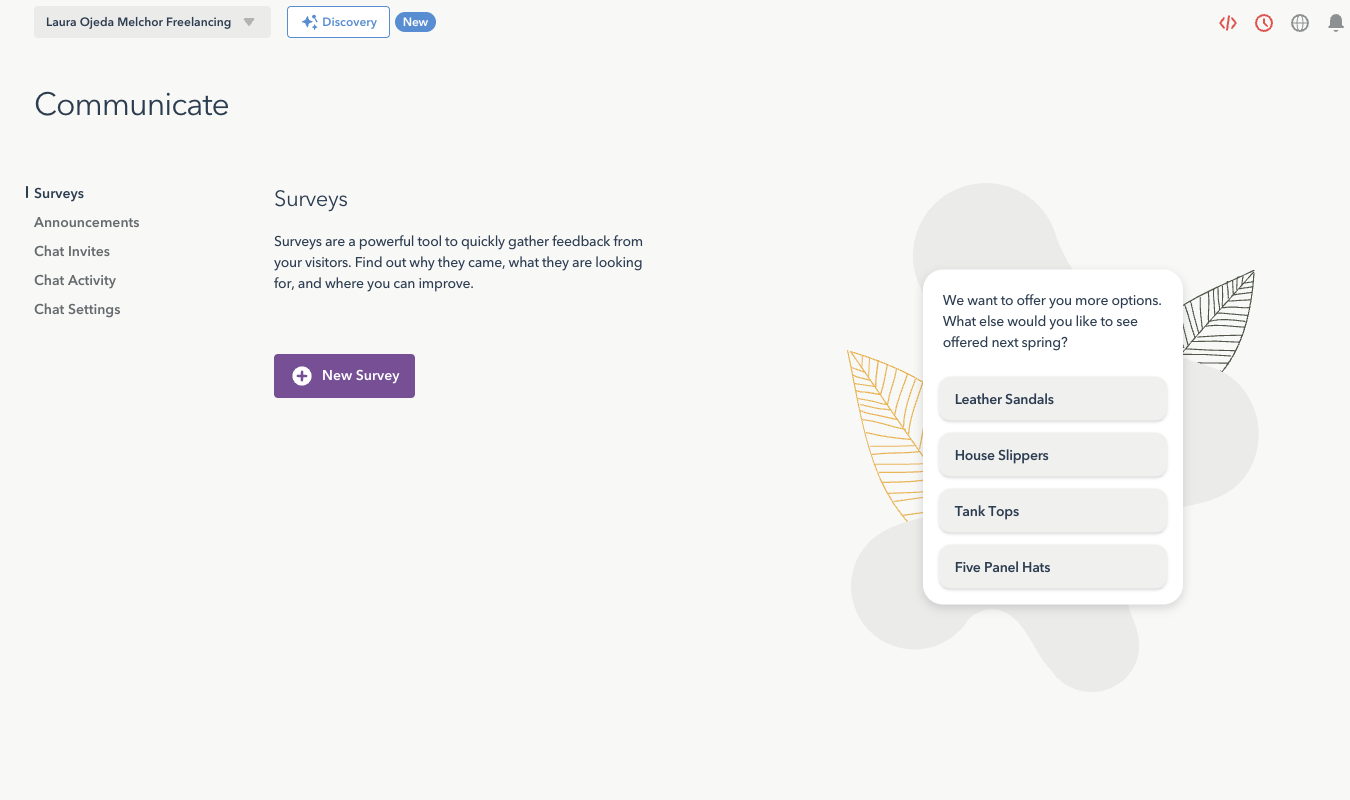
Lucky Orange offers four survey types:
- Multiple choice
- Like/dislike (thumb up or thumb down)
- Star rating
- Open-ended
The survey builder is easy to use, too. You pick your survey type, choose how many questions to ask, and start creating those questions. Lucky Orange allows you to trigger surveys based on a variety of criteria, from visiting a specific URL or staying on the site for x length of time to scrolling to a certain point or performing a specific action on your site.
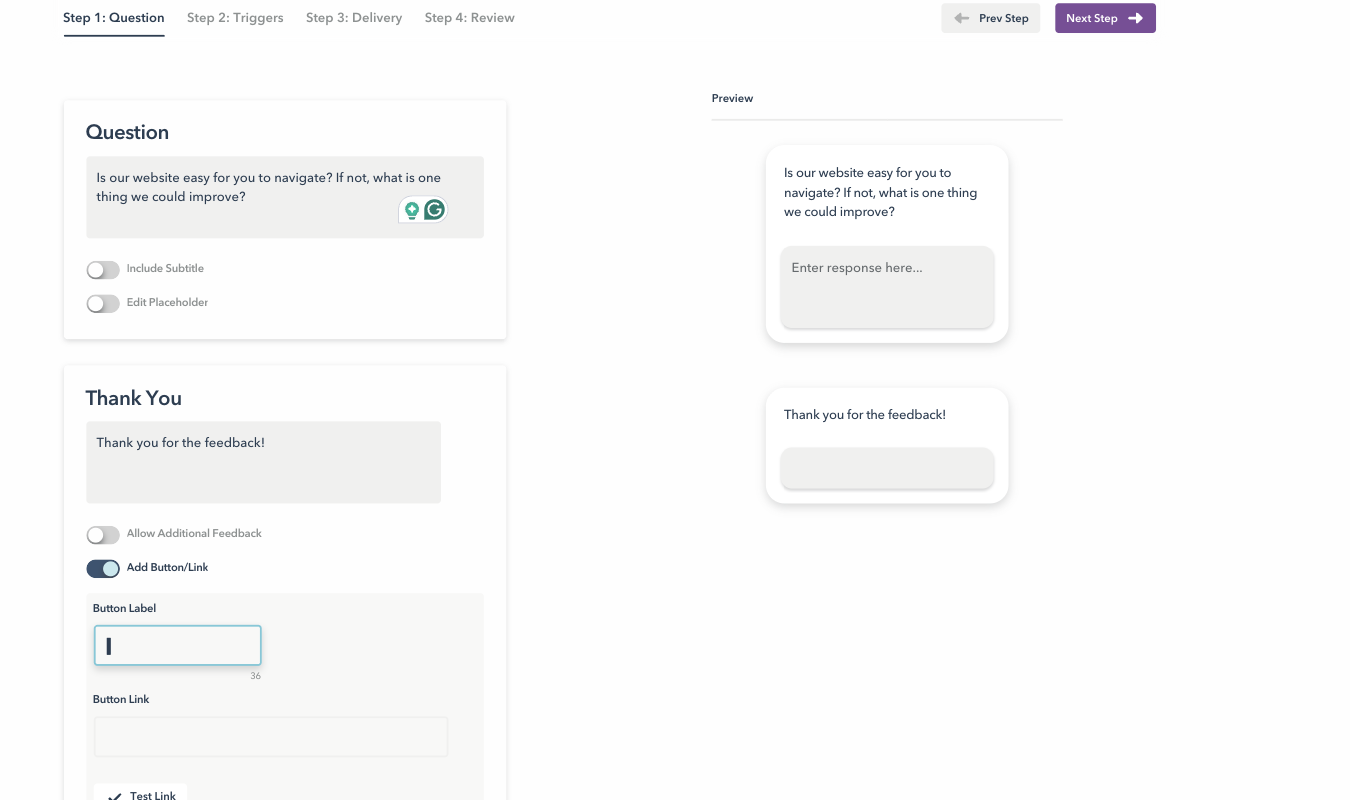
You can also customize delivery settings and give the survey one final review before you go live with it.
Polls and announcements are just as easy and convenient to set up, too, and help you stay in tune with your customers.
Live chat for extra connection with customers. Want to offer live chat as part of your customer support tools? You can do so with Lucky Orange. It feels a tiny bit random for this feature to be included with Lucky Orange’s suite of behavior analytics tools—until you realize that Lucky Orange has a live view. If you are watching a live session and see someone struggling or rage-clicking, you can jump in and request a live chat to see if they need help.
You can also set up a chatbox that’s available 24/7 for your users. Of course, you don’t have to be on the other end 24/7—an AI bot gets your customers to a certain point, and after that, the chatbox prompts them to send you a message. This can be a convenient way to gather extra feedback from customers or answer quick questions about your website’s offerings.
Potential Lucky Orange Drawbacks
No built-in A/B testing capabilities. Lucky Orange has a lot to offer, but it does not include any native A/B testing or experimentation features. Honestly, this was surprising to me considering all that it does offer. But if you want to split-test different versions of forms, webpages, or announcements, you’ll have to use an integration or use a separate tool.
This can slow down your entire website optimization system, especially when compared to tools that include both behavior analytics and A/B testing (like Crazy Egg, which offers free A/B testing!).
Funnels are limited to single sessions. I already touched on this, but it bears repeating: Lucky Orange’s funnels will only track single sessions. So if a visitor starts a check-out process and is at step 4 in a 5-step funnel, but then they get up to go to the bathroom or get sidetracked and the session times out, the funnel will re-start when they get back.
You should be able to know whether (and when) the visitor comes back, thanks to Lucky Orange’s Visitor Profiles tool, but the funnel’s continuity will be broken. Your insights won’t be quite as accurate as they would be with a tool that can put multiple sessions together into one funnel.
Less strong for long-term analysis over time. Lucky Orange’s main strength is that it offers qualitative user insights in near real-time. You can watch sessions as they happen, identify areas of friction, and communicate with frustrated users right away.
But the tradeoff is that Lucky Orange is less ideal for long-term trend analysis. There’s a more immediate focus on the now, and less of a focus on the future. This can be great for brands just starting out, but as your organization gets larger and more complex, it can be a downside.
Lucky Orange Pricing, Plans, and Add-Ons
Lucky Orange offers a free tier that lets you track up to 100 sessions a month with the core features—session recordings, heatmaps, and surveys. But 100 sessions isn’t very much, and soon as you tip over that, you start paying.
Build is the next plan up. It costs around $39 a month, billed annually, and lets you track up to 3,500 user sessions a month. You get the whole suite of features, though, including conversion funnels, form analytics, live chat, and dashboards.
Grow gives you up to 15,000 sessions for $89 a month with the same set of features and longer data storage. The Expand plan starts at $199 a month and covers needs at around 50,000 sessions a month. Want even more? The Scale plan starts at about 300,000 sessions a month and costs around $1,000, per month, billed annually.
If you need upwards of 700,000 tracked sessions a month, you can reach out to Lucky Orange for an enterprise plan.
Every paid plan offers Lucky Orange’s entire set of features. (The main difference between each one is the limits on session volume—and the higher the plan, the better your data retention and storage capacity.)
Check out Lucky Orange’s full pricing page for more details.
Is Lucky Orange Right for You?
Lucky Orange is easy to start using, simple to navigate, and jam-packed with helpful tools, especially if you value seeing user behavior in real-time. If you run an e-commerce storefront or a content-forward business, Lucky Orange is an ideal way to optimize your website and keep your users satisfied.
But Lucky Orange isn’t for everyone. If you only need the most basic traffic metrics, Microsoft Clarity can do that for free. And Crazy Egg is an excellent Lucky Orange alternative if you want heatmaps, session replay, surveys with AI analysis, funnels, and A/B tests, all under the same roof.
Ready to give Lucky Orange a try? You can sign up for a free trial today—no credit card required.