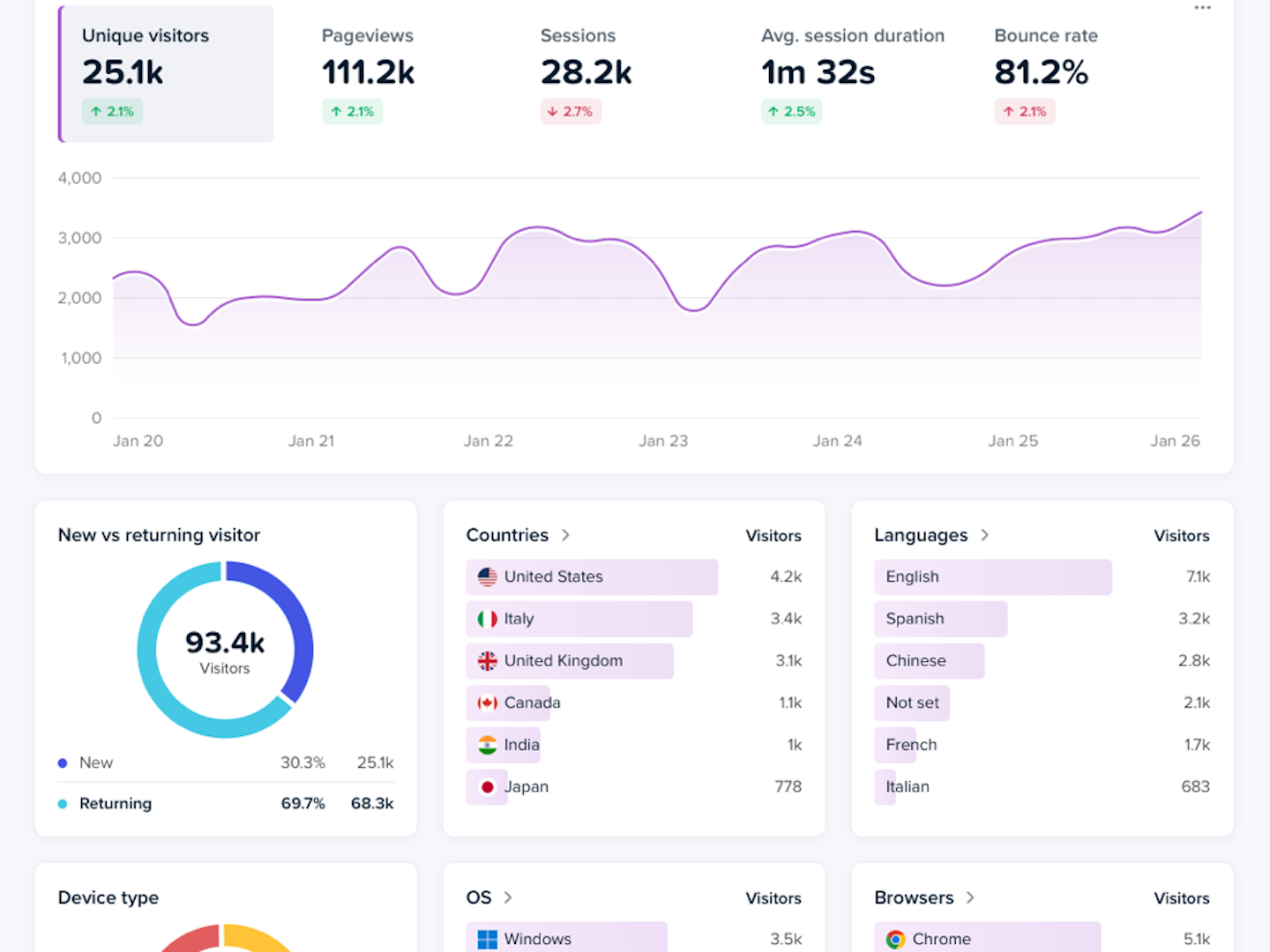
When you change your date range to “Today” in Web Analytics, you can see who’s visiting your website right now. In real time.
Not as numbers in a report, or dots on a screenshot. As 🧑🚀 astronaut or 👽 alien figures landing on your site.
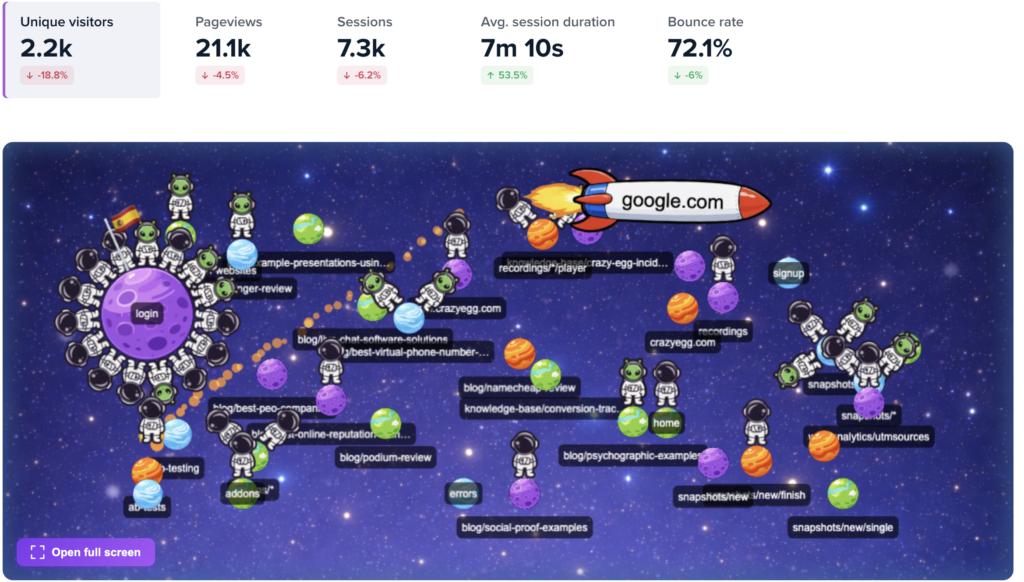
Each visitor appears on the map as an astronaut/alien. They’re grouped by the page they’re currently on, shown as a 🪐 planet.
If they came from another site, you’ll see that referrer as a 🚀 rocket dropping them off.
And when they do something important, you see it instantly: Visit, Scroll, Click, Conversion Goal, or Error. That action appears in a 💬 speech bubble above their head.
Click any visitor, and you’ll see their profile: country, device type, referrer, and their recent activity log.
Now in one glance, you can understand how visitors use your website: where they come from, the pages they see, what they’re doing, and where they get stuck. No need to crunch numbers or analyze trends.
The Astro Map is included for all Crazy Egg users inside Web Analytics. And yes, Web Analytics is 100% free for everyone, no matter your plan.