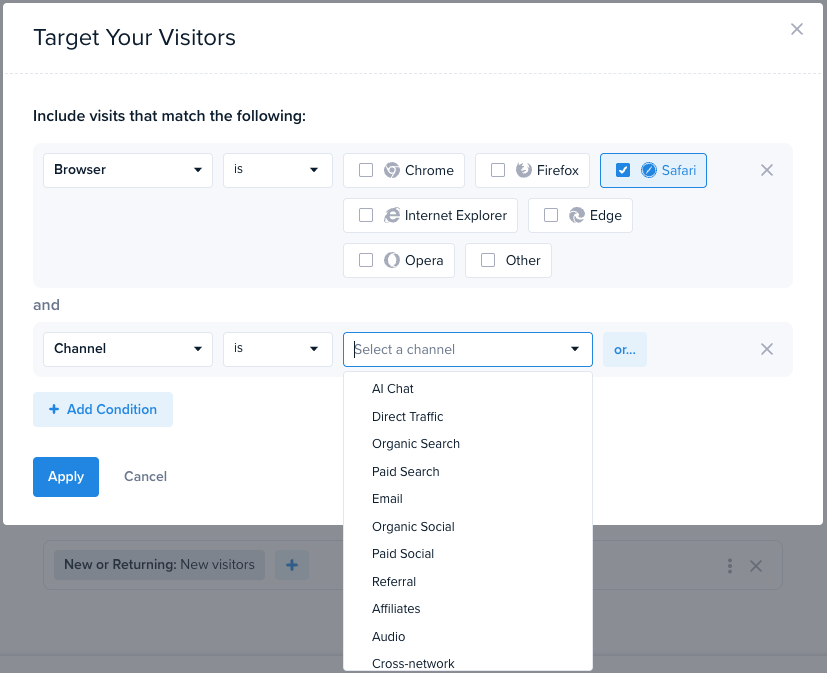
Surveys and CTAs are tools for getting user attention quickly — by overlaying forms, popups, buttons, and banners on top of your existing pages.
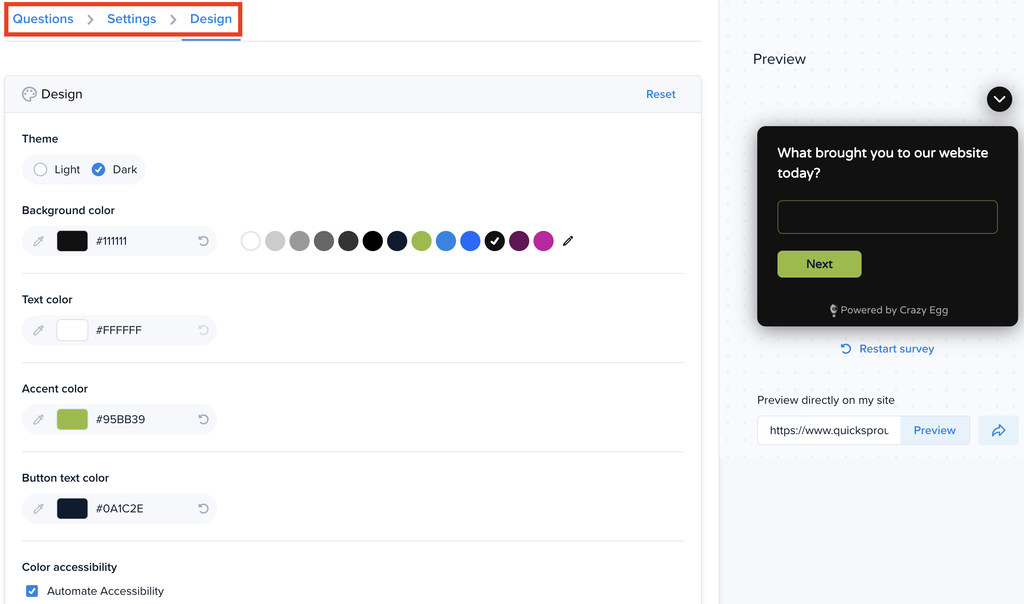
When designing these, you can now select from a wider variety of customization options:
- Color: Set palettes for background, text, accent, and button text separately
- Fonts: Select from a wide variety of fonts from your site, your system, Google Fonts, or even import external fonts
- Styling: Round or Square button corners, Filled or Outline button style, and font size
- Accessibility: Auto-adjust your survey colors to meet AAA WCAG standards, or get a color grader to compare accessibility scores
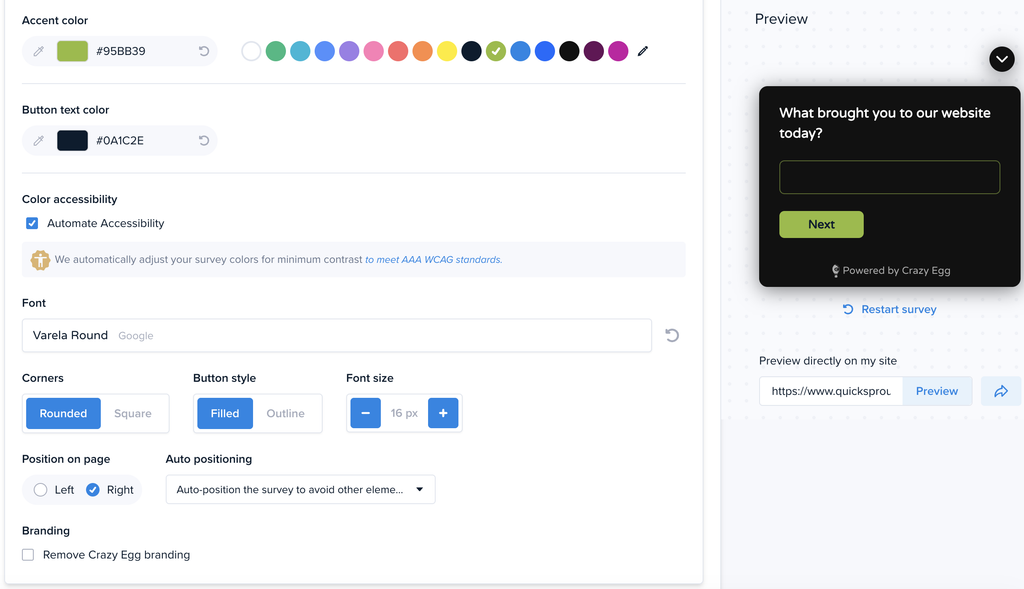
To view these customization options, edit any Survey or CTA. Then from the list of settings, select “Design”.
You will now see a menu of options to customize your design, with a preview on the right side of the page. Toggle different settings to see how things look.