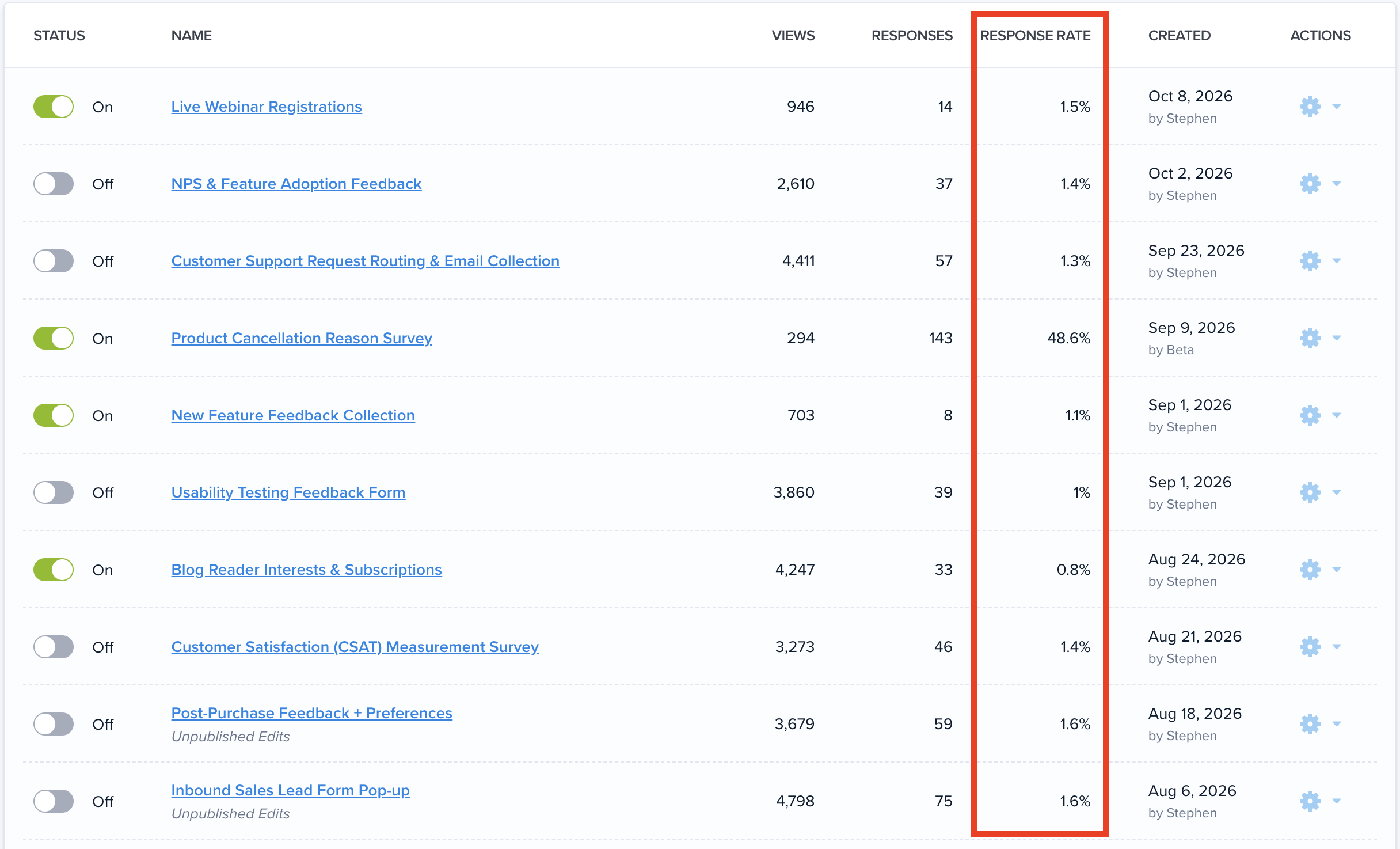
Popup Surveys and CTAs are convenient tools for quickly reaching users, without forcing them to leave your site or designing a full A/B Test. Just deploy pop-ups or banners on top of your existing pages.
You could already target these messages by device type, URLs, and on-page user behavior (if they’ve scrolled, spent time on the page, visited multiple pages, or are about to leave).
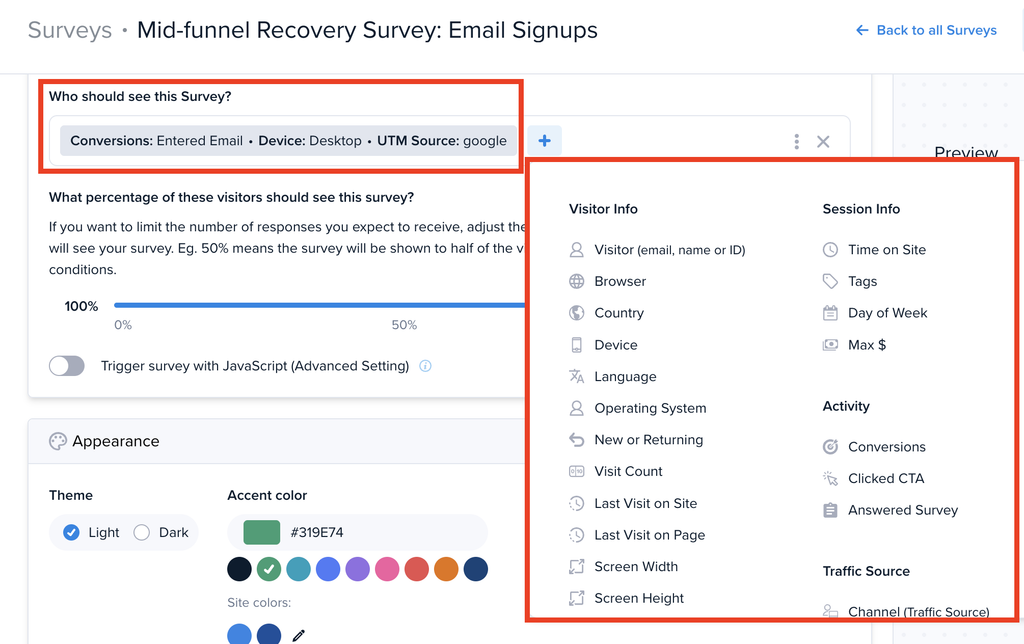
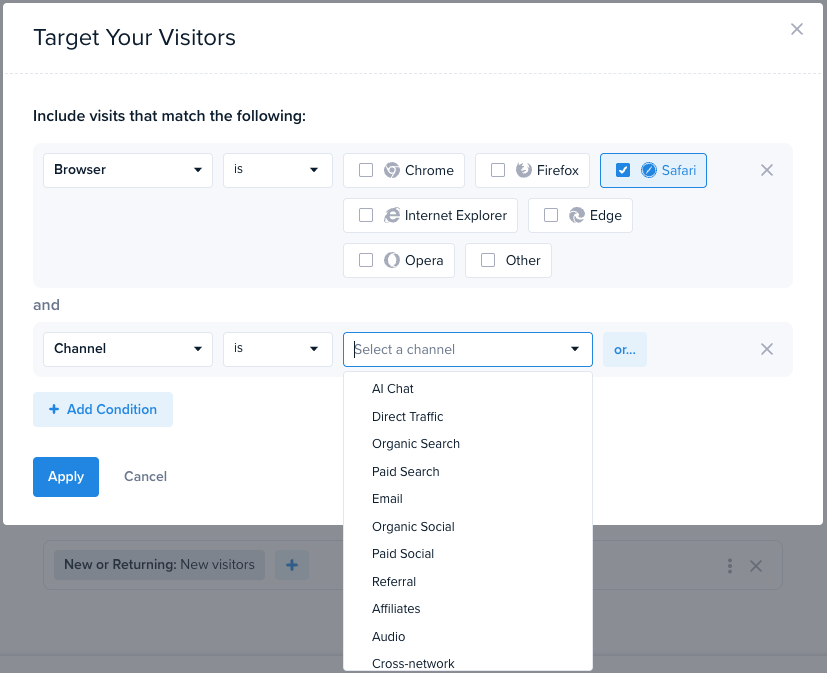
You can now also target Surveys and CTAs by all the audience targeting filters available for A/B Testing:
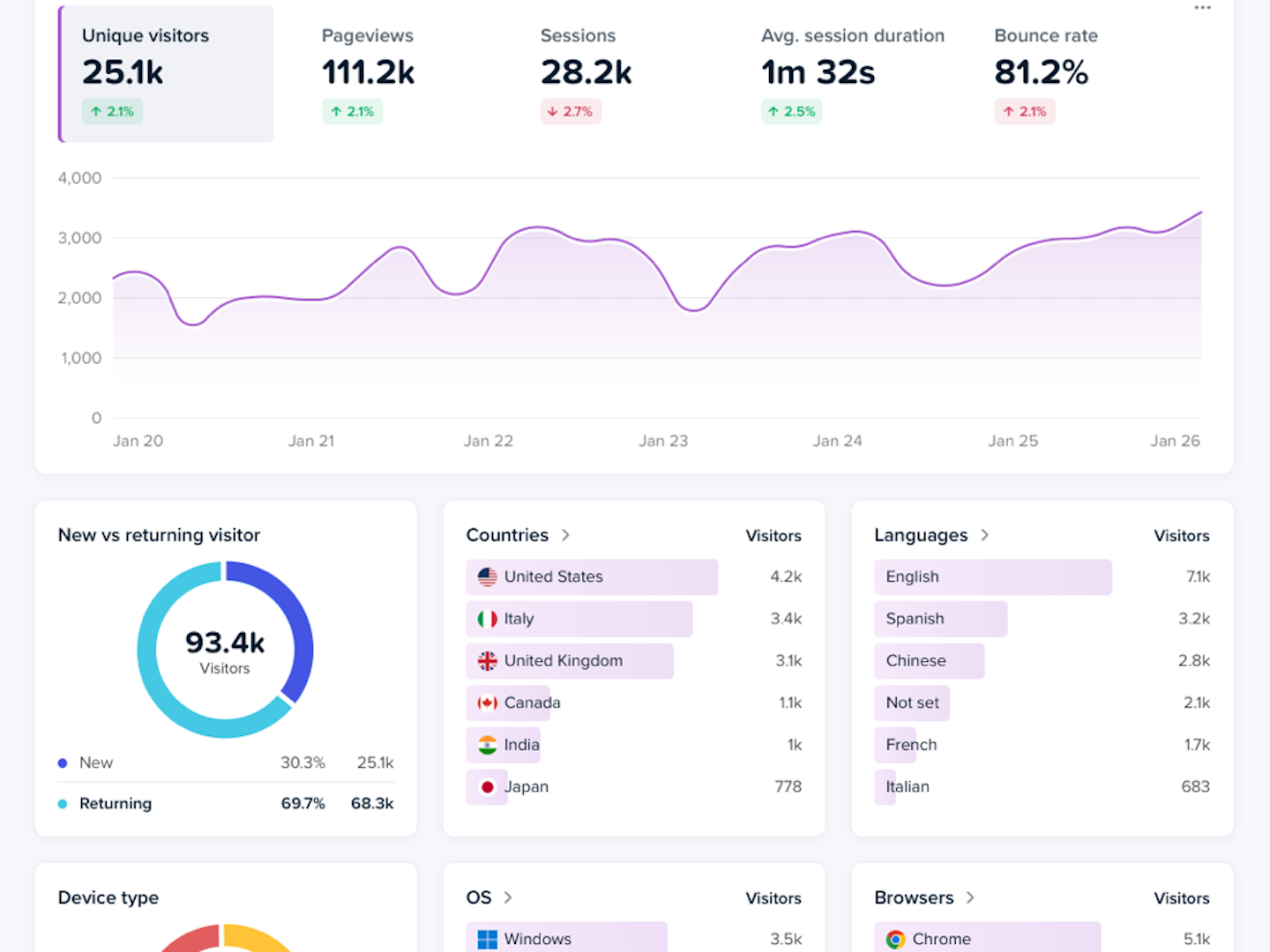
- Country
- New vs. Returning
- Conversion Status
- Traffic Source and UTM parameters
- Custom properties and more
Use this targeting to gather relevant feedback, or run timely campaigns at exactly the visitors who want to hear from you now. Optimize your messaging by testing different headlines, offers, and flows.
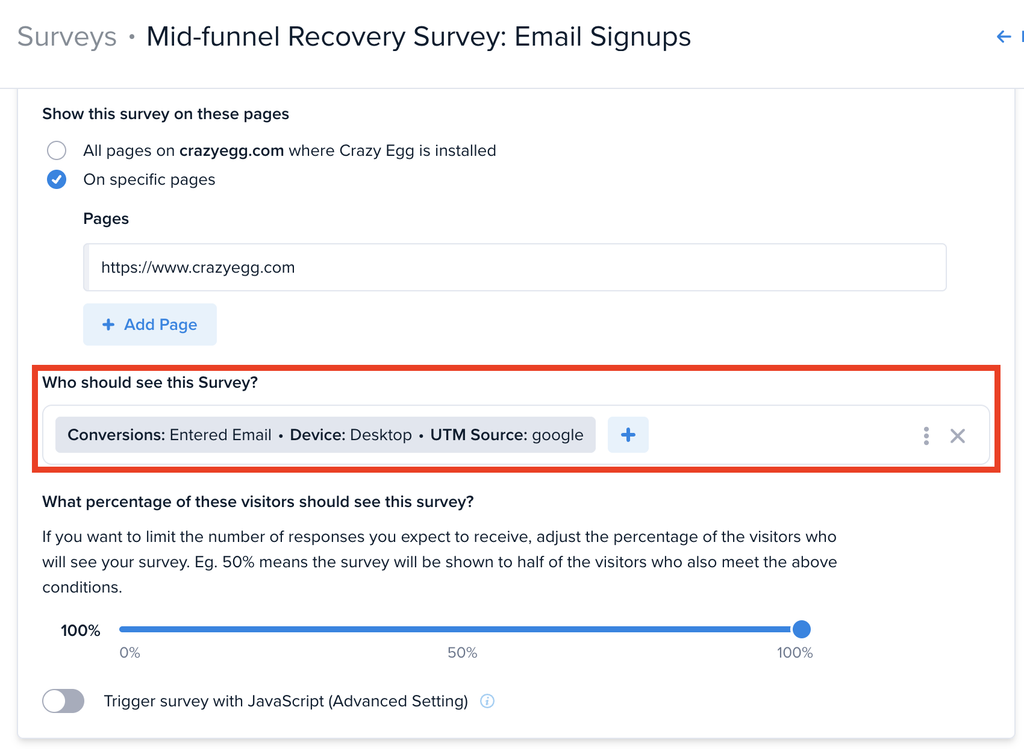
To use audience targeting, go to the “Settings” page for any Survey or CTA. In the “Audience” section, look for the “Who should see this Survey?” or “Who should see this CTA?” setting. You can then combine as many filters as you need, using AND/OR logic.