Are you in the market for a Mouseflow alternative? We recommend Crazy Egg, Smartlook, Microsoft Clarity, or PostHog.
My Personal Top 3 Alternatives to Mouseflow
If you’re short on time, here’s a quick breakdown of my top 3 picks.
| Best overall | Best for web and mobile app analytics | Best for free heatmaps and session replay |
|---|---|---|
 |  |  |
| Crazy Egg Pricing: $29+/mo, free tier What I like: Always-on no-sampling recordings, 5 heatmap types, surveys and A/B testing, and a plug-and-play setup. | Smartlook Pricing: $55+/mo, free tier What I like: No-sampling session recording, retroactive funnel-building, heatmaps, and support for both web and mobile. | Microsoft Clarity Pricing: Free What I like: Session replay, automatic click and scroll heatmaps, and zero feature gating for a highly accessible tool. |
How I Chose These Mouseflow Alternatives
To discover the best alternatives to Mouseflow, a behavior analytics platform specifically for websites, I focused on tools that cover the same core use cases.
Any solid Mouseflow alternative should offer:
- Always-on session recordings, not just sampling. Mouseflow continuously records user sessions, which is critical if you want a reliable picture of actual user behavior. Not every competitor to Mouseflow does this. But to get on my list, they have to offer full or near-full session capture, plus filtering and segmentation to make recordings easy to use at scale.
- Multiple heatmap types, not just the standard click map. Mouseflow stands out for offering multiple heatmap types, including click, scroll, movement, attention, friction, and geographic maps. Because of this, I prioritized tools that provide more than just one heatmap type. While click maps are highly useful for quickly understanding engagement patterns, modern tools can and should offer even more ways to visualize web visitor data.
- Funnel and journey analysis across multiple pages and events. Mouseflow does more than allow you to watch and analyze user sessions. It also gives you a way to build funnels so you can see how users move through different flows. Strong alternatives should support page-based and/or event-based funnels. Even better if they can analyze drop-offs retroactively.
- Event tracking that’s tied directly to recordings. Mouseflow lets you track meaningful user actions and tie them back to session replay. With this in mind, I chose tools that treat events as top-of-mind, first-class data—not just background labels.
- A balanced mix of qualitative and quantitative insights. Mouseflow combines quantitative data, like numbers, with qualitative context, including recordings and survey feedback. The tools below all offer a similar balance of the qualitative and the quantitative.
Ready to find the perfect match for your needs? Let’s begin.
1. Crazy Egg

Crazy Egg is a web analytics platform built to help brands collect both quantitative and qualitative data using everything from heatmaps to A/B testing.
What I like:
- Constant session recordings that are easy to filter and review. Crazy Egg continually records user sessions and lets you filter them by device, traffic source, and behavior. This makes it easy for you to find relevant sessions quickly and easily—no slogging through thousands of recordings required. And since Crazy Egg doesn’t use sampling, you get an accurate record of how people use your site.
- Five heatmap types that help explain behavior in a visually appealing way. With Click, Scroll, Confetti, Overlay, and List maps, you can see various angles of your aggregate user data. Each map offers something slightly different: Scroll Maps show you how far down the page your users go, for example. Confetti Maps show you who clicks where based on pre-defined user segments.
- Event and conversion tracking is tied directly to recordings. You can track meaningful actions directly, like button clicks, form submissions, and URL-based conversions. These actions are tied to specific sessions where they occurred, which means you can view them to gain a closer understanding of the events.
- Robust tools for both qualitative and quantitative insights. Along with heatmapping and conversion data, Crazy Egg offers an in-depth, free survey tool with over 50 templates for collecting both NPS-type data and open-ended feedback. Plus, with its A/B testing tool, you can collect even more quantitative data about what your web visitors do and don’t prefer.
- Plug-and-play setup. You can start collecting usable behavior data within minutes with Crazy Egg, which isn’t true of all—or even most—comparable behavior analysis tools. It’s also affordable compared with other tools, many of which cater to more enterprise-level audiences. As a small business owner myself, I appreciate that Crazy Egg offers both free and low-cost plans and enterprise-level packages. It’s truly a tool for anyone who wants insights from their website.
- Funnels to give you a visual of each visitor’s user journey. Crazy Egg now offers a funnel-building tool, available on its lowest paid plan. This is huge! For a long time, Crazy Egg’s lack of a funnel tool to conduct customer journey mapping was one of the only downsides I could really find. Like Crazy Egg’s other features, the Funnels tool is easy to set up and use, and the interface is modern and clean.
What could use improving:
- Not built for websites and apps. Mouseflow isn’t either, to be fair, but if you do want to be able to gather analytics for your mobile app, you’ll have to choose a solution like Smartlook or PostHog.
Who it’s for:
- Individuals or teams that want behavior insights that are visual and easy to understand. Crazy Egg is ideal for website owners, UX teams, and marketers who want affordable yet sophisticated insights into where users struggle and where they engage.
2. Smartlook
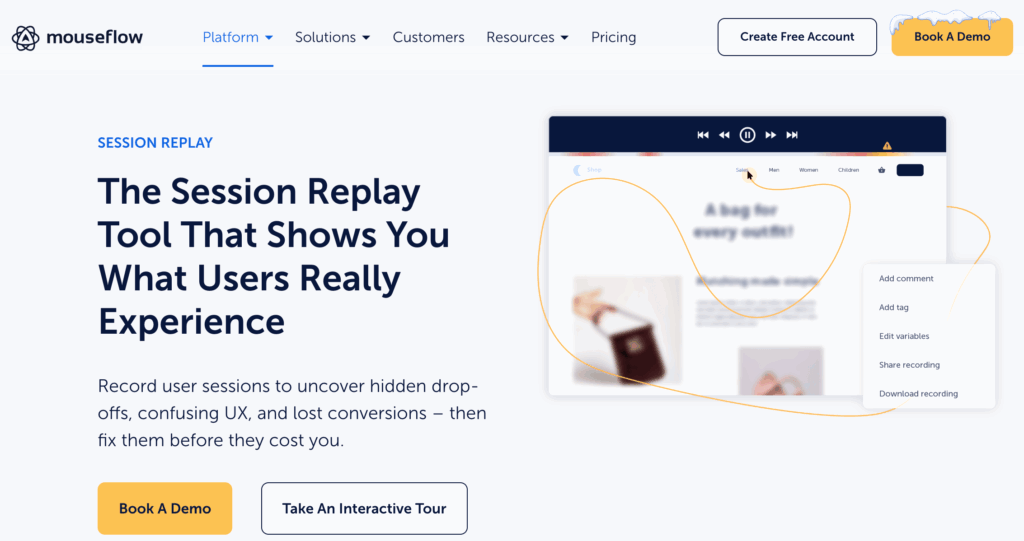
Smartlook is a behavior analytics platform that records user sessions and events on both websites and mobile apps.
What I like:
- Constant session recordings to capture all user interactions on web and mobile. Smartlook records every session by default. This means you don’t have to rely on sampling and can dive right in to the exact moments your users click, scroll, and struggle. No need to guess where to start or hope your sample actually represents your data accurately.
- Event tracking with easy filtering. As with Crazy Egg, you can track events like button clicks, actions taken within forms, and navigational choices. Then, you can use these events to filter your recordings and focus on the sessions that matter the most to you or your team.
- Retroactive funnel building and journey analytics. Like Mouseflow and Crazy Egg, Smartlook lets you build funnels from events you’ve already tracked. You can combine moments in each funnel with specific session recordings to see where and why your users drop off.
- Heatmaps to give a snapshot of aggregate behavior. While it doesn’t offer as many heatmaps as competitors like Crazy Egg or Mouseflow, Smartlook offers Click, Scroll, and Movement maps. These tools show you a snapshot of aggregated behavior in a visual, easy-to-absorb format.
- Supports both web and mobile apps. If you need a Mouseflow alternative that supports both websites and mobile apps, Smartlook has you covered. All of its behavior analytics features work on both websites and native mobile apps.
What could use improving:
- Pricing can rise quickly as session volume grows. While it does offer a free plan, the price for Smartlook’s Pro tier (around $55 a month) can rise quickly as you get more web visitors, track more events, build more funnels, or analyze retention. For teams coming from Mouseflow—which starts at around $25 a month for paid plans—that pricing jump can feel a little too big for what Smartlook offers.
Who it’s for:
- Teams that want a Mouseflow alternative that works on both native apps and websites. Smartlook is great for product, UX, and growth teams who want tools to collect qualitative and quantitative data for multiple platforms in one place.
3. Microsoft Clarity
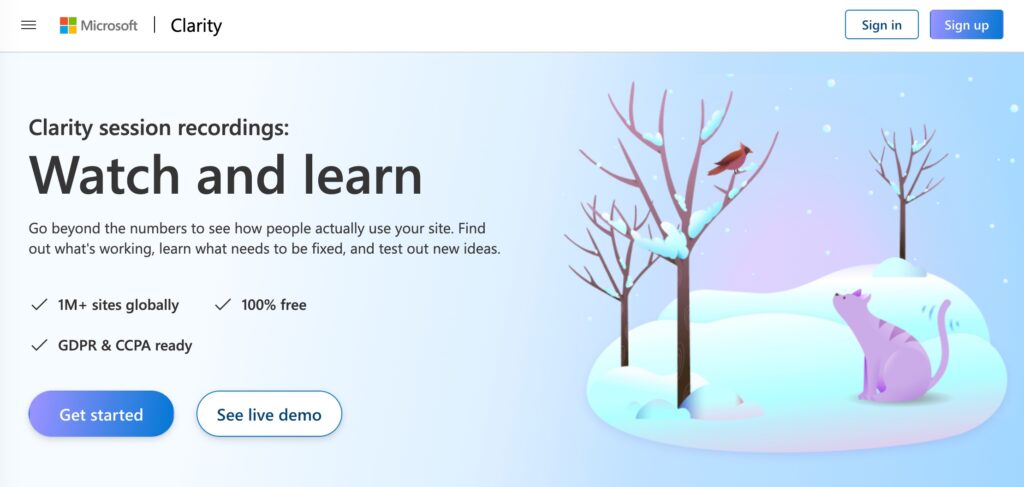
Microsoft Clarity is a free website behavior analytics tool that offers session recordings and heatmaps.
What I like:
- Session recordings are always on. Like Crazy Egg and Smartlook, Microsoft Clarity captures session replay continuously—no sampling. This lets you watch how users click, scroll, and navigate your site, from start to finish, with no “part” representing a “whole” in a potentially misleading way.
- Instant heatmaps that show where web visitors spend the most time. Clarity automatically generates click and scroll heatmaps across all your tracked pages. This means you can easily see which parts of a page are compelling and which go ignored. You can even click directly from heatmaps into the related recordings, which is impressive for a free tool.
- Free, unrestricted access to core behavior data. Unlike just about every other behavioral analytics tool out there, Microsoft Clarity is completely free. It has no usage tiers or feature gating. You get unlimited recordings and heatmaps. If you’re like me, you want to know why Microsoft is doing this. It’s not out of a sense of pure generosity, exactly: Microsoft wants your usage data, and if you sign up for Clarity, you agree to share.
- Session recordings can be tied to specific events and filters. As with other Mouseflow alternatives, you can filter your session list views down by criteria like length, number of rage clicks, and other behaviors, which can help you hone in on the most important recordings.
What could use improving:
- Tools aren’t as advanced as they are with paid alternatives. While Clarity is epic as a free tool for web analytics, its filtering, segmentation, and funnel capabilities aren’t as advanced as some of its paid competitors.
- Random session recordings. Clarity picks sessions at random to show you for replay (even though it tracks every session). This is something our other, paid Mouseflow alternatives don’t do. Gaps in recording availability mean you will probably miss key user behaviors, simply by way of not having continuous session recording enabled.
Who it’s for
- Teams or individuals who want a free behavior analytics website with no limits on the tools it does offer. Clarity is perfect for small business owners, bloggers, marketers, and smaller product teams that want session recordings and heatmaps with minimal setup to do and no fees to pay.
4. PostHog
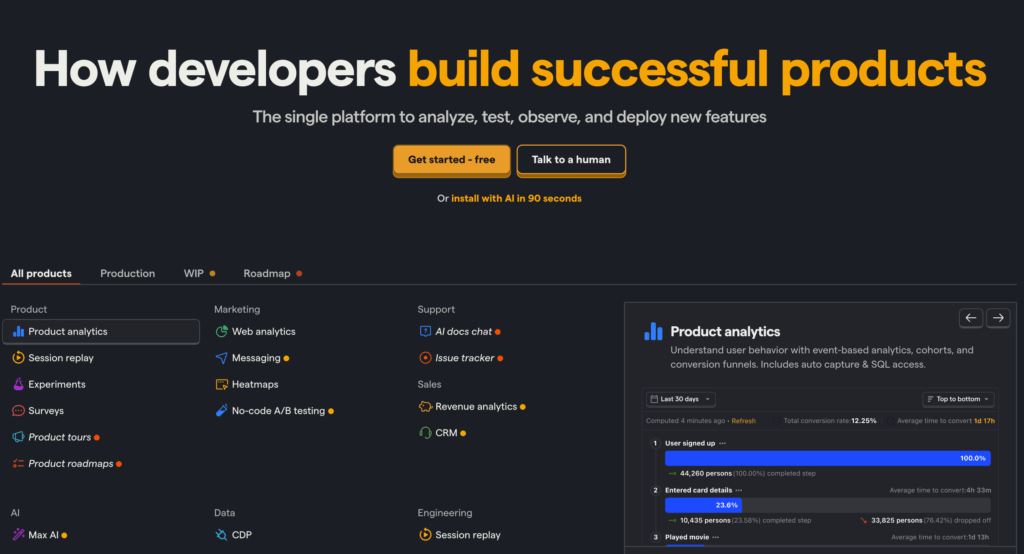
PostHog is a developer-friendly product analytics platform that helps teams track user behavior across multiple platforms—with total control over their data.
What I like:
- Event tracking that developers truly control. PostHog doesn’t assume it knows what events matter to your team based on user interface (UI) behavior. While it can auto-capture events, it also lets you turn that feature off and explicitly define the events you want to track using code. While this may be a major downside for those of us who don’t want to code, it’s a huge plus for those who know how to use coding to their advantage. Code-based events are cleaner, more predictable, and easier for your dev team to track.
- Funnels and user paths that match how the product actually works. Because events are the heart and soul of PostHog, you can create funnels and journeys based on real product actions, like specific usage of features or steps in a workflow, rather than just relying on pageviews.
- Session replay and heatmaps to support event tracking. PostHog includes recordings and basic click + scroll heatmaps. This lets you check behavior visually when you need to, but it’s by no means the main way to gather insights with this Mouseflow alternative—events are.
- Self-hosting and full ownership of data. You can run PostHog on your own infrastructure or choose where your data lives, although you don’t have to. This choice, though, is ideal for teams in industries where strict privacy is a must.
- Built to scale up easily with engineering-led products. Because tracking is tied to code-level events instead of page structure, you can add new features and workflows without having to re-do your existing analytics. This makes PostHog easier for devs to maintain as your product gets more complex, as products often do.
What could use improving:
- Takes more work up front than most other tools do. PostHog isn’t centered on visual data, like Crazy Egg, Mouseflow, Smartlook, and Microsoft Clarity. If these tools are iPhones, then PostHog is a 3D printer. It’s a lot more flexible in what it can do, but only once you know what you want to build and how to build it. You’ll get the most value only after your team decides which events to track and how to name them. Which, of course, takes a lot more planning than tools you can use straight out of the box.
- Not ideal if you’re looking for quick UX feedback. If your main goal is to take a quick look at a heatmap and immediately gain understanding about user behavior from it, PostHog may not be for you. It’s not so visual-forward, and it certainly isn’t quick to set up and use.
Who it’s for:
- Product and engineering teams that want analytics that fit right into their code-base toolbox. PostHog is an excellent fit for teams that want explicit event tracking and full control over their data instead of relying on visual tools to analyze behavior.
What’s the Best Mouseflow Alternative?
Crazy Egg is the best Mouseflow alternative if you want affordable, reliable visual insights from your website. Smartlook is a solid choice if you need to collect app and website data.
For a completely free tool with just the basics and nothing more, go with Microsoft Clarity.
Need a less visual, more engineer-friendly tool? PostHog—or one of these PostHog alternatives—is the tool for you.
For a closer breakdown of some of these tools, see how Mouseflow and Crazy Egg compare.