Heap and Mixpanel are both user analytics tools for websites and apps, but their approaches are a little bit different. Heap is best for discovering which user actions matter, while Mixpanel is ideal for gaining deeper insights when you know your audience really well.
Here’s what you need to know as you decide which tool to use.
Heap vs. Mixpanel: A Quick Snapshot
Need to set aside time to read this whole piece? Here’s a TL;DR summary for the meantime.
| Feature | Heap | Mixpanel |
|---|---|---|
| Web & Mobile App Tracking | ✅ Automatically captures all data on web and mobile after installing a script or SDK ⚠️ Captures more interactions than you might actually need | ✅ Supports web and mobile via SDKs ⚠️ Requires you to define and configure which events to track |
| Funnels & Conversion Tracking | ✅ Funnels can be built retroactively from existing data ✅ Easy to modify funnel steps after the fact | ⚠️ Funnels require you to define events beforehand ✅ Very precise and business-specific once everything’s configured |
| User Segmentation | ✅ Flexible, exploration-based segmentation using captured behavior ⚠️ Less structured for teams that want strict schemas | ✅ Event- and cohort-based segmentation ⚠️ Requires upfront planning and pre-defining events |
| Heatmaps | ✅ Click, scroll depth, and attention maps for web pages ⚠️ Limited to three map types | ⚠️ Newer heatmap feature with two types (click + interaction density) ⚠️ Less mature than dedicated UX tools |
| AI Summaries & Analysis Tools | ✅ AI CoPilot generates charts, summaries, and suggested next steps from data ⚠️ No AI summaries for individual session replays | ✅ AI assistant generates funnels, flows, and insights via plain-language queries ✅ AI summaries available for session replay recordings |
Feature Breakdown: Heap vs. Mixpanel
1. Web and Mobile App Tracking
Heap
With Heap, your team can track user behavior on both your website and your mobile app. As with many similar tools, including most Heap alternatives, setup is super simple:
- Websites: Add Heap’s JavaScript snippet to your website’s header with the clear, easy-to-read instructions that anyone, even non-coding folks, can understand.
- Mobile apps: Heap guides you through setting up mobile tracking on either iOS or Android via a software development kit (SDK).
Once you’re all set up, you can gather the following web and app data from Heap:
- Page and screen views across your websites and mobile apps
- Clicks, taps, and form submissions
- Paths users take as they navigate your site
- User attributes (what device they used, location they interacted from, and so forth)
- Retention and usage patterns over time
This gives you a clear picture of what’s going on, from the user point-of-view, on both your SaaS products (if you have them) and website—whether that’s your ecommerce platform or your informational site.
Mixpanel
Like Heap, Mixpanel supports web and mobile tracking.
Setup is a little more complicated than it is with Heap, though, especially for tracking website behavior. You have to decide exactly which user actions you want to track and then define those events using Mixpanel’s JavaScript SDK.
Otherwise, you’ll only see raw page views without any of the deeper behavioral insights Mixpanel is designed to provide.
Setting up the JavaScript SDK for your website takes a bit of upfront work. It’s not a simple copy-paste like it is for Heap. The tradeoff is that you get to track only the data that matters to you—no extra stuff to wade through when it’s time to look at your different dashboards and interpret the data.
Mobile tracking setup follows a similar pattern—you must integrate the SDK and explicitly outline which events to track.
So basically, Heap offers easy setup and autocapture but more extra stuff you might not want to track. Mixpanel gives you more control over what data you gather, but setup is also more technical.
2. Funnels and Conversion Tracking
Heap
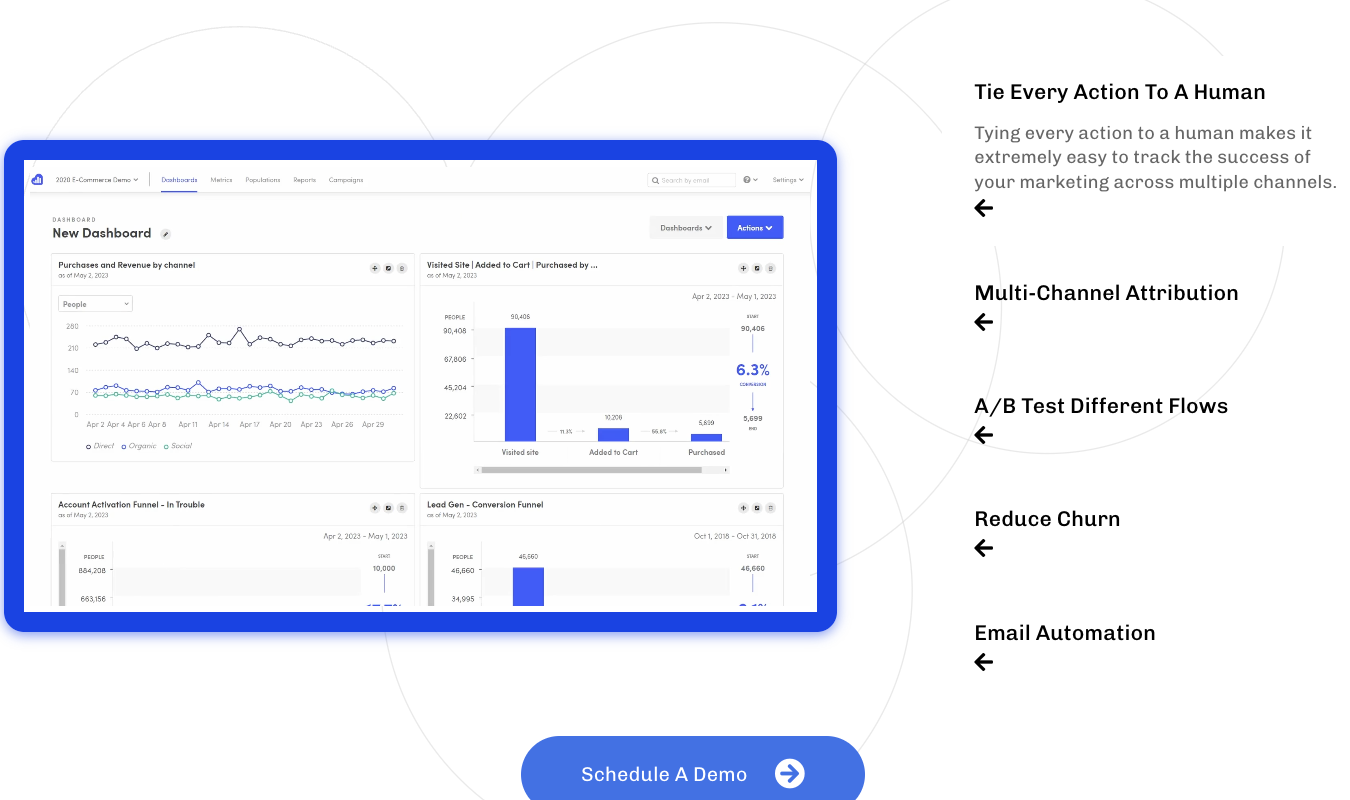
Heap’s funnels are built from the behavior it automatically captures once that tracking script is active on your site (or SDK on mobile). You can take user behavior data that your platform has already collected and use it to build funnels based on retroactive data.
This is a nice way to see what journeys and flows users are taking as they navigate your site or app.
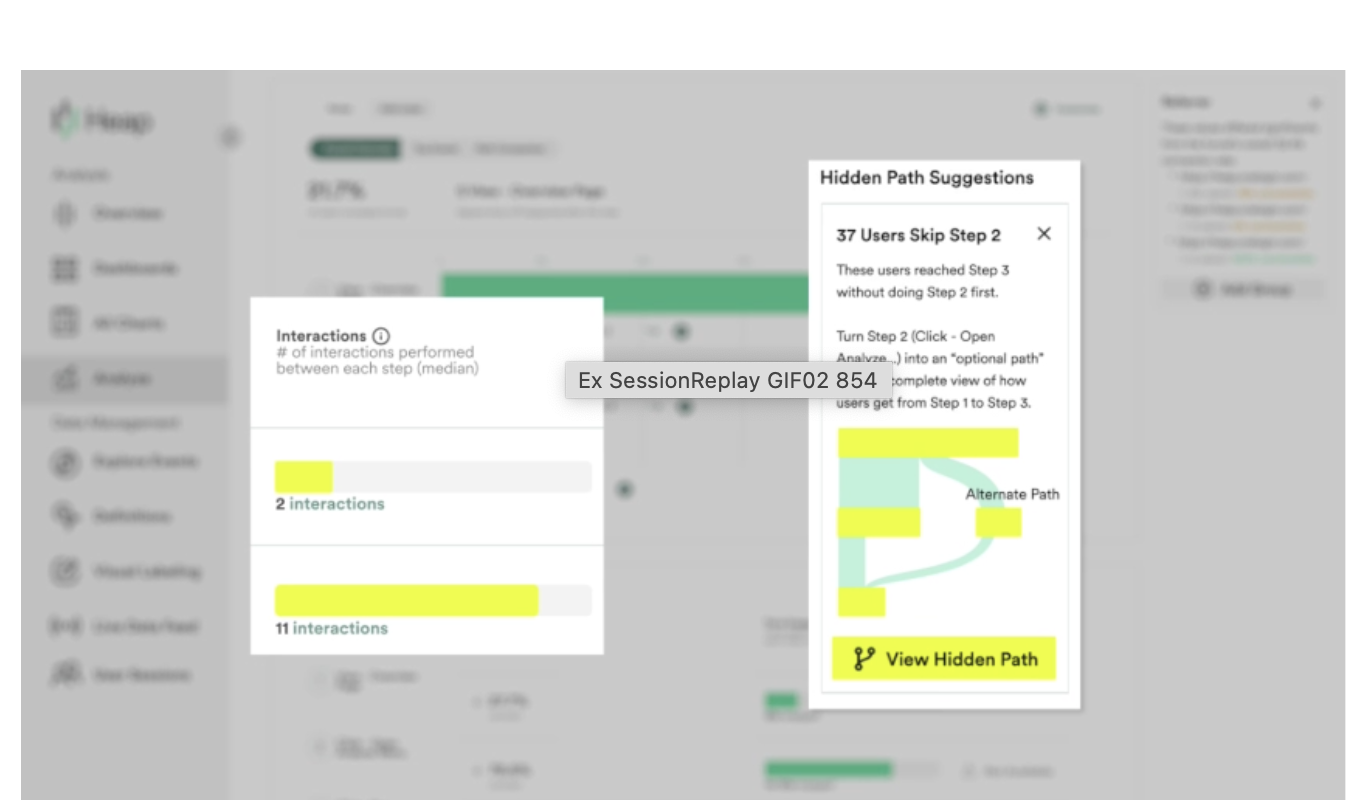
To create the Heap funnels, you’ll just need to define what steps you want to include in the funnel chart (page views? Clicks? Other interactions?).
If you realize later on that one step matters more than you originally thought, you can add it into a funnel. I admire Heap’s flexibility here, and I also admire how easy it is to create funnels on Heap.
The feature is ideal for teams that are trying to figure out which user events matter (aka lead to conversions and/or drop-offs) on their platforms.
Mixpanel
It’s harder to build funnels on Mixpanel, but with the usual tradeoff that comes with complexity: greater control over your funnel charts.
To build a funnel, you must first identify the events you want Mixpanel to track for that funnel—newsletter signups, CTA button clicks, or navigation to your pricing page, for example.
This means there’s more work to do before you can start building funnels, and you also need to have a general idea of the paths your customers generally take to navigate your site.
By contrast, Heap lets you discover that retroactively as part of your funnel-building efforts.
Mixpanel, on the other hand, is all about giving you power before the tracking begins so that your funnels are clean, precise, and directly relevant to your business.
3. User Segmentation
Heap
Segmentation in Heap is based on the platform’s automatic data capture system. As in its funnels feature, a lot is accomplished retroactively.
Heap records all interactions by default, and you can use that data to define and categorize user segments. Group users by:
- Behaviors they have in common, like users that signed up for a free trial of your product, or users that completed onboarding.
- User and event properties—device type, location, acquisition source, and custom properties that you define.
- Time-based conditions, like users who performed a specific action in a certain timeframe (within days, or weeks, or even months).
- Multi-step behavior paths, like users who viewed a pricing page and then started a trial. Or users who checked the pricing page and then left your website altogether.
Heap’s customer segmentation is ideal for exploring what your users do and where they engage or leave your product altogether. It’s less ideal if you already know exactly which actions you want to track and need strict, structured reporting.
Basically, Heap expects you to look at data you already have and use its segmenting features to make connections about which users are doing what. It holds your hand and guides you through the process, which is ideal if you’re newer to user analytics or your organization is just a fledgling.
When it comes to your users, you don’t know what you don’t know—and Heap helps you gain that knowledge.
Mixpanel
Mixpanel does not want to hold your hand.
As you can see in this Mixpanel review, this is true for all of its tools, including the user segmentation capabilities. Mixpanel expects you to plan ahead and decide which actions matter, and then track and group users based on those predefined events.
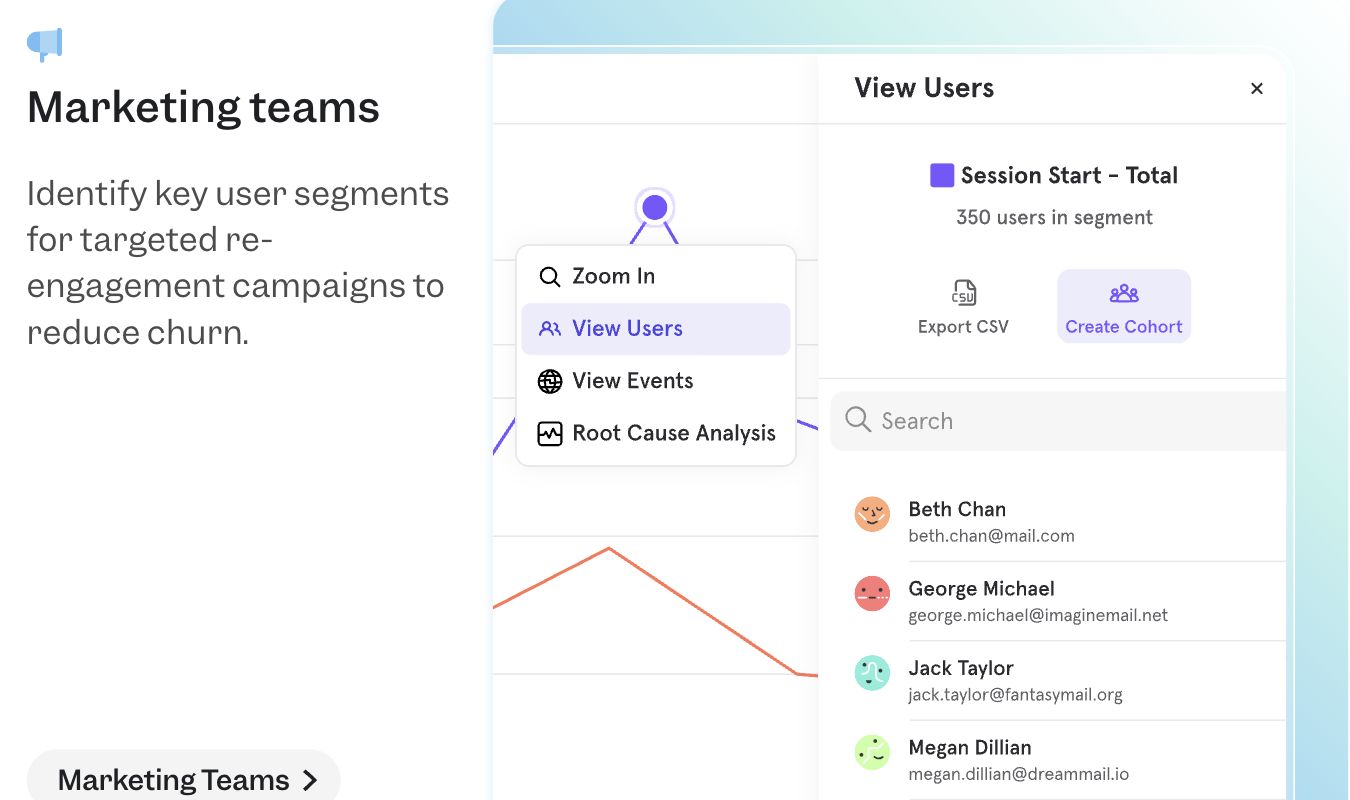
The behavior analytics tool frames segmentations in a few key ways:
- Events. You must clearly define events—like “Completed Onboarding” or “Used Feature A”—and users will then be segmented as they perform these key events.
- Cohorts. Mixpanel lets you save segments as cohorts and analyze how these groups behave over time—including their retention and conversion trends.
- Properties. You can segment users by event properties, user properties, time ranges, frequency, and specific action sequences.
Because segmentation depends on well-defined events and properties, the results are usually tidier than what you get with Mixpanel.
4. Heatmaps
Heap
Heap offers native web heatmaps to show you where users click, scroll, and interact on your website.
But that’s it—Heap only offers these three heatmap types. Mixpanel only offers two, so I guess Heap has an edge here. Also, heatmaps are a fairly recent Mixpanel feature, so there’s that.
To put this in perspective, other behavior analytics tools like Crazy Egg offer five types of heatmaps.
Okay, back to Heap. The three heatmaps measure:
- Clickmaps: Shows where users do the most and least clicking on a webpage
- Scroll depth: Reveals how far down a page your users are scrolling, so you can position information more appealingly
- Attention maps: See where users focus their attention, based on their cursor movements (including hovering)
While this isn’t super comprehensive, the heatmaps are visually pleasing and easy to interpret, which isn’t always the case.
Mixpanel
Mixpanel is newer to the heatmapping game, and it currently only offers two types of heatmaps:
- Click maps that show where your users click on your individual site elements, so you can get deeper insights into which elements get used the most (and least)
- Traditional heatmaps that overlay the general areas of interaction on the page, with general interaction density based on X and Y coordinates across the whole layout of the screen
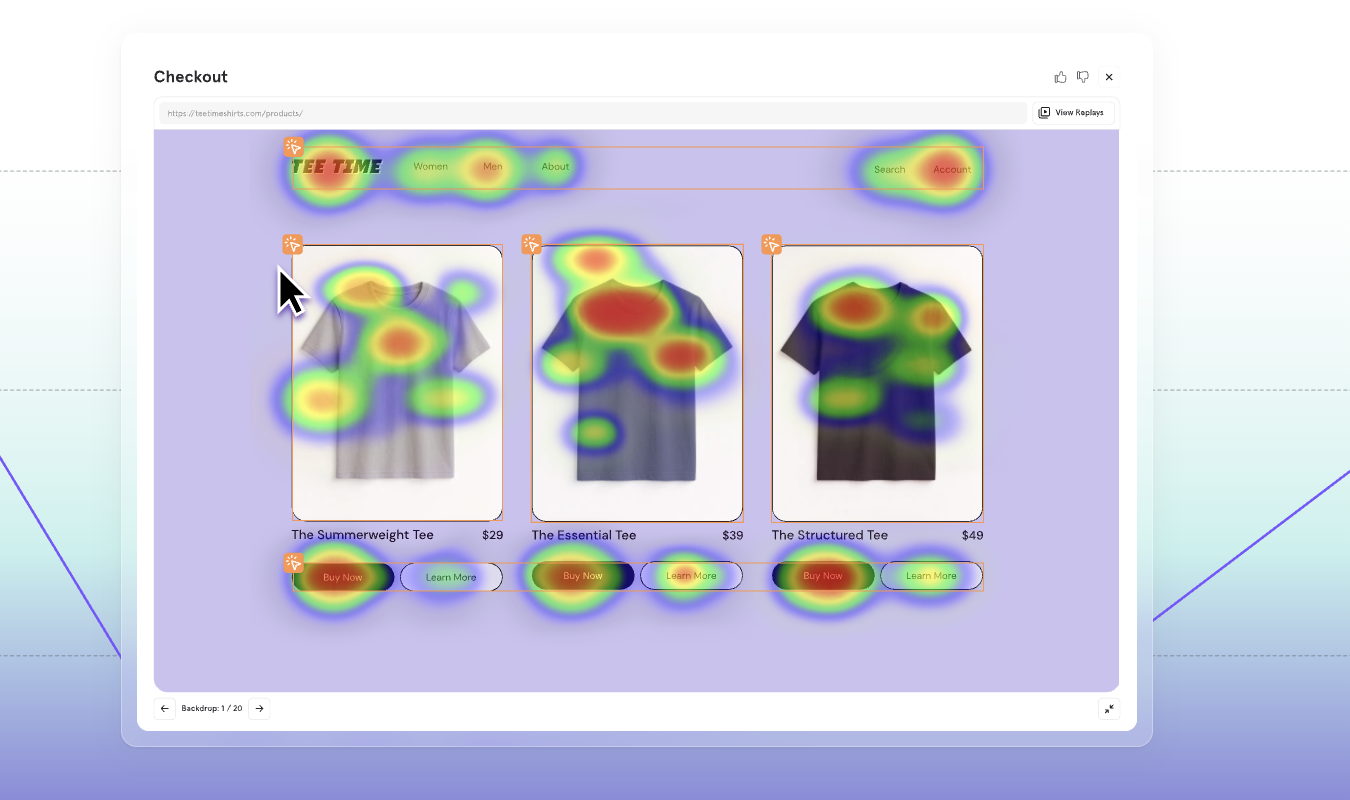
This is very basic, but at least it’s a start.
If you need something more robust, our list of the top heatmapping tools gives you 7 ideal alternatives.
5. AI Summaries and Analysis Tools
Heap
AI summaries and analysis tools are starting to become an expected part of user analytics tools. And honestly, they’re fairly helpful elsewhere, too.
The other day, AI summarized a long email chain I received with the basic, main points of a logistics-focused conversation. I double-checked the details, but the overview gave me a quick look into the main points.
The same can happen with your user analytics tools. AI can help summarize things like A/B test results, surveys, heatmapping data, session replay, and funnels. The best AI tools also offer tips for the next steps you can take now that you’ve collected this information.
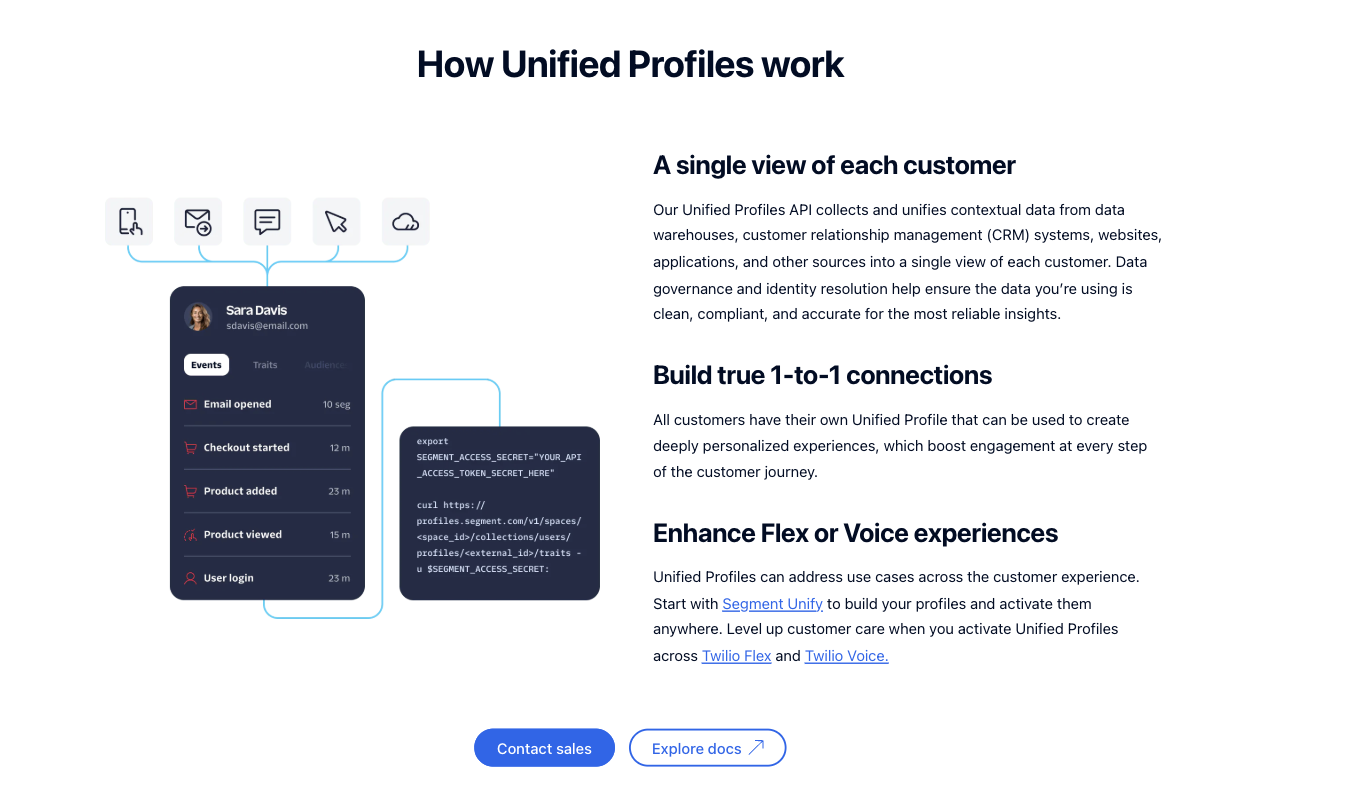
Heap’s AI CoPilot is pretty impressive. You can ask it questions about your data, like “Which elements of my page aren’t getting enough attention?” and Heap will generate charts and summaries that tidily package the information in those charts.
You can also ask Heap CoPilot follow-up questions and ask it to point your next steps in the right direction.
Mixpanel
Like Heap, Mixpanel offers a robust AI tool to help answer questions and generate summaries from your data. You can ask it questions in plain language and get funnels, user flows, and insights without having to build manual reports.
Plus, Mixpanel goes a step further than Heap and offers summaries on individual session replay recordings. Heap—notably—does not offer this (yet).
Not in the same way Mixpanel does, anyway. It focuses instead on guiding you through relevant sessions through offering context for events, filters, and analytics.
This is highly helpful if you want to save time and avoid watching hundreds of recordings and taking notes on all the user insights offered within.
Pricing Breakdown: Which Has the Best Value?
Okay, so we’ve got the play-by-play feature breakdown out of the way. Now let’s look at pricing—a big factor when you’re picking a new software tool.
How do Heap and Mixpanel compare?
| Heap | Mixpanel |
|---|---|
| Free plan available with core product analytics, including event tracking, funnels, and basic reporting (no credit card required to sign up). | Free plan available with core analytics features and a capped monthly event allowance. |
| Paid plans start around $39/month, with pricing based on usage and feature tier. | Paid plans scale by event volume, starting at roughly $0.28 per 1,000 events, so $140 a month if you have 1.5 million events, for example. This increases as your tracked events grow. |
| Pricing scales by data usage, which can increase quickly for high-traffic products or teams tracking many interactions. | Pricing scales by events tracked, making costs predictable if your rules and structure for events is well controlled. |
| Best for teams that want automatic capture and retroactive analysis, even if that means paying to collect that extra data. | Best for teams that want precise, intentional tracking, with costs tied only to what they choose to measure—nothing more, nothing less. |
Heap can get more expensive as you scale because it automatically captures everything. But you can consider this a payment for the speed, flexibility, and easy setup Heap offers too.
Mixpanel is cheaper in the long-term because you only pay for events you intentionally track. This can be worth it as long as you’re willing to keep those event rules precise at all times so you don’t gather unnecessary data.
Final Verdict: Is Heap or Mixpanel Right for You?
Both tools offer a lot, but they solve problems in slightly different ways.
Heap is ideal if you want fast answers with only a droplet of setup, plus plenty of room to play with data retroactively. It’s better if you don’t know which actions matter, and you need a tool that’ll help you find out.
Mixpanel is best if you already know which actions matter and have clear goals for what you want your products to accomplish.
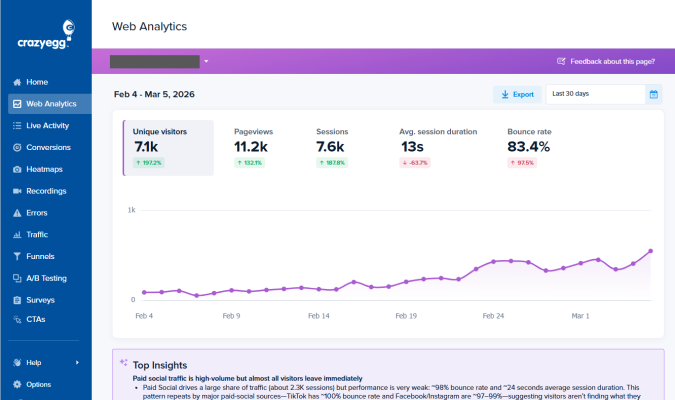
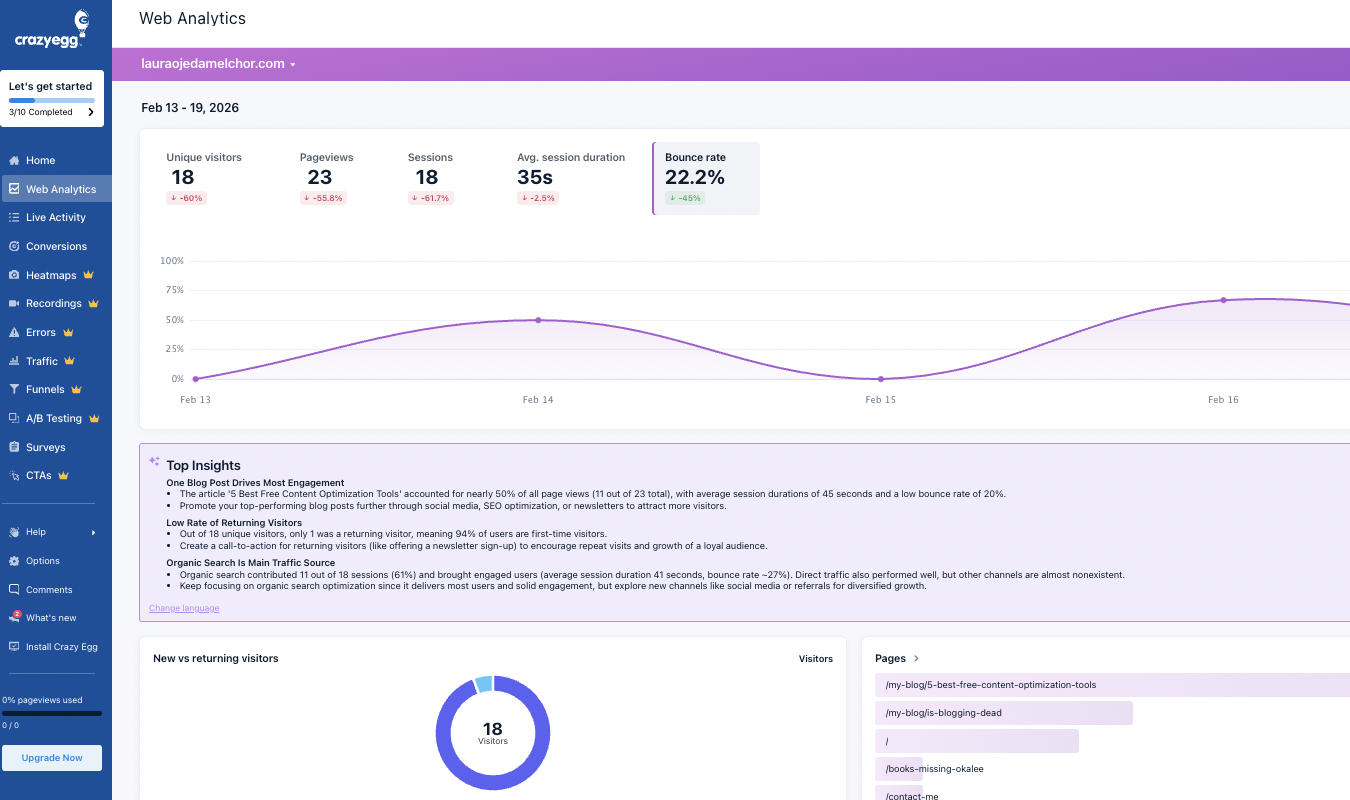
That said, if you want the best of both worlds, there’s a third option worth calling out: Crazy Egg. Crazy Egg offers web analytics, session replay, heatmaps, surveys, A/B testing, simple segmentation, and AI summaries with easy setup and clear pricing.
For solo business owners, marketers, and SMBs, Crazy Egg delivers more usable insights with less effort than either Heap or Mixpanel do. Learn more about what Crazy Egg’s web analytics can do for your team.