Today we’re launching a new integration with Google Analytics 4 (GA4). 100% free for all Crazy Egg users, no matter what plan you’re on.
You probably have years of traffic reports in Google Analytics. But GA4’s interface is clunky, hard-to-read, and takes hours of setup to be usable. You’ve probably avoided having to look at it since Google forced us to leave Universal Analytics (UA).
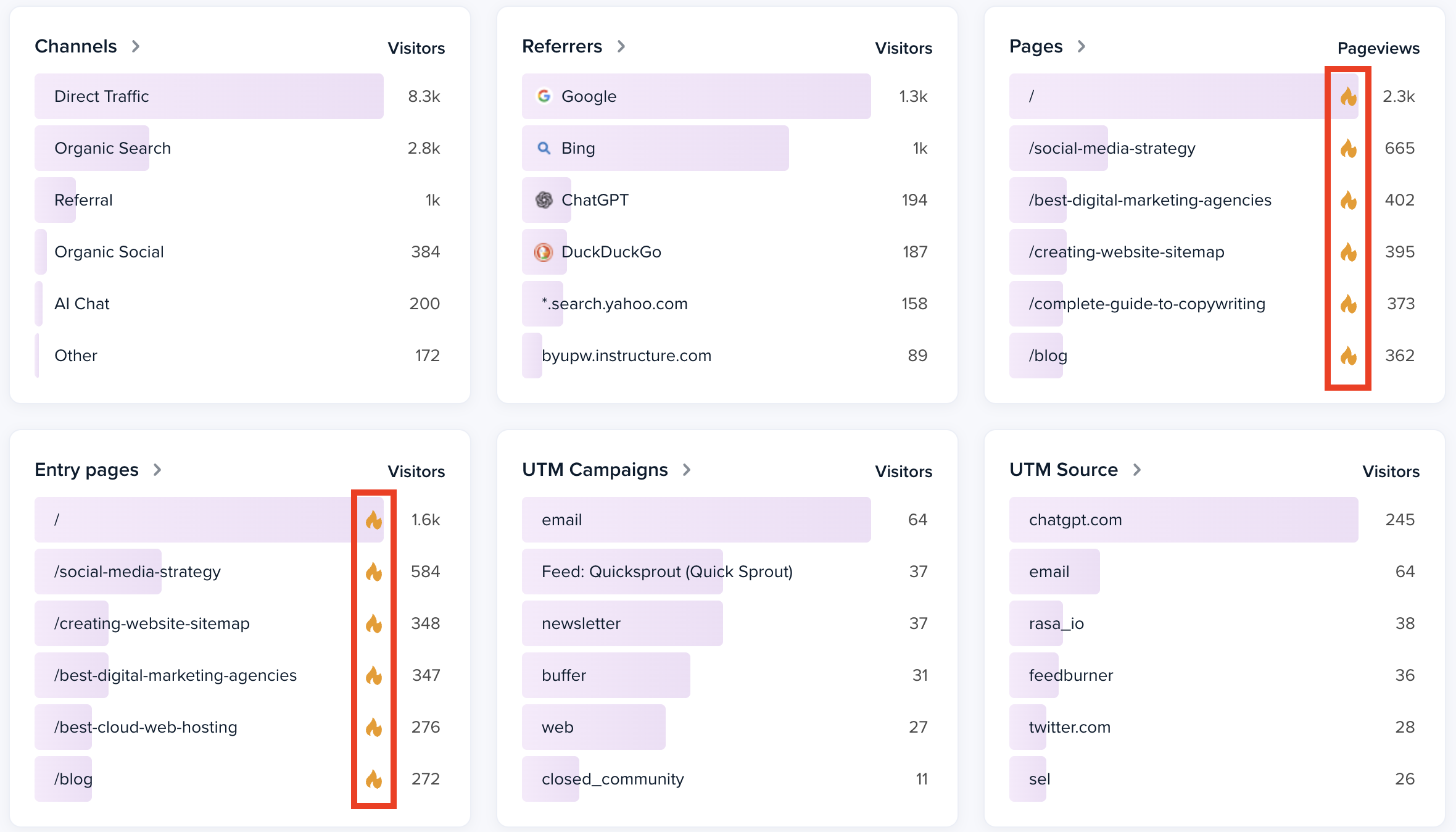
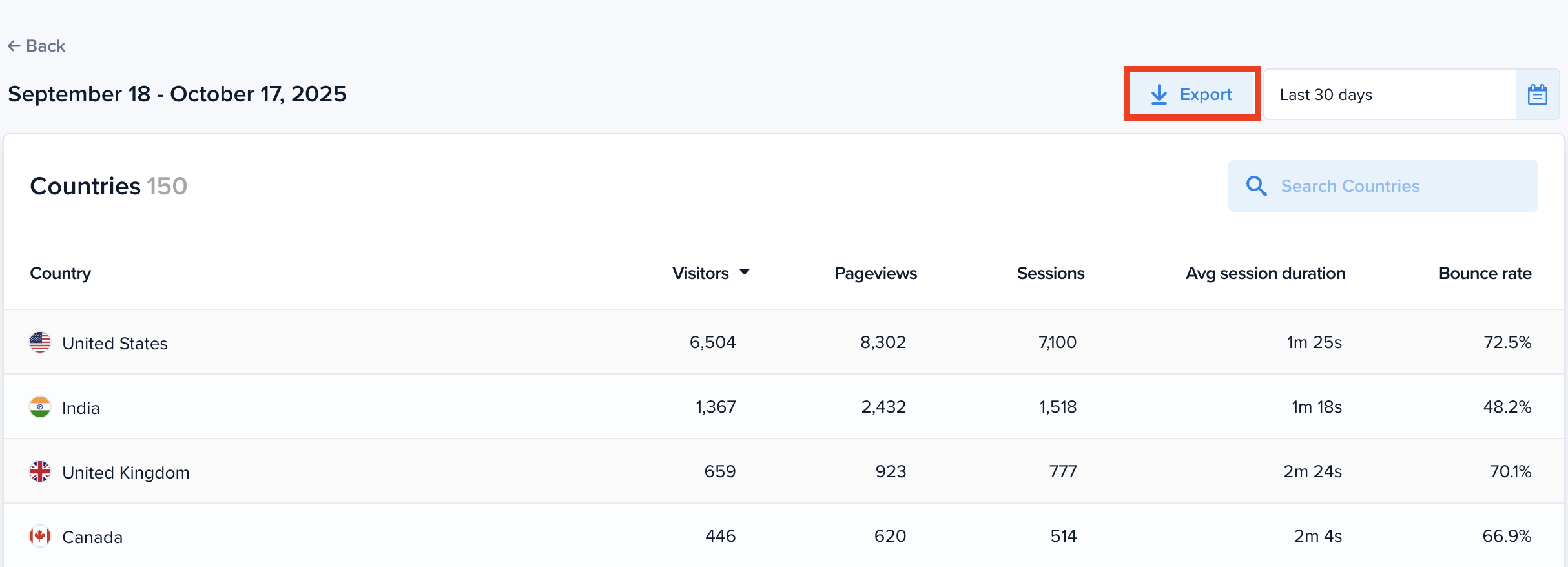
Our new integration means you can keep using your existing GA4 data for traffic reporting — but with Crazy Egg’s clean, simplified Web Analytics dashboard.
No new tracking scripts to install. No spending hours on report configuration.
No credit card required. Seriously.
Sign up free at crazyegg.com/connect-google-analytics today.
To connect your Google Analytics account to Crazy Egg:
- Go to the Web Analytics dashboard.
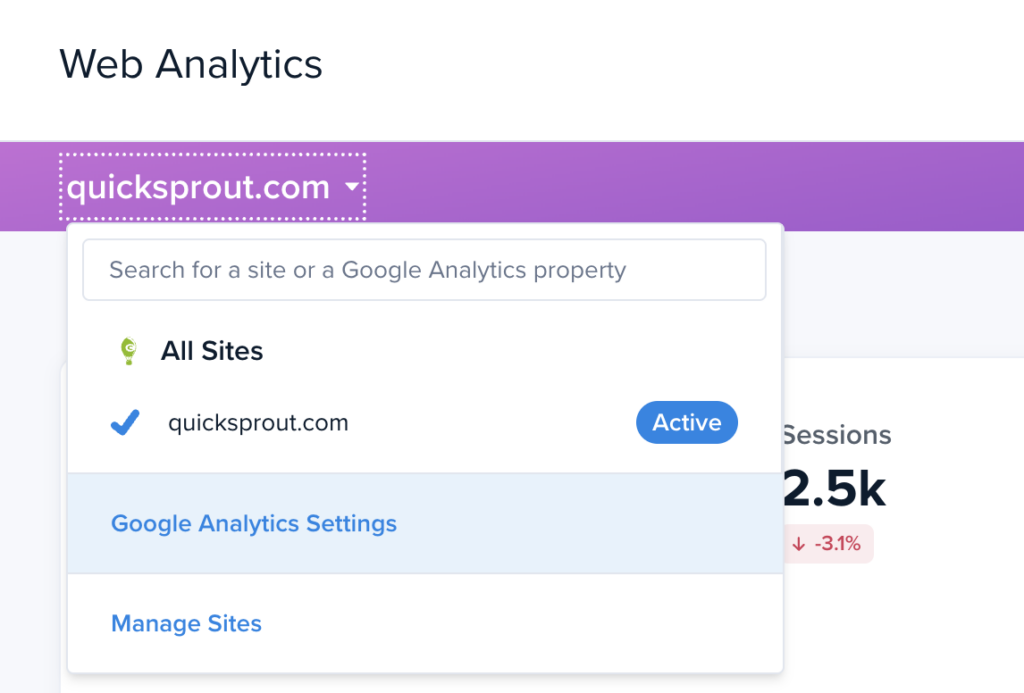
- Open the Sites dropdown (top of the dashboard) and select Google Analytics Settings.
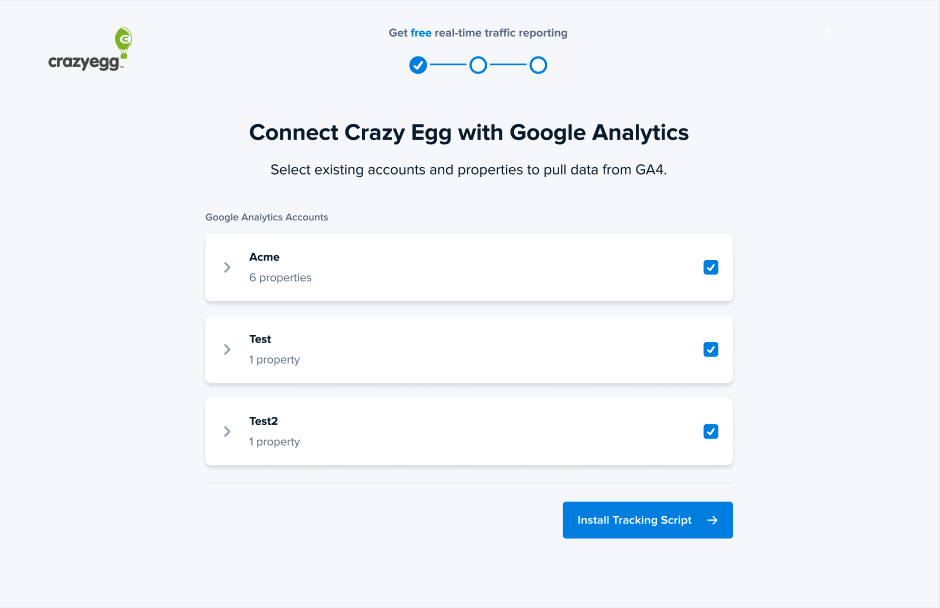
- In the Google Analytics section, click Connect and complete the Google login flow.