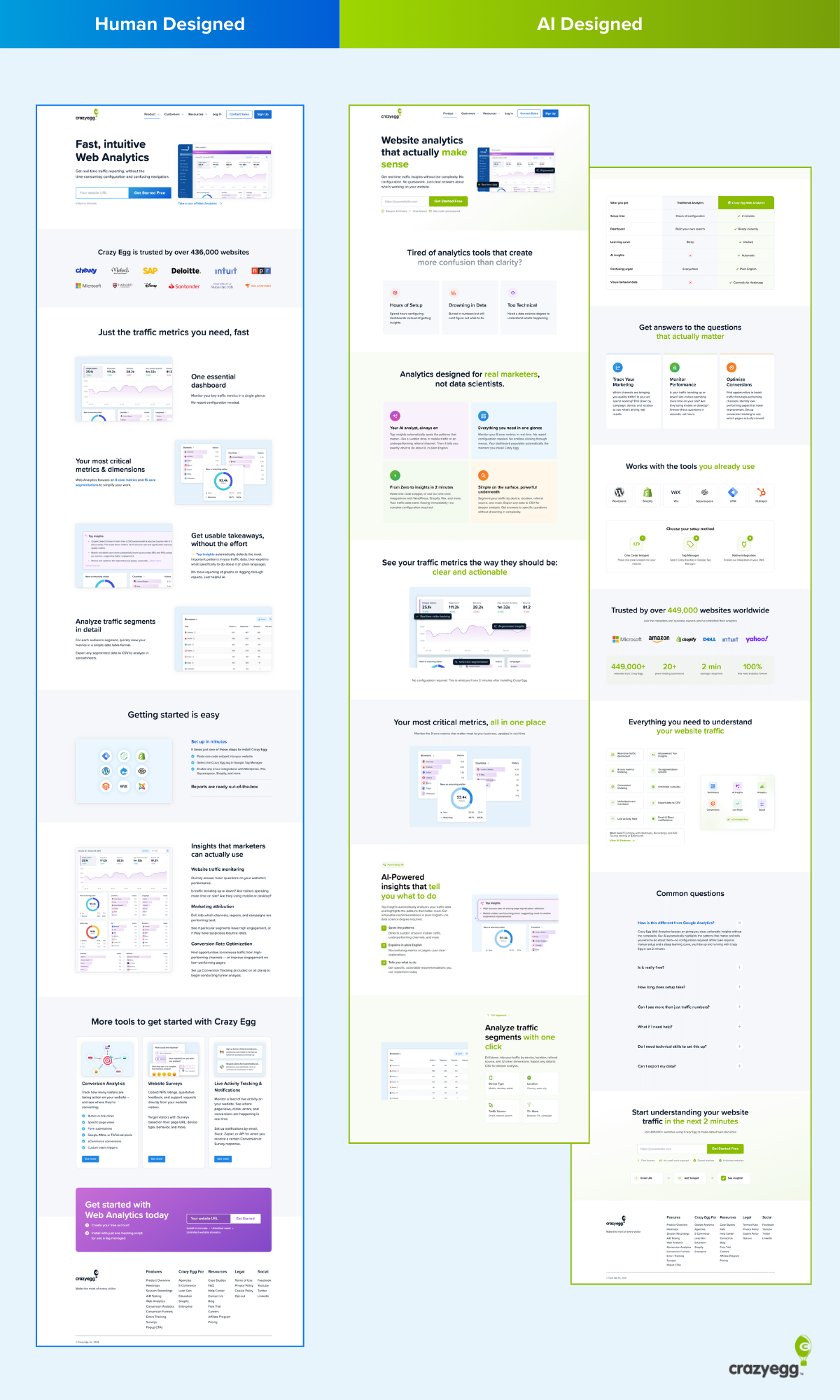
If you need an alternative to AB Tasty, we’ve got you covered with four excellent choices: Crazy Egg, Optimizely, VWO, and Convert.
My Personal Top 3 Alternatives to AB Tasty
Low on time? Check out this quick overview of my top three choices.
| Best for SMBs | Best for larger teams | Best for teams that want testing + behavior analytics |
|---|---|---|
 |  |  |
| Crazy Egg Pricing: $29+/month, free tier available What I like: A behavior analytics platform with heatmaps, session recordings, A/B testing, surveys, segmentation, and AI summaries. See emotional cues—like hesitation, confusion, and frustration—directly on the page. | Optimizely Pricing: Enterprise; request pricing What I like: A large-scale experimentation platform with A/B tests, multivariate tests, feature flags, and controlled rollouts. Also supports behavior-based audience targeting and uses a statistics engine to ensure reliable experiment results. | VWO Pricing: $69+/month, free trial available What I like: A combined testing and insights toolkit that includes A/B tests, heatmaps, scroll maps, session recordings, form analytics, and surveys. Identify friction and emotional patterns on both websites and apps. |
How I Chose These AB Tasty Alternatives
AB Tasty is an experimentation platform that offers A/B testing, multivariate testing, behavioral targeting, and user insights.
One of its core strengths is its Emotions AI feature, which segments users based on their emotional needs.
While other tools may not have an exact comparison to this feature, a worthy AB Tasty alternative should help teams understand behavioral cues that reflect hesitation, interest, and frustration.
Here’s what any good AB Tasty alternative should offer:
- Capture of emotional signals. Even if a tool doesn’t brand itself as having an emotion-driven AI feature, it should capture signals like rage clicks, scroll hesitancy, rapid backtracking, dead zones, or long dwell times. Each of these signals correlates strongly with the emotional state of your user.
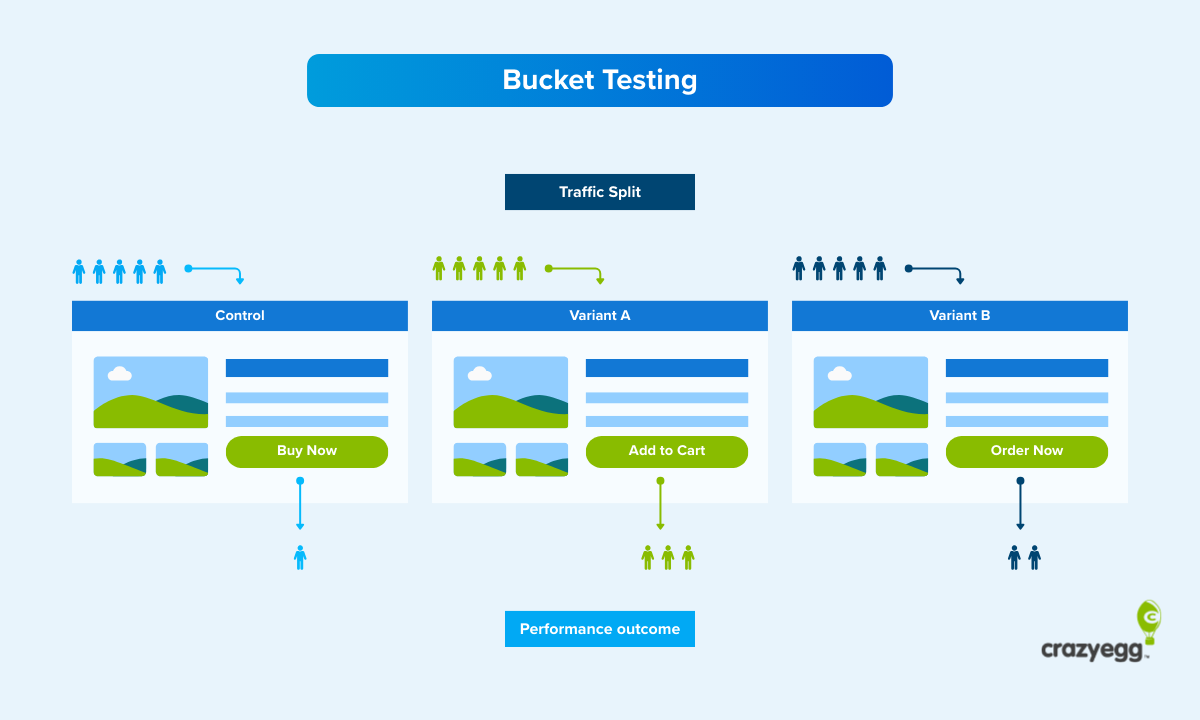
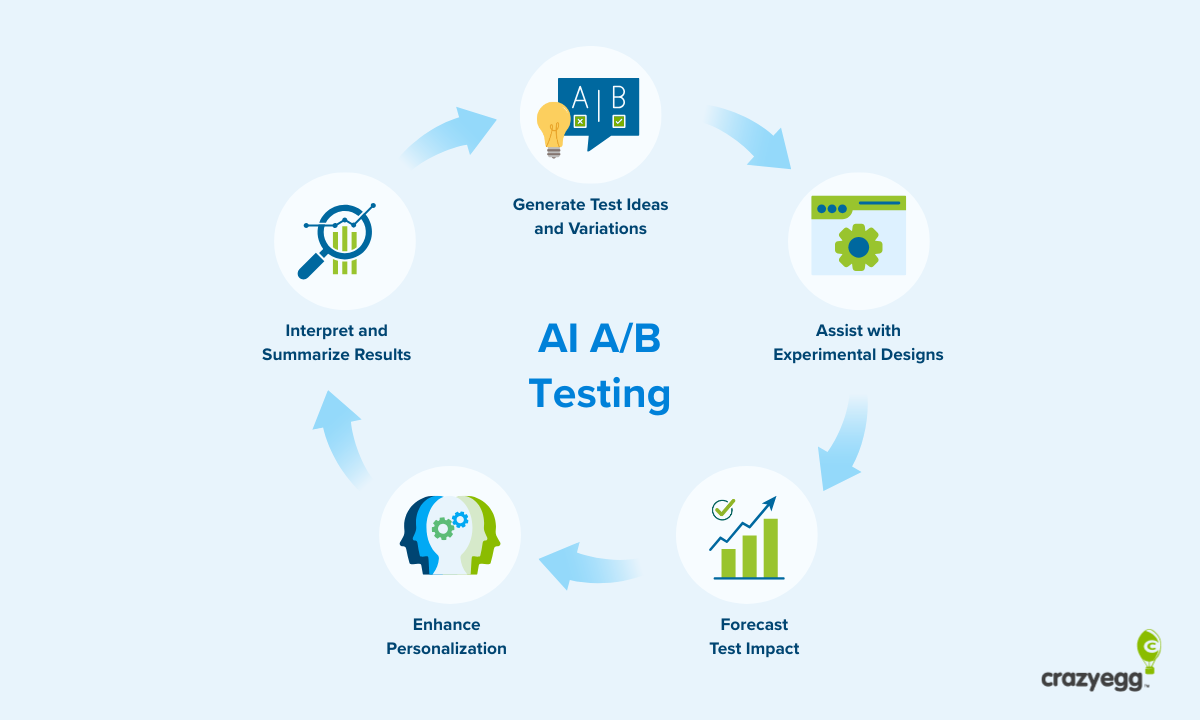
- Full experimentation capabilities. Any strong AB Tasty alternative needs to offer A/B tests at the very minimum. Ideally, it should provide multivariate testing, split URL tests, and the ability to test multiple UX elements like copy, colors, layouts, and CTA buttons.
- Behavior analytics. Running tests without understanding why users behave as they do can limit your results. I looked for website optimization tools like heatmaps, scroll maps, session recordings, and qualitative feedback options, like on-site or in-product surveys.
- Personalization and segmentation. You should be able to filter user sessions or target your experiments by multiple attributes, such as traffic source, location, device type, scroll depth, or custom criteria you set up.
- Easy setup. Good AB Tasty alternatives shouldn’t require extensive developer help, because AB Tasty is an easy tool to get up and running. Ideally, teams should be able to start collecting data and launching experiments within hours, not days.
- Integrations. Any effective AB Tasty competitor should integrate smoothly with your CMS, analytics tools, ecommerce platforms, and tag managers.
Each of the tools below meets most or all of these qualifications.
1. Crazy Egg
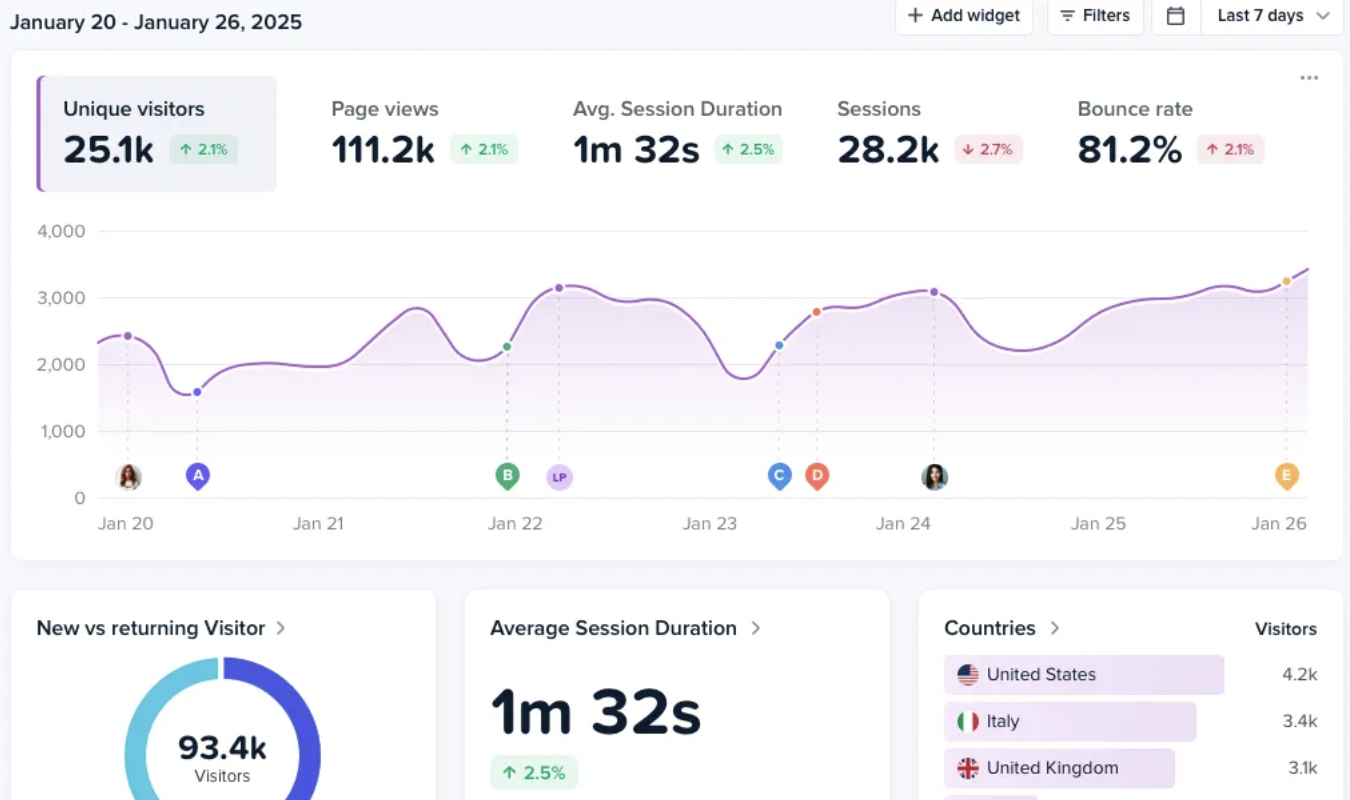
Crazy Egg is an analytics and testing platform that captures user interactions in a visual-forward way. With Crazy Egg, your team can figure out how your users are really feeling about your website.
What I like:
- Visual behavioral insights: Crazy Egg’s suite of heatmaps includes click, scroll, move, confetti, overlay, and list maps. These help you track emotional signals like hesitation, confusion, and friction in the users’ decision-making process. AB Tasty doesn’t prioritize heatmaps, relying on integrations to provide the feature. Crazy Egg’s heatmaps, on the other hand, are a core product feature. They allow you to see emotional and behavioral markers in an intuitive visual format.
- Session recordings. Replay real user sessions to understand the emotional context behind specific choices. See where users scroll quickly (a sign of focus and intent), take long pauses (a sign of deliberation), or rage click (a sign of frustration). Session replay is a core feature for Crazy Egg—meanwhile, AB Tasty does not offer native session replay capabilities.
- Built-in AB testing. Test your website copy, CTAs, images, layouts, or signup flows with ease. Track multiple conversion goals and filter segments (or results) by behavior patterns. You can even pair session recordings with experiments to see why users chose the variants they did. AB Tasty offers experimentation as well, and it’s stronger for enterprise-grade multivariate testing. Crazy Egg excels when you want quick split tests that you can combine with visual behavior analytics tools—aka, heatmaps and session recordings.
- AI summaries. Crazy Egg’s AI absorbs the information in your heatmaps, surveys, and recordings. Then, it highlights behavioral and emotional themes in your data and summarizes them for you. This saves your team tons of time when it comes to interpreting the results of dozens of different tests, replays, surveys, and heatmaps.
- Integrations. Crazy Egg integrates with Shopify, WordPress, GA4, Segment, BigCommerce, and many, many more.
What could use improving:
- No app capabilities. While AB Tasty is useful for both websites and apps, Crazy Egg currently focuses on websites. If you need experimentation, surveys, heatmaps, and other app-focused tools, VWO or Optimizely might be a better pick.
Who should use it:
- Marketers, UX designers, product teams, and SMBs that want fast, visual, insights into user behavior, plus unlimited A/B tests. (Yes, you get unlimited tests with every paid Crazy Egg plan.) These paid plans start at $29/month, and instant heatmaps, surveys, and web analytics are free forever.
2. Optimizely
Optimizely is an enterprise experimentation platform built for teams that need structured, large-scale testing. It doesn’t have a direct comparison to AB Tasty’s Emotions AI, but it allows teams to measure emotional and behavioral signals in other ways.
What I like:
- Extensive testing options. Optimizely supports A/B tests, multivariate tests, server-side experiments, and multi-armed bandit models. This range makes it possible to test things at both the granular level—like button copy—and the overarching level, like entire user flows.
- Feature flags and controlled rollouts. You can release new features gradually and monitor how real users respond. If a new feature you design and publish leads to higher error rates, drop-offs, or unusual behavior patterns, you can stop the rollout right away. This makes it easier to catch issues that stem from your users’ confusion or frustration, and it’s especially helpful for mobile apps.
- Behavior-based audience targeting. Optimizely’s audience targeting rules let you segment users based on specific, measurable actions. These include repeated clicks, fast backtracking, spending a long time on a form, or only completing part of a funnel. These kinds of patterns can signal specific emotional states, even if they aren’t labeled that way. That’s why I chose Optimizely as a strong AB Tasty alternative. Even without an equivalent to the Emotions AI tool, Optimizely still helps you segment users by emotions and behaviors.
- Reliable reporting and statistics. Optimizely uses a built-in statistics engine that filters out the normal, daily fluctuations you can expect in experimentation data. It waits for enough significant data to accumulate before it draws conclusions. This means the results you get in your dashboard are reliable and useful, every time.
- Strong ecosystem of integrations. Optimizely connects with all sorts of tools, from customer data platforms (CDPs) and analytics tools to ecommerce platforms and data warehouses. While it doesn’t offer heatmapping and session replay natively, it does offer integrations with tools that provide these functions.
What Could Use Improving:
- Cost. Optimizely is wildly expensive compared to tools like Crazy Egg or VWO. Although it doesn’t publish prices publicly, some reports put the annual costs at $35,000 for entry-level functions and upward of $100,000 for more complex uses. This reflects Optimizely’s role as an enterprise tool for teams that run experiments across multiple major digital products.
- Complexity. Optimizely isn’t a plug-and-play tool like Crazy Egg or VWO—or even AB Tasty. It requires you to set up a more formal experimentation workflow. You’ll also need to bring in developers for server-side tests. In other words, it’s not the fastest tool for small teams that want to run simple tests or get quick behavioral insights.
Who should use it:
- Teams at mid-size and large companies that run continuous experiments and want tight control over how features roll out. Optimizely is a good fit if you need to measure behavioral patterns at a large scale, and you want to understand how your design choices, product copy, and feature changes affect how people interact with your product.
3. VWO
VWO is a conversion optimization platform that combines A/B testing with behavior analytics tools like heatmaps, session recordings, and surveys.
What I like:
- Strong testing tools for web and app experiments. VWO supports A/B tests, multivariate tests, split URL tests, and funnel tests for apps and websites. These tools give your team a simple way to compare design or content changes and measure how those changes affect user actions. Like Crazy Egg, VWO is user-friendly—more so than AB Tasty, which is more of an enterprise tool.
- Built-in behavior analytics that help you spot rough areas. Like Crazy Egg, VWO includes heatmaps, scroll maps, and session recordings. These behavior analytics tools show where users get stuck, what they ignore, and how far down they engage with a page. You can use the results from these tools to understand your users’ emotions and motivations—and then segment them accordingly.
- Form analytics that show where people struggle. If you rely on forms to gather information about users, collect quote requests, or check out, VWO’s form analytics can be a huge boon. VWO tracks how users interact with individual form fields, which helps you see which ones cause users to hesitate—or abandon the form altogether. This helps you see the exact areas of frustration inside your forms. You can then change them and re-test them to see if you get better results.
- Surveys and on-page feedback tools. VWO lets you ask visitors direct questions and collect feedback in the context of their visit to your page. These survey responses can help explain why users do what they do.
- Useful for building and testing personalized experiences. VWO includes rules that let you target visitors based on behavior, location, device, or past actions. Your team can use these rules to deliver different experiences to users who show signs of hesitation or those who make repeat visits.
What could use improving:
- Pricing can quickly increase as you use more features. Costs for VWO rise rapidly as you add modules or experience an increase in traffic. Plus, teams often need to use several VWO components (like testing, insights, and personalization) to get the product’s full value.
- The interface can feel cluttered. Because VWO bundles lots of tools into one dashboard, you might find that it takes longer to navigate said dashboards. It can be confusing to configure each dashboard to show what you want it to show, and not a bunch of extra stuff that crowds out the dashboard.
Who should use it:
- Teams that want both split testing and behavior insights in a single platform, especially if you need heatmaps, recordings, surveys, and form analytics alongside A/B testing. VWO is ideal if you need these functionalities for both website and app analytics.
4. Convert
Convert is a privacy-focused A/B testing platform built for teams that want tight control over experiments. In other words, it avoids collecting unnecessary user data or relying on heavyweight tracking scripts.
What I like:
- Accurate, flexible experimentation. Convert supports A/B tests, multivariate tests, and split URL tests. It gives teams deep control over how the variations are delivered to users. For instance, you can choose which users see which version of a test, set when the variation loads on the page, define how goals are tracked, and control the allocation of experiment traffic.
- Lightweight and privacy-conscious. The tracking script Convert uses is small and fast, which helps maintain your site’s performance during experiments. Convert is also designed to meet GDPR, CCPA, and other privacy standards from the jump. This makes it a good choice for organizations with strict data-handling requirements, like the legal or medical fields.
- Custom events to help track behavioral signals. Convert doesn’t include built-in heatmaps or session recordings, but it does let teams track specific user behaviors by creating their own events through JavaScript triggers, event hooks, or goals. These events can capture actions like repeated clicks, abandoned steps, or long pauses on a page. While you won’t get this data in a visually appealing heatmap or helpful session recording, you do get the data regardless. (AB Tasty offers this, too, despite also not offering heatmaps or session replay.)
- Developer-friendly level of control. Convert’s API and configuration options give the more tech-savvy teams among us a straightforward way to embed experiments directly into complex websites or apps. If you’d rather define your own tracking logic than rely on pre-set templates, you’ll appreciate this.
- Integrations: Convert offers a clear list of 80+ integrations. These include analytics, session replay, CRM, CDP, and marketing tools.
What could use improving:
- No native behavior analytics. Since Convert doesn’t include session recordings, heatmaps, form analytics, or other qualitative UX metric tracking tools, you need a separate platform for those.
- More technical setup. Compared to tools like VWO or Crazy Egg, Convert requires more hands-on configuration, especially for event tracking and advanced targeting features. It’s powerful, but it’s also less accessible for non-technical users.
Who should use it:
- Teams that already have a behavioral analytics or session replay tool and want a fast, privacy-conscious testing platform to run experiments. Convert works best for organizations with plenty of technical resources and strict privacy requirements.
What’s the Best AB Tasty Alternative?
The best all-around AB Tasty alternative for websites is Crazy Egg. You get fast, visual insights into user behaviors and emotions without spending bajillions of dollars a year just to get them. Get started with Crazy Egg’s free-forever tools, which include web analytics, instant heatmaps, conversion analytics, and surveys.
If you need large-scale experimentation for websites and apps, Optimizely might offer more of what you need. Especially if you need server-side testing, feature flags, and enterprise-level control over updates and releases.
VWO is ideal if you want both experimentation and built-in behavior analytics for both websites and apps in one platform.And Convert is a strong choice for privacy-conscious teams who want peak control over testing.