Crazy Egg can now notify you (or your developer) when a new error is found on your site.
You can set these notifications to be sent by email, Slack, API endpoint, or Zapier trigger.
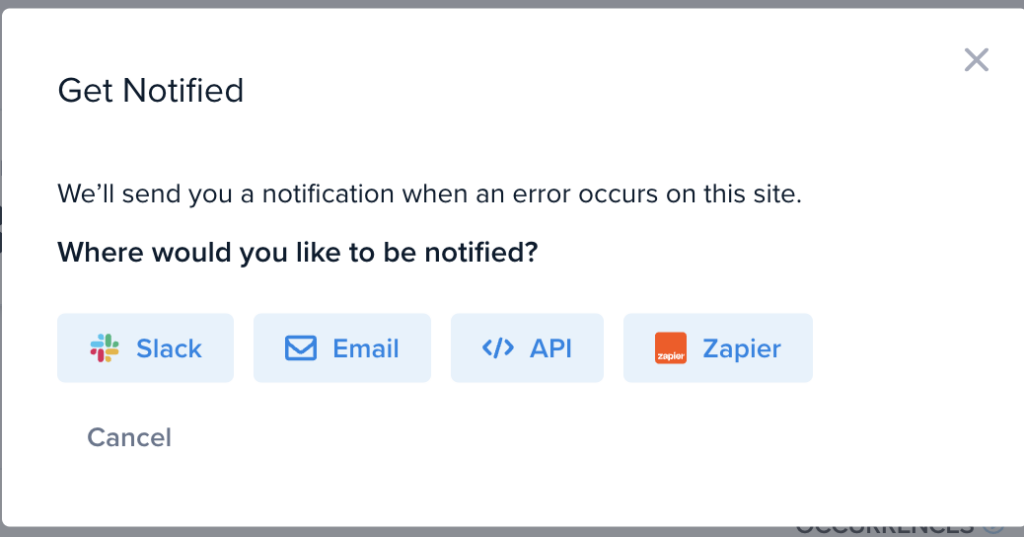
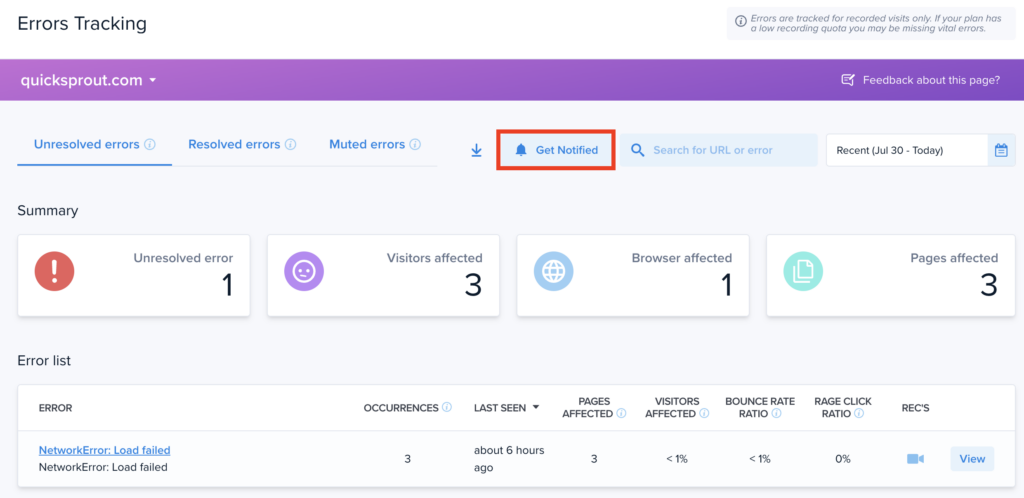
To set up Error notifications, click the “Get Notified” button in the Errors dashboard.
Notifications for Errors are sent for:
- Brand new Error – when we detect a new type of error on your site, for the first time.
- Resolved Error with new instance – when an error that was previously resolved is detected again.
Muted errors are ignored for notifications, ensuring that you only get messaged when an important issue is found.
Errors Tracking is available for all Crazy Egg customers on Growth or Enterprise plans.