




Simplify
Google Analytics 4
reporting
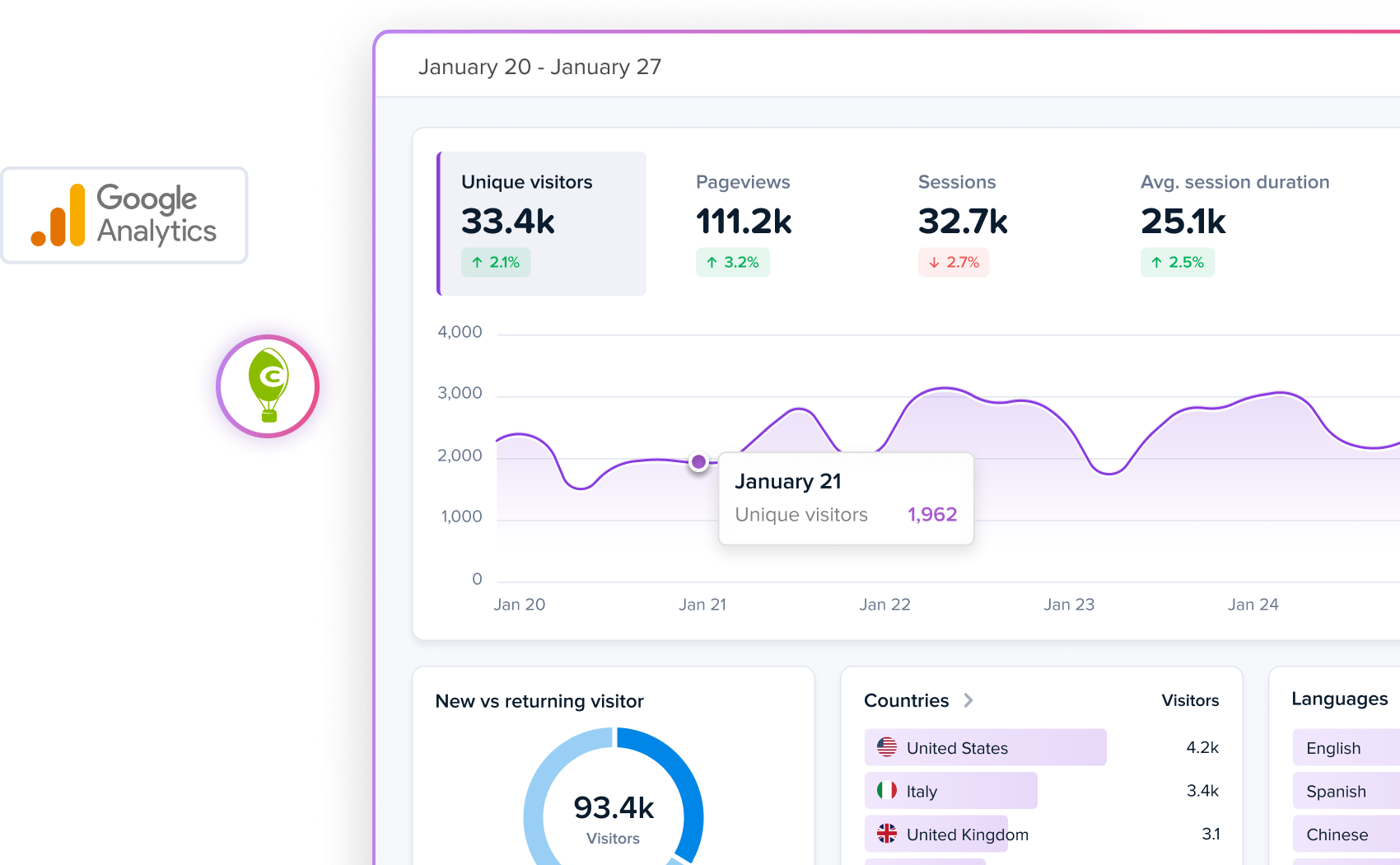
See your historical Google Analytics data in a straightforward, easy-to-use dashboard.
No tags to install. No reports to configure. 100% free.
Connect Google Analytics

Trusted by over 449,000 websites worldwide


Finally, Google Analytics data is usable again
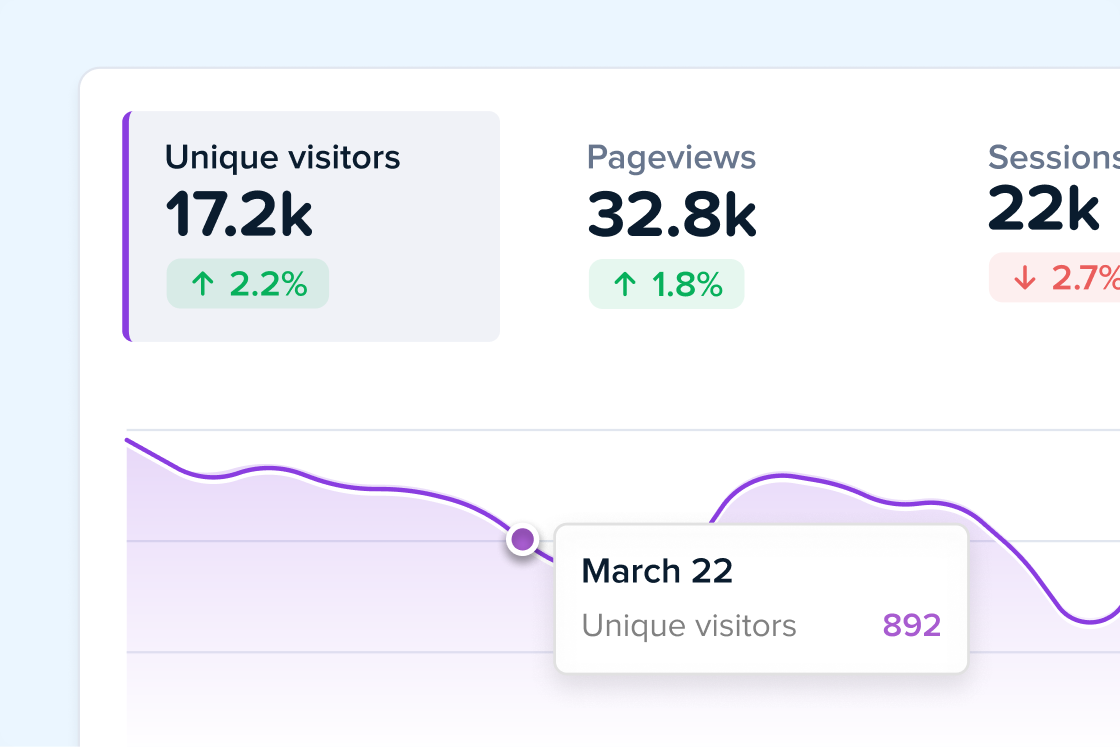
One easy-to-read dashboard
See traffic data in Crazy Egg’s streamlined Web Analytics tool.
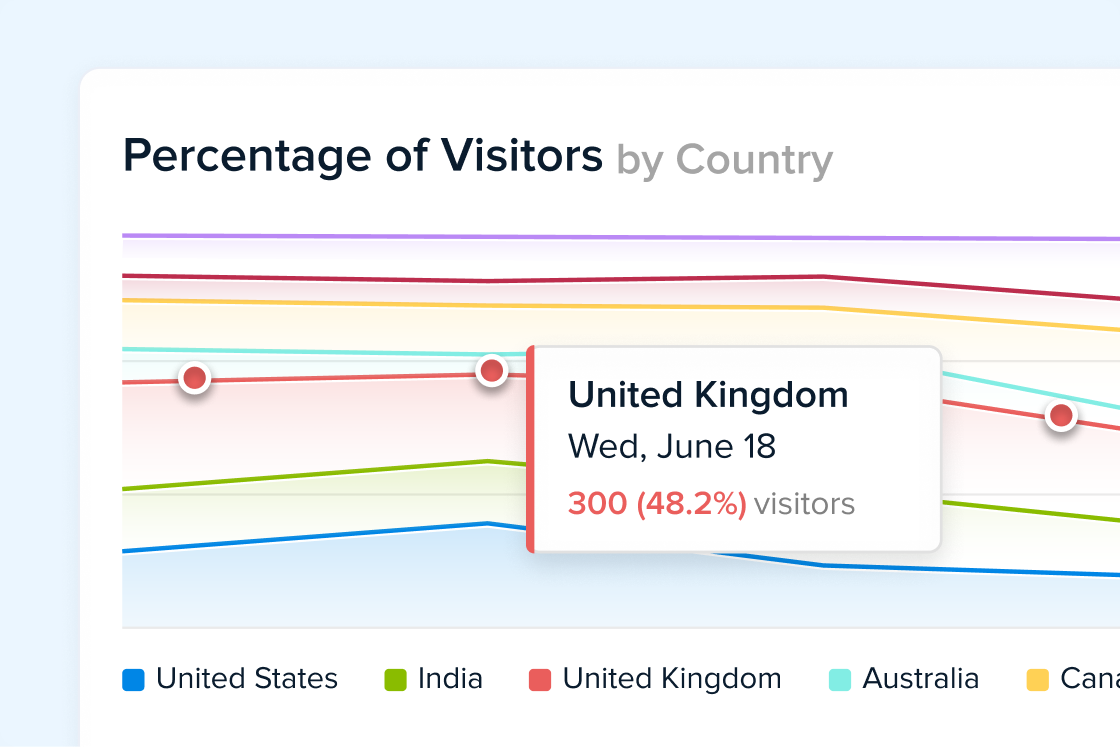
Quickly drill down and export CSVs for 15 core segmentations with just a couple clicks.
Use your existing GA4 tracking
All your historical traffic data is automatically backfilled, and ready to review in the same place.
Just connect your Google Analytics login, and you’re ready to go.
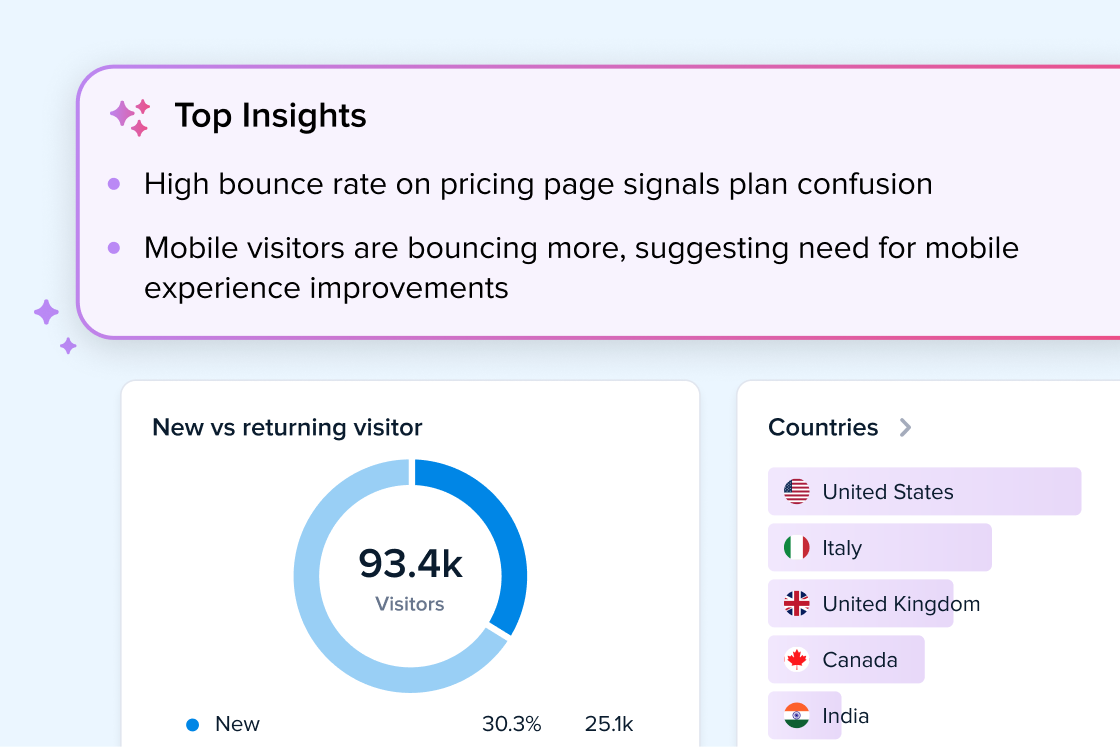
Your data, explained in plain language
AI Analysis automatically looks for trends in your traffic data, suggesting what optimizations to make next.
Hours of data analysis, saved.
100% free
Seriously.
Crazy Egg’s free plan comes with Web Analytics, Conversion Analytics, and Surveys included.
-
What does the integration for Google Analytics 4 (GA4) do?
The integration sends your existing Google Analytics 4 (GA4) data into Crazy Egg’s Web Analytics feature. This means you can use Web Analytics without having to install Crazy Egg directly on your website.
It also means that you can view your existing Google Analytics data in Crazy Egg’s interface, instead of having to keep using GA4 to view historical data from the past.
The integration is helpful for any website owner or marketer who’s frustrated with Google Analytics 4 (GA4), and wants an easier way to get the reports they need while still continuing to work with the historical traffic data they already have in GA4.
-
What are the benefits of integrating Google Analytics with Web Analytics in Crazy Egg?
- Web Analytics in Crazy Egg makes your Google Analytics data instantly available and much easier to understand. The dashboard and reports work out of the box. When you integrate with Crazy Egg, you’ll be able to find the historical GA4 data you need without navigating or configuring any reports in Google Analytics.
- Segmented reports are easier to find and export. Just click the chart for any dimension on the Web Analytics dashboard, and you’ll see the full data table for exporting.
- AI Analysis automatically interprets trends in simple terms. Crazy Egg goes beyond raw numbers, helping you identify opportunities to improve marketing performance.
-
How much does the integration cost? What else is included in my plan?
Web Analytics and the Google Analytics connector are available on all plans, including free plans.
See more information about Crazy Egg’s Free plan here. The Free plan also includes:
Users on free plans can connect to a maximum of 5 properties in GA4. Customers on any paid plan can connect to a maximum of 100 properties.
or Support if you're interested in connecting to more GA4 properties than your plan allows.
-
What Google Analytics data does the connector import? Does it backfill historical data?
The connector imports aggregated data for 8 core metrics and 15 core segmentations from Google Analytics. One year of historical data is automatically backfilled, and new data is imported daily going forward.
The integration does not directly support custom events and conversions. But starting from the initial setup, you can configure your custom events in Crazy Egg for conversion analytics and funnel reports.
-
How long does it take for my GA4 data to show up after setup?
It can take some time for GA4 data to show up, depending on the amount of historical data. In most cases, you should see data in Web Analytics within 30 minutes of setup.
-
How often does new data get synced or updated?
New GA4 data gets synced once per day, every day.
-
What Google Analytics permissions does it use? Does the integration work with multiple GA4 accounts or properties?
Crazy Egg needs read-only permissions to access your data from Google Analytics. Your data in GA4 will not be modified by the connector.
The connector works with multiple GA4 accounts or properties. You can select which properties to sync at setup, and can add/remove accounts and properties later as well.
-
Can I disconnect the integration?
For any GA4 property, you can revoke permissions to your Google Analytics data at any time.
-
Is the integration GDPR, CCPA, and HIPAA compliant? Does it store any personally identifiable information (PII)?
Crazy Egg only imports aggregated, anonymized data from Google Analytics. We do not collect any PII through the connector.
As a result, it is compliant with GDPR, CCPA, and HIPAA. Contact Sales if you require a Data Processing Agreement or any other documentation.
-
Does the integration automatically generate Heatmaps or Session Recordings?
No, the GA4 Connector does not generate Heatmaps or Session Recordings in Crazy Egg.
To access Instant Heatmaps (free) or Session Recordings (paid plans only), you’ll need to install Crazy Egg on your website. You can do this by pasting a script onto your website or via a supported integration. See instructions here.